From Ryuta Hamamoto at TIMEWELL
This is Ryuta Hamamoto from TIMEWELL Corporation.
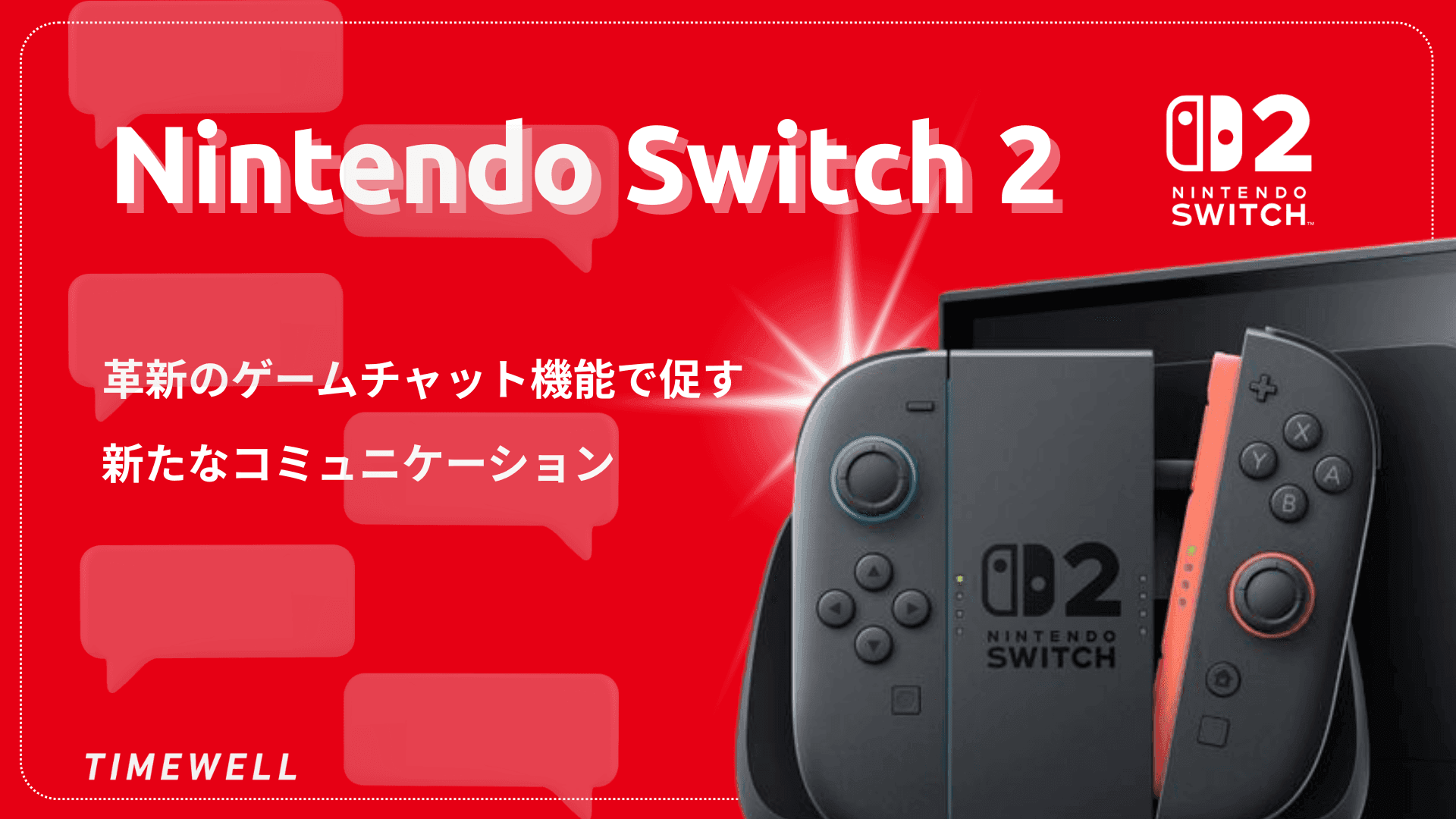
Nintendo Switch 2 has arrived, and the feature generating the most attention isn't the graphics upgrade or the new display — it's the C-button Game Chat. This dedicated button enables real-time audio and video communication while playing, moving the Switch well beyond its identity as a gaming device.
The Verge ran a hands-on demonstration with team members connecting from different setups — USB webcams, HDMI capture devices, Bluetooth headsets — while gaming together. The results offered a clear-eyed look at where the technology works well, where it has limits, and what it might mean beyond gaming.
This article covers three areas:
- The Game Chat feature and what the C-button actually does
- Webcam and audio device compatibility: what worked, what didn't
- The broader implications — remote work, accessibility, and business communication
Looking for AI training and consulting?
Learn about WARP training programs and consulting services in our materials.
What the C-Button Game Chat Feature Does
The most distinctive addition to Nintendo Switch 2 is the dedicated C-button on the right Joy-Con, which instantly opens the Game Chat interface. The design goal was to make voice and video communication feel like a natural part of play, not a separate application you switch to.
In The Verge's demonstration, each participant used a different connection setup — standard USB webcam, USB-C camera, HDMI capture card — while playing the same game. Despite the variation in hardware, the communication remained fluid. Screen sharing was live during gameplay, showing each player's face in real time alongside the game. The effect, participants noted, was close to the feeling of being in the same room.
The interface itself is simple. Pressing C brings up an overlay that handles both audio and video, with controls for screen layout and sharing. Adjusting who's displayed, how much of the screen is allocated to gameplay versus chat, and how audio is balanced can all be done without leaving the game.
Game Chat also supports cross-title communication — you can be in a chat with a friend who's playing a different game entirely. Nintendo has built this in as a social layer rather than a game-specific feature, which opens it up to more casual use.
Accessibility features are built in as well. Automatic voice-to-text transcription and text-to-speech conversion are included in the system, designed to support users with hearing or speech difficulties — and potentially useful for anyone who needs to communicate silently.
Webcam and Audio Device Compatibility
The Verge's test covered a range of peripherals that most Switch users would realistically own.
USB webcams: The Logitech C920 connected cleanly and performed well. Other USB-A and USB-C cameras tested also worked reliably. Even a low-cost endoscope-style camera worked without issue, suggesting the system is permissive about what it accepts.
HDMI capture: Routing gameplay footage or an external camera through HDMI capture worked, which opens up options for users with existing streaming setups.
Wired audio (earphones, USB microphone): This was the combination that performed best. Audio and video sync was tight, latency was minimal, and the experience felt stable.
Bluetooth headsets: This is where limitations appeared. The Arctis Pro Wireless showed noticeable audio delay against video — not severe enough to break the experience, but perceptible. Bluetooth audio latency in video communication is a known challenge, and Nintendo's implementation doesn't fully resolve it. Users who prioritize sync will want to use wired audio.
The Switch 2's built-in microphone is designed to pick up voices from a distance, with noise cancellation that filters ambient sound. In testing, this worked well enough that a headset wasn't required for clear communication — useful for living room or group play scenarios where individual headsets would be inconvenient.
Multiple cameras can be connected simultaneously via the two USB-C ports (one on the top, one on the bottom of the unit), which allows for more complex setups. Combined with the dock's connectivity options, users can build configurations that go well beyond what any previous Nintendo console offered.
What This Means Beyond Gaming
The Case for Remote Use
The functionality The Verge tested maps reasonably well onto a remote meeting scenario. The interface is simple enough for non-technical users. The built-in microphone reduces the need for accessories. Cross-title communication — or more precisely, the ability to be in a voice and video chat while doing something else on screen — is directly analogous to being on a video call while sharing your screen.
Nintendo Switch 2 is not positioned as a business communication device, and the $450 price point plus the Nintendo Online subscription requirement put limits on that framing. But for teams that already own Switch 2 units, or for casual use cases where a lightweight video connection is useful, the Game Chat feature is more capable than most people expected.
Accessibility as a real feature, not a footnote
The voice-to-text and text-to-speech features aren't afterthoughts. For users with hearing or speech impairments, they provide a meaningful path into real-time communication that didn't exist on previous Nintendo hardware. This is a genuine expansion of who the device is useful for.
Summary
Nintendo Switch 2's C-button Game Chat is a more capable feature than most people anticipated. It supports real-time audio and video, works with a wide range of USB and HDMI peripherals, includes built-in noise cancellation, and offers accessibility features that broaden who can use it effectively.
The main limitation is Bluetooth audio latency, which is a hardware constraint, not a software problem. Users who need tight audio-video sync will need wired audio.
Beyond gaming, the feature has potential for casual remote communication and accessibility applications. The simplicity of the interface — one button press to enter a shared video space — is a real design achievement.
Reference: https://www.youtube.com/watch?v=0TZZ1akN8V8