Hello, this is Hamamoto from TIMEWELL.
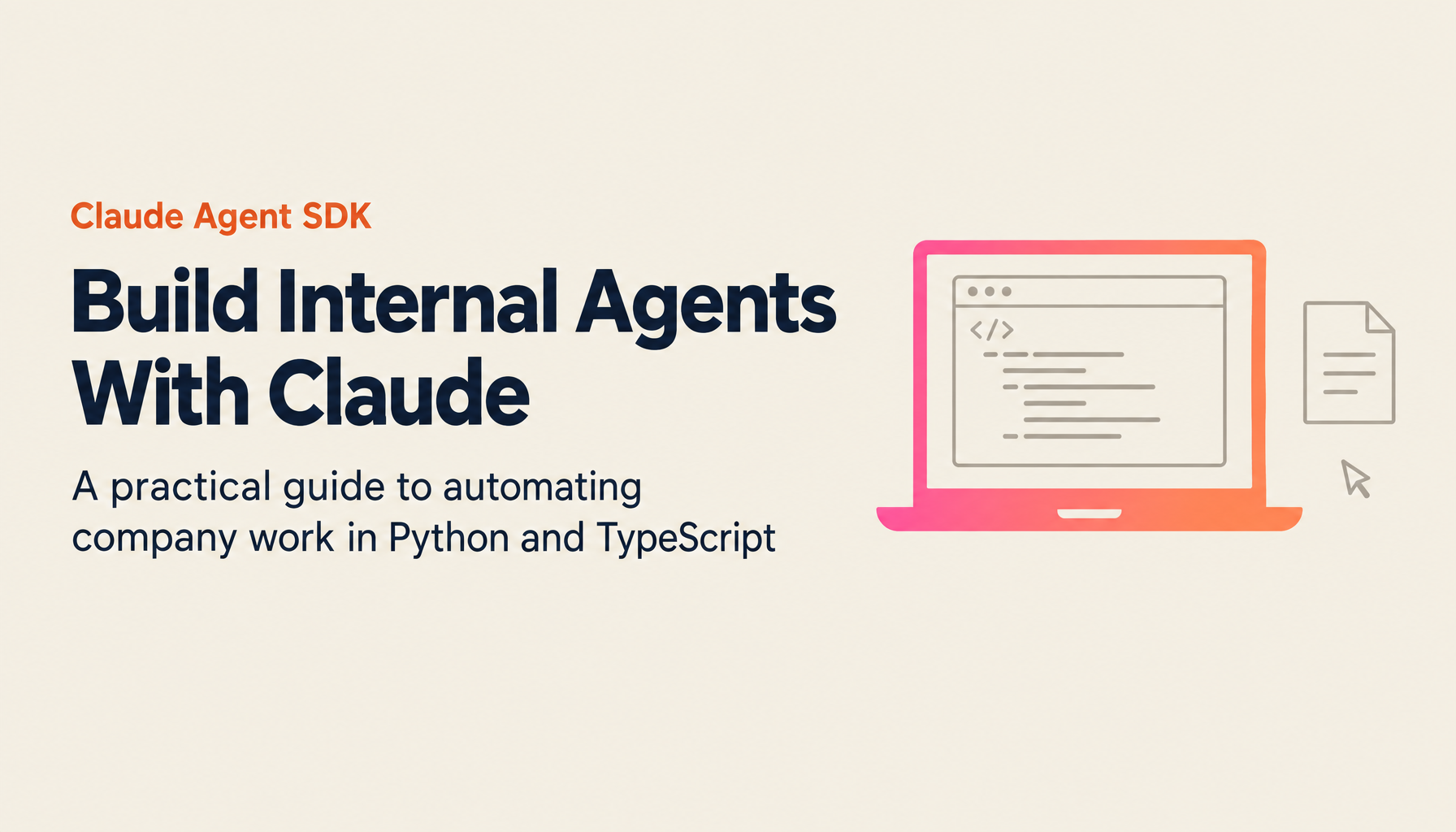
In the previous article, "Superpowers: Raising Development Productivity with the Claude Code Plugin," I wrote about strengthening the development workflow side. This time, as a sequel, I'm tackling the foundation for building custom agents specialized for in-house work: the "Claude Agent SDK." As of April 2026, this SDK has been renamed from the former Claude Code SDK, and both Python and TypeScript versions are racking up production track records. On top of that, on April 8th, Managed Agents entered public beta, allowing Anthropic to handle "the infrastructure for running agents" itself. Frankly, I feel the baseline conditions for agent development have shifted a full gear compared to six months ago.
In this piece, I'll cover everything from the SDK's conceptual organization to implementation code in Python and TypeScript, MCP integration, Managed Agents, and cost optimization, written for teams that want to build automation agents internally. It's intended to answer the question: "I get that Claude Code is useful — so how exactly do I write something that repurposes it for my own work?"
What Is the Claude Agent SDK, and Why Now?
The Claude Agent SDK carves out the agent loop, built-in tools, and context management mechanisms that power Claude Code, releasing them as a library. The package names are @anthropic-ai/claude-agent-sdk on the TypeScript side and claude-agent-sdk on the Python side. Running Opus 4.7 (claude-opus-4-7) requires v0.2.111 or later, so when you see errors around thinking.type.enabled, the first thing to check is the version.
A common misunderstanding here is that Anthropic officially offers another product called the "Client SDK" (the anthropic package). The biggest difference between the two is who writes the tool execution loop. With the Client SDK, you need to implement the procedure on the app side: observing stop_reason === "tool_use", executing tools, and passing results to the next request. With the Agent SDK, Claude takes care of that loop. Developers only write the "prompt" and "allowed tools," and the SDK spins the execution on its own. The Client SDK is enough for prototyping a small chatbot, but the moment you want to delegate file operations or multi-step work, the switch to the Agent SDK becomes my personal rule of thumb.
There are currently nine built-in tools: Read, Write, Edit, Bash, Monitor, Glob, Grep, WebSearch, WebFetch, and AskUserQuestion for confirmation questions. With just these, the basic behaviors — reading files, editing them, hitting Bash to run tests, and fetching external info — work out of the box, with zero additional implementation. Compared to the OpenAI Agents SDK, which starts with "an empty tool registry plus hosted tools," the Claude Agent SDK wins on initial velocity1.
With Managed Agents arriving in April 2026, the difficulty of "running an agent in production" itself has dropped a full level. According to SiliconANGLE's April 8th article, Managed Agents aims to compress the launch of custom agents from "months" down to "days"2. As I'll describe later, the service manages sandboxes, authentication, session persistence, tool execution, and tracing, with pricing structured as model usage fees plus $0.08 per agent runtime hour.
Running the Minimum Configuration: Python and TypeScript Implementations
The path to running your first agent is far simpler than you might imagine. Place an API key in an environment variable, install the package, and call the query function once. Let's start with the Python version.
# pip install claude-agent-sdk
import asyncio
from claude_agent_sdk import query, ClaudeAgentOptions


async def main():
    async for message in query(
        prompt="List all TODO comments in this repo and summarize them with priorities",
        options=ClaudeAgentOptions(
            allowed_tools=["Read", "Glob", "Grep"],
        ),
    ):
        if hasattr(message, "result"):
            print(message.result)


asyncio.run(main())
query is an async generator that streams each message Claude produces one after another. Since allowed_tools only lists read-only tools, this agent cannot rewrite files or run Bash. It just reads, searches, and returns a summary. This is the go-to shape when you're at the "first run it in a safe range to get a feel" stage.
The TypeScript version is nearly identical. Simply add @anthropic-ai/claude-agent-sdk to your dependencies, and it works.
// npm install @anthropic-ai/claude-agent-sdk
import { query } from "@anthropic-ai/claude-agent-sdk";

for await (const message of query({
  prompt: "List all TODO comments under src and summarize them with priorities",
  options: {
    allowedTools: ["Read", "Glob", "Grep"],
  },
})) {
  if ("result" in message) {
    console.log(message.result);
  }
}
A subtle but appreciated spec of the TypeScript version: the Claude Code native binary ships as an optional dependency per platform. In other words, as long as Node.js is installed, it runs as-is without separately installing Claude Code. The structure is designed to be less error-prone when deploying to CI or serverless environments.
Let me also include an example that goes one step further and allows file editing:
import { query } from "@anthropic-ai/claude-agent-sdk";

for await (const message of query({
  prompt: "Replace the any types in utils.ts with concrete type definitions and update the unit tests",
  options: {
    allowedTools: ["Read", "Edit", "Write", "Bash", "Glob", "Grep"],
    permissionMode: "acceptEdits",
  },
})) {
  console.log(message);
}
Setting permissionMode: "acceptEdits" auto-applies edit tool invocations without prompting for each one. This works for nightly CI batch-style use, but for interactive tools, leaving the default with a human confirmation step is safer. My personal criterion: in production, I only use acceptEdits when "the target files are explicitly bounded and failures can be rolled back."
Struggling with AI adoption?
We have prepared materials covering ZEROCK case studies and implementation methods.
Specializing with Hooks, Subagents, and MCP
Built-in tools and a minimal query naturally won't fit your company's business as-is. What makes the Agent SDK interesting is that from here on, the extension points break cleanly into three: Hooks, Subagents, and MCP. Understanding these three lets you retrofit off-the-shelf Claude Code into a "workflow executor for your company."
Hooks are callbacks that intervene in the agent's lifecycle. You can inject arbitrary processing at events like PreToolUse, PostToolUse, Stop, SessionStart, SessionEnd, and UserPromptSubmit. For example, the requirement "always log to an audit log whenever a file edit runs" can be written like this:
import asyncio
from datetime import datetime
from claude_agent_sdk import query, ClaudeAgentOptions, HookMatcher


async def log_file_change(input_data, tool_use_id, context):
    file_path = input_data.get("tool_input", {}).get("file_path", "unknown")
    with open("./audit.log", "a") as f:
        f.write(f"{datetime.now().isoformat()}\t{file_path}\n")
    return {}


async def main():
    async for message in query(
        prompt="Fix outdated config values under the config directory to match the latest spec",
        options=ClaudeAgentOptions(
            permission_mode="acceptEdits",
            hooks={
                "PostToolUse": [
                    HookMatcher(matcher="Edit|Write", hooks=[log_file_change])
                ]
            },
        ),
    ):
        if hasattr(message, "result"):
            print(message.result)


asyncio.run(main())
Beyond audit logs, this can also serve as guardrails: "block writes to specific paths in PreToolUse" or "validate input in UserPromptSubmit." For enterprise adoption, the typical request "don't let it do anything arbitrary" is exactly what this mechanism solves.
Subagents are a mechanism for defining child agents that carve out specialized tasks, then invoking them from the main agent. You split roles like code reviewer, security auditor, and translator, and the parent agent dispatches as needed. The Python sample looks like this:
from claude_agent_sdk import query, ClaudeAgentOptions, AgentDefinition

async for message in query(
    prompt="Scrutinize the changes in this PR with code-reviewer, summarized by severity",
    options=ClaudeAgentOptions(
        allowed_tools=["Read", "Glob", "Grep", "Agent"],
        agents={
            "code-reviewer": AgentDefinition(
                description="A specialized agent that scrutinizes code for quality and security.",
                prompt="Read the diff and return bugs, type mismatches, and security risks ordered by priority.",
                tools=["Read", "Glob", "Grep"],
            )
        },
    ),
):
    ...
What matters here is explicitly including Agent in allowed_tools. Since subagents are called through the Agent tool, omitting this prevents the parent agent from invoking them. Additionally, you can pass each subagent its own tool set, enforcing principles like "grant the reviewer zero write permissions" at this layer.
MCP (Model Context Protocol) integration is the standard interface for connecting the Agent SDK to "external systems Claude alone can't touch." Whether it's giving it a browser through Playwright, connecting directly to Slack or GitHub, or attaching to an in-house DB — hundreds of MCP servers are published as open source alone3. A browser automation example:
import { query } from "@anthropic-ai/claude-agent-sdk";

for await (const message of query({
  prompt: "Open example.com, extract all headings, and save a screenshot",
  options: {
    mcpServers: {
      playwright: { command: "npx", args: ["@playwright/mcp@latest"] },
    },
    allowedTools: ["WebFetch"],
  },
})) {
  console.log(message);
}
The beauty of MCP is that rather than "hitting Claude-specific APIs individually," tools written with the open protocol can presumably be used as-is on the OpenAI side or the Google side. By standing up one in-house MCP server, you're insulated from future model-choice debates — no need to rebuild the connection layer. This is especially compelling for large enterprises using multiple vendors.
Letting Anthropic Handle Operations with Managed Agents
Up to this point, everything has assumed running on your own machines, CI, or Cloud Run. Managed Agents, released on April 8, 2026, is the product that turns that entire layer into a managed service. According to InfoQ's breakdown, Managed Agents handles five things: orchestration, sandboxes, session state management, credentials, and persistence4. Developers only write the agent's behavior, tools, and guardrails; Anthropic takes care of the runtime.
The pricing is simple. On top of model usage fees, $0.08 per hour of agent runtime is added. Running a long-running background agent (say, a Slack-resident bot) yourself routinely meant hundreds of dollars per month when including EC2 or Cloud Run instance fees, monitoring, log collection, and Redis or DynamoDB for session storage. At $0.08/hour, even full-time operation lands around $60/month. Considering operational effort, starting with Managed Agents is entirely rational.
Feature-wise, scoped permissions, identity management, and execution traces are integrated in the Console. You can track who called which tool and what they got. Multi-agent orchestration and self-evaluation are still research previews as of April 2026, but both are announced to be accessible by separate application5.
My personal read is that Managed Agents is a fairly strong option for companies in the phase of "launching an in-house AI agent in production." Two reasons. First, even companies without a dedicated SRE team get session persistence and audit logs as standard. Second, since every agent tool call is traceable via the Console, you can respond to the classic executive request — "I want to know what the AI did" — directly with evidence. Weakness on the governance side tends to kill production roll-outs before they start.
That said, as of April 2026, vendor lock-in clearly deepens. Migrating a Managed Agents-based agent to another vendor is far harder than with a custom SDK implementation running in Docker. My recommendation: keep the logic itself on the Python or TypeScript SDK layer, and only place the runtime on Managed Agents. This setup makes a graceful downgrade-migration to self-hosted clusters clean when needed.
Patterns That Work for Cost Optimization and Production Operations
Once you build an agent, finance will come calling within the first month: "Are these Claude token fees correct?" The Agent SDK is designed to be reasonably smart about costs out of the box, but there are three points worth knowing.
The first is prompt caching. The Agent SDK automatically caches reusable system prompts and tool definitions. According to Anthropic's official documentation, cache_read_input_tokens unit cost is about 10% of normal input tokens6. Compared to sending long system prompts or heavy tool definitions raw every time, savings of over 60% in tokens are realistic — there are reported cases. All the developer needs to do is "place unchanging portions at the front," and the SDK auto-judges the rest.
The second is auto-compaction. Long sessions tend to bloat context and blow up tokens, but the SDK auto-summarizes and compresses conversation history as it approaches the context limit. It's the same mechanism as Claude Code itself, so zero code changes are needed on the developer side. Thanks to this, you can run agents all day without worrying about context.
The third is Tool search. Connecting many MCP servers easily pushes tool definitions into tens of thousands of tokens. Tool search temporarily removes tool definitions from context and loads them only when Claude decides "this task needs this tool." In setups connecting 10+ MCP servers, enabling this alone significantly reduces fixed startup costs.
My operational sense: 90% of agent costs are determined by "context design," not "model intelligence." Structure system prompts so they land in cache, trim tools to the bare minimum, and block unnecessary processing with Hooks. Building this in from the start of design versus cutting later literally differs by 2x or 3x in operational cost.
At TIMEWELL, we offer "WARP" as a consulting service supporting the planning and production operation of custom agents. It's a hands-on partnership that enters one layer up — what to automate with agents, and which parts of your internal knowledge work best when loaded onto our enterprise AI platform "ZEROCK." You can also request just the Agent SDK implementation itself, or start from the conversation about which of your company's tasks should even become agents. In this kind of project, making a wrong architecture call in the first month haunts you forever — so bringing in a third-party perspective at the design stage saves dozens of hours down the line.
The First 10 Days for Starting Implementation
Building on the above, here's a concrete 10-day plan for getting started. First, on days 1-2, run the minimum query with only built-in tools. Narrow allowedTools to Read, Glob, Grep, feed internal repos, and try TODO extraction or spec doc generation. This stage sharpens your resolution on "what comes out when we feed our internal text to Claude."
Days 3-5 are for Hooks and Permissions design. Add two rules: PreToolUse to block paths you absolutely don't want touched, and PostToolUse to always emit audit logs. In my experience, permitting edit tools without these rules leads to "I didn't expect it to touch that file" incidents within days. Spending three days locking this down is actually the shortest path.
Days 6-8 are MCP integration. Choose one data source you absolutely need to connect (Slack, GitHub, an internal DB, or internal knowledge organized with Claude Code Skills) and let the agent touch it through an MCP server. Many MCP servers are open-sourced, so the iron rule is to search for existing ones before writing your own.
Days 9-10: decide on the production operational form. On your own infrastructure or on Managed Agents? The three decision criteria are: "Do we have an SRE team?" "How strict are audit log requirements?" and "What are the cost ceiling projections?" For companies without an SRE team and with strict audit requirements, Managed Agents without hesitation. Conversely, if you have an existing Kubernetes platform and want to mix agents with other workloads, self-operated is more straightforward.
As an aside, before these 10 days — if you're genuinely bringing enterprise AI in-house — you need to finalize governance policy agreements first. As I mentioned in "Google Cloud Next 2025: The Era of Enterprise AI Agents," AI agents fundamentally rest on how data is held and how permissions are designed. Even with strong Agent SDK implementation skills, a shaky foundation always stops you right before production. Internal agreement before the technology. That's the most unglamorous — and most effective — advice for AI agent adoption in 2026.
Once you start touching the Agent SDK, you notice that "80% of the confirmation work previously done by humans can shift to the agent." That's where the real question begins. What to shift, and what to leave to humans? This boundary drawing is the job of future planners, and how to use the SDK is merely the means. Now that the learning cost of the means has dropped, what's really being tested is your company's own operational design. Viewed this way, the Claude Agent SDK is less a convenient library and more a catalyst for rethinking enterprise operational design. Taking that framing prevents misreading what the technology actually offers.
References
Footnotes
-
Claude Agents SDK vs. OpenAI Agents SDK vs. Google ADK (Composio, 2026) ↩
-
Anthropic launches Claude Managed Agents to speed up AI agent development (SiliconANGLE, April 8, 2026) ↩
-
Agent SDK overview (Claude API official documentation, 2026) ↩
-
Anthropic Introduces Managed Agents to Simplify AI Agent Deployment (InfoQ, April 2026) ↩
-
Claude Managed Agents overview (Claude API official documentation, 2026) ↩