This is Ryuta Hamamoto from TIMEWELL.
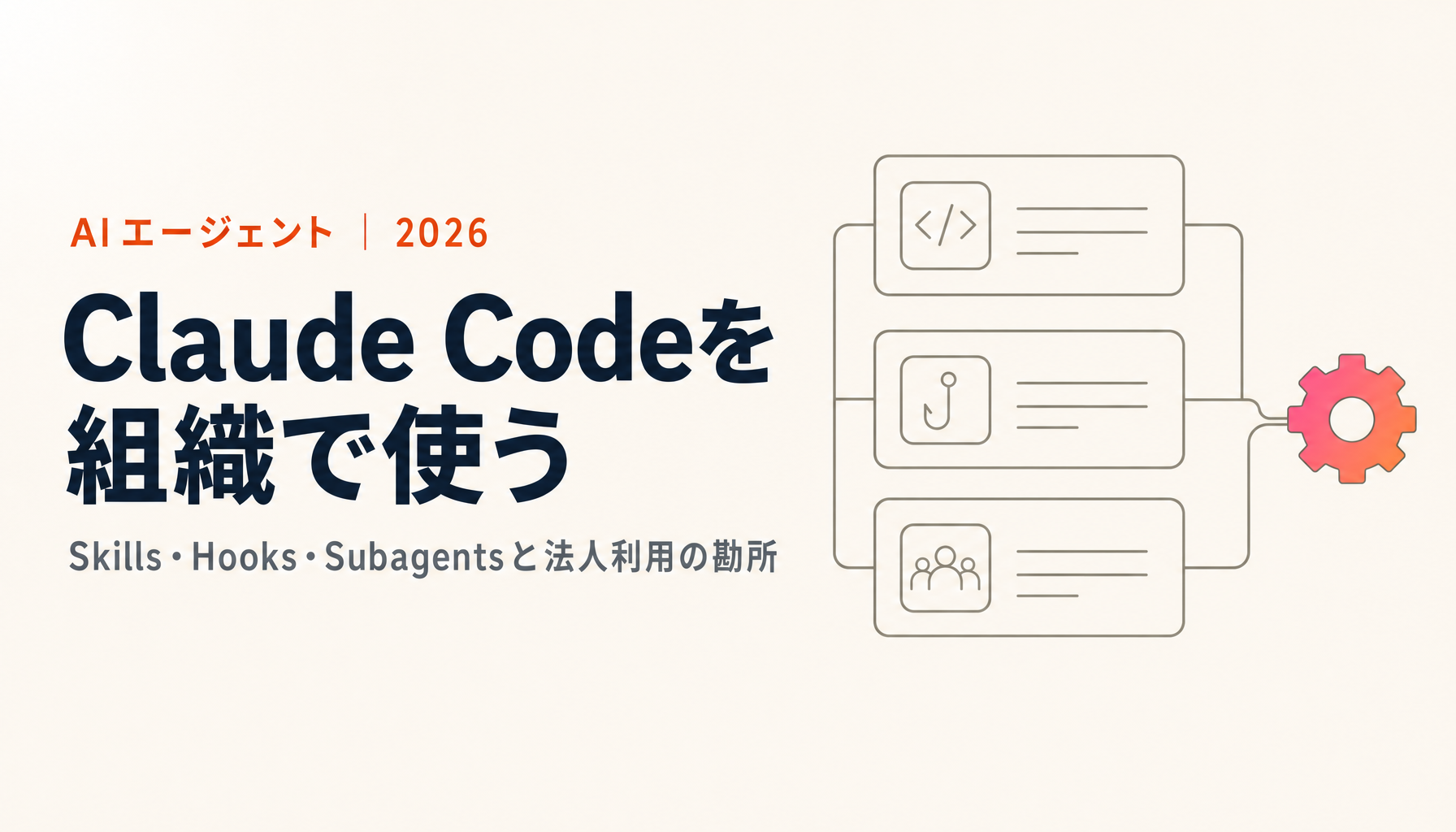
Here is the short version. Claude Code is not a coding tool for engineers. It is a working environment that executes the procedures you hand it. Three things matter when you run it across an organization: Skills (written procedures), Hooks (automation with teeth), and Subagents (specialists you delegate scoped work to). As of August 2026 the settings are layered, and you can distribute the whole package internally as a plugin. In other words, the machinery for turning "a clever tool one person uses" into a shared team asset is already there.
The hard part is not the tooling. It is deciding which of your own processes get written down as procedures, and which rules become non-negotiable. Nobody can outsource that decision.
This article was first published in February 2026. In August 2026 I went back through Anthropic's official documentation and rewrote it. A few statements in the first edition no longer match the specification, and I have corrected them in place rather than quietly deleting them.
What Claude Code actually is
Claude Code is an AI agent from Anthropic that runs on the command line. It also runs as a desktop app, a web app, and as extensions for VS Code and JetBrains IDEs.
The decisive difference from a browser chat window is that it touches your files and runs your commands. A chat returns text. Claude Code reads and writes files, executes commands, searches the web, looks at the result and decides what to do next.
Because of that, the use cases are not limited to writing code. Almost any knowledge work with a repeatable procedure can be handed over: drafting a report from meeting notes, checking a folder of documents for internal consistency, building a summary table from a pile of spreadsheets. We use it in-house for quality checks on our own articles and for catching inconsistent terminology across internal documents.
One note on versions: as of August 2026 the current models are the Claude 5 family (Opus 5, Sonnet 5) and Haiku 4.5. The generation has turned over since the first edition of this article, so whenever you see a model name in writing, check the date on the page. In this field the received wisdom changes every six months.
The three building blocks
Skills: handing the model a written procedure
A Skill is a Markdown file describing how to do a specific piece of work. You create a folder named after the skill under .claude/skills/ and put a SKILL.md inside it.1
.claude/
  skills/
    proposal-writing/
      SKILL.md
At the top of SKILL.md you write a one-line description of what the skill does. Claude keeps only that description in view at all times, and loads the body only when relevant work comes up. This is called progressive disclosure. Because the full text is not loaded up front, a long procedure does not eat into the model's working context.
---
description: Draft a proposal. Covers structure, tone of voice and mandatory sections. Use when writing proposals or responding to an RFP.
---

Structure every proposal as follows.
1. The client's own account of the problem (use their words verbatim)
2. The shape of the solution
...
In practice the highest-yield move is to turn whatever you keep pasting in by hand into a skill. If you keep piling procedures into an always-loaded file like CLAUDE.md, it bloats until nobody — including the model — reads it properly. Procedures belong in skills.
For context: there used to be a separate mechanism called custom commands. It has since been folded into skills. Both .claude/commands/deploy.md and .claude/skills/deploy/SKILL.md are invoked as /deploy.1 Existing files keep working, so there is no need to rush a migration.
Skills follow the Agent Skills open standard, which means the procedures you write have a reasonable chance of being portable to other AI tools. That your internal know-how is not welded to one vendor is a quietly important property.
Hooks: making something happen every time
If a Skill is a request, a Hook is a rule. When the event you nominated occurs, your process runs — no exceptions, no reminders.
Correction to the first edition: I previously wrote that hooks are configured in ~/.claude.json. That was wrong. They live in settings.json, which has the following hierarchy.2
| Location | Scope | Shared |
|---|---|---|
~/.claude/settings.json |
All of your projects | No — your machine only |
.claude/settings.json |
That project | Yes — can be committed to the repository |
.claude/settings.local.json |
That project | No — gitignored |
| Managed policy settings | The whole organization | Yes — distributed by an administrator |
This hierarchy is the foundation of everything I say about governance below. Rules the team must follow go in .claude/settings.json and into the repository. Personal preferences go in settings.local.json. Things the organization will not make exceptions for go in managed policy settings. Three layers, three strengths of enforcement.
The available events are granular: before a tool is used (PreToolUse), after it is used (PostToolUse), when the user submits a prompt (UserPromptSubmit), at the start of a session (SessionStart), and when a subagent starts or stops (SubagentStart / SubagentStop), among others.2
{
  "hooks": {
    "PostToolUse": [
      {
        "matcher": "Edit|Write",
        "hooks": [
          { "type": "command", "command": "npm run lint:fix" }
        ]
      }
    ]
  }
}
Nor is a hook limited to running a shell command. There are five kinds: run a command, send an HTTP request, call a tool on an MCP server, ask an LLM to make a judgement, and have a subagent verify something.2 Which means "have an AI check this change against our internal policy before it goes through" is a configuration change, not a development project.
We use this to check the quality of sources after an article is written. It runs whether or not a human remembers, and the variance in our output dropped accordingly.
Subagents: scoping work, and scoping permissions
A Subagent delegates a defined piece of work to a separate AI. Definitions live in .claude/agents/.3
Three benefits are worth naming.
The first is context economy. Research work throws off large volumes of logs and search results. Hand it to a separate agent and the main conversation stays clean; what comes back is the summary.
The second is restricted permissions. You can limit which tools an agent may use, so a review agent can be given read access and no write access at all. In day-to-day operation this is what prevents accidents.
The third is cost control. Each agent can specify its own model, so mechanical work can be pushed down to something light like Haiku.3 There is no reason to run everything on the top-tier model.
Looking for AI training and consulting?
Learn about WARP training programs and consulting services in our materials.
Why this matters if you are not an engineer
At this point you may be thinking this is still a developer's tool. But all three building blocks come down to the same thing: taking work you repeat, putting it into words, and giving it structure. No programming knowledge required.
| Building block | How it shows up in general business work |
|---|---|
| Skills | Define the structure and tone of a proposal. Define the mandatory sections and house style of a press release. Define the procedure for a monthly report |
| Hooks | Run a terminology check automatically after a document is written. Warn when a file marked confidential is about to be touched |
| Subagents | Give market research to an agent allowed only to search the web and write files. Give competitor feature comparisons to a dedicated agent |
Really, it is writing the manual you would give a capable new hire. The only difference is that this manual executes the moment you finish writing it.
Which cuts both ways: work you cannot write a manual for cannot be automated. Try to hand over something you have always done "by feel" and you will stall at the point of articulating it. In real projects this is where the time goes, and it matters far more than fluency with the tool.
What genuinely becomes an issue in enterprise use
In the first edition, this section claimed that Claude Code offers no way to audit or manage how it is being used. That statement does not match the current specification, and I am retracting it. The settings hierarchy, the permission modes and plugin distribution all exist.
With that corrected, here are the three things I see actually becoming issues in enterprise rollouts.
1. How much you allow to happen automatically
Claude Code runs commands locally. That is where its value comes from, and it is the part that deserves the most careful design.
The answer is not to forbid it — it is permission design. Write your allow and deny rules into the project's settings.json, commit it, and the same discipline applies to everyone on the team. A PreToolUse hook can stop dangerous commands outright. Roll this out company-wide without designing that layer and you will have an incident. Design it, and the problem is solved.
2. Not leaving your know-how on individual laptops
Skills, CLAUDE.md and settings all sit on someone's machine by default. One person writes an excellent procedure and the person next to them cannot use it. It disappears when they change teams or leave.
This is an operational problem, not a technical one. Drawing one line early — anything the team uses goes in the project's .claude/ directory and is shared through the repository — changes the outcome considerably.
3. Who decides what
The one with the most leverage and the least attention. Which processes get turned into skills, which rules become mandatory, who reviews the procedures people write. Leave that undecided and you get a proliferation of near-identical skills that nobody ends up using.
Designing those decisions is harder than adopting the tool, and it determines whether the adoption produces anything.
Distributing internally with plugins
The current answer to the problem above is plugins.
A plugin bundles Skills, Subagents, Hooks and MCP server configuration into a single distributable unit.4 You put a manifest at .claude-plugin/plugin.json in the root and lay out skills/, agents/ and hooks/ alongside it.
my-plugin/
├── .claude-plugin/
│   └── plugin.json
├── skills/
│   └── proposal-writing/
│       └── SKILL.md
├── agents/
└── hooks/
    └── hooks.json
Distribution happens through a marketplace. Anthropic runs an official one and a community one, but a marketplace can also be hosted from a private repository.4 So you can stand up an internal-only plugin registry and distribute your team's procedures, review criteria and prohibitions under version control.
What that means in practice: you can turn "the clever setup that only works on Alice's machine" into "install this and everyone works to the same standard." Skills inside a plugin are namespaced as /plugin-name:skill-name, so several teams' plugins can coexist without colliding.
The concern I raised in the first edition — a proliferation of unmanaged AI agents — is largely addressable with this. What it does not address, again, is deciding what your standard should be.
The order I would roll this out in
Having done it, this sequence works.
- Let one person use it hard on their own work. Until someone has felt the effect, you cannot tell what is worth standardizing
- Extract the instructions you keep repeating into Skills. The moment you notice you are pasting the same thing again, that is your first skill
- Make only the non-negotiables into Hooks. Front-load too much enforcement and you will not be able to trace what broke when something breaks
- Move anything the team uses into the repository's
.claude/. This is the point where a personal tool becomes a team asset - Package it as a plugin when you expand to multiple teams.
Steps one through three you can do alone. From step four the number of decisions goes up, and an outside perspective usually speeds things along.
Working through adoption with WARP
TIMEWELL offers an AI consulting service called WARP, delivered on a monthly cadence by people who have run DX and data strategy inside large enterprises.
The questions in this article — which processes to turn into skills, which rules to enforce, how to design permissions, how to distribute an internal standard — are exactly what WARP works through with you. It is less about how to operate the tool and more about translating your own work into a form an AI can execute.
If you would rather start with a stocktake of where you are, the AI Readiness Check is a reasonable entry point. It takes about three minutes.
To discuss specifics, get in touch here.
Summary
- Claude Code is not a coding tool. It is a working environment that executes procedures you hand it, and it applies to non-engineering work
- Skills are written procedures, Hooks are automation with teeth, Subagents are specialists with scoped permissions. Those three are the core
- Hooks are configured through the
settings.jsonhierarchy — user, project, local and managed policy — which lets you choose how strongly a rule is enforced (the first edition's reference to~/.claude.jsonwas incorrect) - The real enterprise questions are how much to allow automatically, how to keep know-how off individual laptops, and who decides what
- Plugins and marketplaces (private repositories included) let you distribute procedures as an internal standard
- The hardest part is not operating the tool. It is articulating your own work and deciding what the standard should be
Footnotes
-
Anthropic, "Extend Claude with skills." https://code.claude.com/docs/en/skills (accessed 1 August 2026) ↩ ↩2
-
Anthropic, "Hooks." https://code.claude.com/docs/en/hooks (accessed 1 August 2026) ↩ ↩2 ↩3
-
Anthropic, "Create custom subagents." https://code.claude.com/docs/en/sub-agents (accessed 1 August 2026) ↩ ↩2
-
Anthropic, "Create plugins." https://code.claude.com/docs/en/plugins (accessed 1 August 2026) ↩ ↩2


![15 AI Agent Tools Compared [Complete 2026 Edition]: From Enterprise to Open Source - A Thorough Benchmark](/images/columns/ai-agent-tools-15-comparison-2026/cover.png)