This is Hamamoto from TIMEWELL Inc.
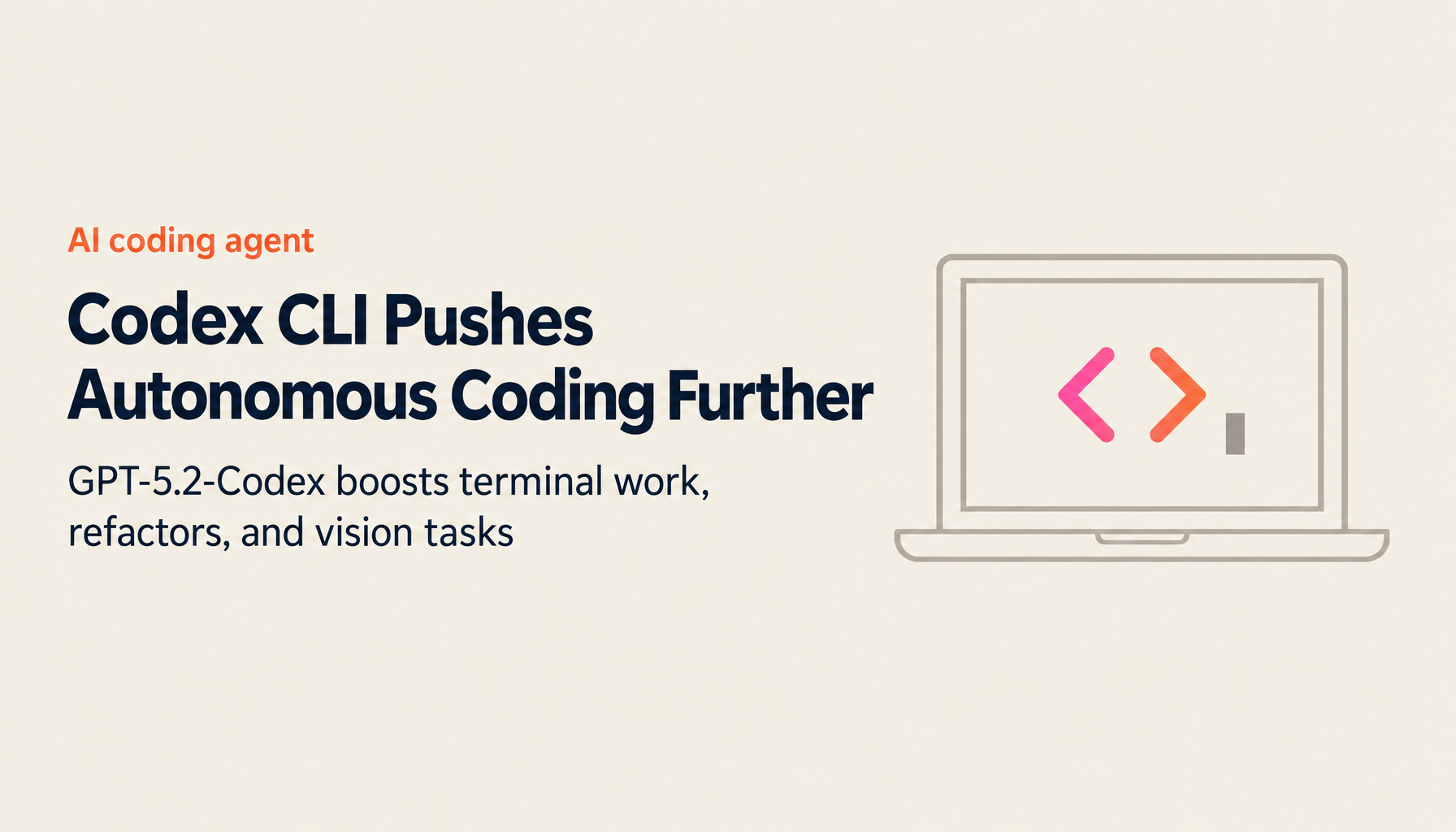
In 2026, OpenAI Codex CLI has reached a new level with GPT-5.2-Codex — described as "the most advanced agentic coding model, optimized for complex real-world software engineering." It achieves top performance on SWE-Bench Pro and Terminal-Bench 2.0 (64.0%), while GPT-5.1-Codex-Max enables 24+ hours of autonomous work, fundamentally changing how developers operate.
This article covers the full feature set and effective usage patterns for Codex CLI.
Codex CLI 2026: At a Glance
| Item | Details |
|---|---|
| Latest Model | GPT-5.2-Codex |
| SWE-Bench Pro | Top performance achieved |
| Terminal-Bench 2.0 | 64.0% score |
| Autonomous Work Duration | 24+ hours (GPT-5.1-Codex-Max) |
| Context | Native compression support |
| Vision | Design mock → prototype conversion |
| Skills System | SKILL.md standard |
| Installation | npm / brew |
GPT-5.2-Codex — The Frontier of Agentic Coding
Key Improvements
GPT-5.2-Codex introduces significant advances across five dimensions.
1. Long-Context Understanding
- Consistent comprehension across large codebases
- Handles complex project structures
2. Native Context Compression
- Token-efficient reasoning
- Cost optimization for long-running tasks
3. Large-Scale Refactoring
- Improved handling of major code changes — refactors, migrations
- Consistent execution across multiple files
4. Windows Environment Support
- Improved performance in Windows development environments
- Cross-platform compatibility
5. Cybersecurity
- Enhanced detection and remediation of security vulnerabilities
- Secure coding best practices
Benchmark Performance
SWE-Bench Pro: Top performance on real-world software engineering tasks
Terminal-Bench 2.0: 64.0% score on the benchmark measuring agent behavior in live terminal environments
GPT-5.1-Codex-Max — 24+ Hours of Autonomous Work
Independent Work at Scale
GPT-5.1-Codex-Max can work independently not just for hours, but for 24 hours or more.
OpenAI Internal Evaluation:
- Engages with tasks spanning 24+ hours
- Continuously iterates on implementations
- Automatically fixes failing tests
- Delivers successful results at completion
Use Cases:
- Overnight batch refactoring
- Extended feature implementation
- Automated complex bug fixing
- Automated test suite repair
Looking for AI training and consulting?
Learn about WARP training programs and consulting services in our materials.
Codex CLI — A Terminal-Native Coding Agent
Installation and Basic Usage
Installation:
npm i -g @openai/codex
# or
brew install --cask codex
Launch:
codex
Log in with your ChatGPT account and GPT-5.2-Codex is used by default.
Three Approval Modes
Codex CLI provides three modes that balance security and convenience.
| Mode | Description | Use Case |
|---|---|---|
| read only | File viewing only | Design and planning |
| auto | Read and modify within working directory (default) | Standard development |
| full access | Broad edit access across the system | Deployment, large-scale changes |
Transcript Mode
Press Ctrl+T to enter transcript mode and see in real time how Codex is thinking and what code it's executing.
What's Displayed:
- Internal reasoning process
- Code output at each step
- Planned instructions
- Tool call details
The Skills System — Reusable Agent Capabilities
The SKILL.md Standard
Codex includes a skills system based on the open agent skills specification.
Skill Structure:
- Required:
SKILL.mdfile - Optional: supporting files
Skill Locations:
- Personal:
~/.codex/skills - Project-shared:
.codex/skills(commit to repository)
Built-in Skills
Codex ships with the following system skills:
| Skill | Function |
|---|---|
| $skill-creator | Assists with creating new skills |
| $skill-installer | Manages skill installation |
Vision Capabilities — From Design to Code
Automated UI Conversion
GPT-5.2-Codex's enhanced vision capabilities enable accurate interpretation of visual inputs.
Supported Content:
- Screenshots
- Technical diagrams
- Charts and graphs
- UI design mockups
Example Workflow:
Upload design mock (Figma, etc.)
↓
Codex analyzes visual elements
↓
Automatically generates functional prototype
↓
Outputs implementation code in React/Vue/HTML
Codex Resume — Pause and Continue Work
Session Management
The Codex Resume feature lets you pick up a development session where you left off.
Features:
- Detailed recording of prior state
- Smooth handoff from any point
- Supports multiple projects running in parallel
Use Cases:
- Split long tasks across work sessions
- Recovery from unexpected interruptions
- Team handoffs
Practical Usage Scenarios
Multiplayer Game Development
Input: "Plan how to make this game multiplayer"
↓
Codex presents a detailed plan
↓
Set approval mode to auto
↓
Codex auto-generates the code
↓
Automated deployment to Vercel
Large-Scale Refactoring
Input: "Migrate this codebase to TypeScript"
↓
Codex analyzes all files
↓
Presents migration plan
↓
Executes conversion incrementally
↓
Runs tests to verify quality
SRE / Operations Tasks
Input: "Identify the cause of this bug from these logs"
↓
Codex analyzes the logs
↓
Investigates by combining different data sources
↓
Identifies root cause
↓
Proposes a fix patch
Then vs. Now: Codex CLI's Evolution
| Item | Then (2024, Initial Release) | Now (2026, GPT-5.2-Codex) |
|---|---|---|
| Model | GPT-4 based | GPT-5.2-Codex |
| Autonomous Duration | Minutes to tens of minutes | 24+ hours (Max) |
| Benchmark | Basic coding tasks | SWE-Bench Pro top performance |
| Terminal-Bench | Not measured | 64.0% |
| Context | Standard | Native compression support |
| Vision | Limited | Design → prototype conversion |
| Skills System | None | SKILL.md standard |
| Windows Support | Limited | Enhanced |
| Security | Basic | Enhanced cybersecurity |
Competitive Comparison
Codex CLI vs Claude Code
| Item | Codex CLI | Claude Code |
|---|---|---|
| Model | GPT-5.2-Codex | Claude 4 Opus/Sonnet |
| Interface | Terminal | Terminal |
| Autonomous Work | 24+ hours (Max) | Plan Mode + execution |
| MCP Support | Limited | Standard |
| Large Codebase | Enhanced | 75% success (50K LOC) |
Codex CLI vs Cursor
| Item | Codex CLI | Cursor |
|---|---|---|
| Interface | Terminal | IDE (VS Code fork) |
| Composer | None | Multi-file editing |
| Model | GPT-5.2-Codex | Multiple models |
| Pricing | API usage-based | $20/month (Pro) |
Considerations for Adoption
Strengths
1. Best-in-class coding performance
- Top scores on SWE-Bench Pro and Terminal-Bench 2.0
- Strong on large-scale refactoring
2. Long-duration autonomous work
- 24+ hours of independent work (Codex-Max)
- Ideal for overnight batch processing
3. Vision capabilities
- Generate prototypes directly from design mockups
- Accelerates UI development
4. Security
- Three approval modes ensure safe operation
- Enhanced cybersecurity features
Caveats
1. API usage-based pricing
- Monitor costs for long-running tasks
- Review GPT-5.2-Codex pricing
2. OpenAI ecosystem dependency
- Tied to OpenAI models
- Requires a ChatGPT account
3. Terminal operation
- Learning curve for developers who prefer GUIs
Summary
OpenAI Codex CLI, powered by GPT-5.2-Codex, is opening a new chapter in agentic coding.
Key Takeaways:
- GPT-5.2-Codex: "the most advanced agentic coding model"
- Top performance on SWE-Bench Pro and Terminal-Bench 2.0 (64.0%)
- GPT-5.1-Codex-Max: 24+ hours of autonomous work
- Native context compression for improved token efficiency
- Enhanced support for large-scale refactoring and migration
- Vision capabilities: design mock → functional prototype conversion
- Skills system: SKILL.md standard, $skill-creator / $skill-installer
- Three approval modes (read only / auto / full access) for secure operation
- Codex Resume for pausing and resuming work sessions
From its early release in 2024 to today — Codex CLI has evolved from a "code completion tool" into a "24-hour coding partner." With GPT-5.2-Codex's long-context understanding, autonomous problem-solving, and vision capabilities, developers can now focus on design and review while leaving implementation to Codex.
Install with npm i -g @openai/codex and launch with codex in your terminal. The future of AI-collaborative coding is ready to experience.