This is Hamamoto from TIMEWELL Inc.
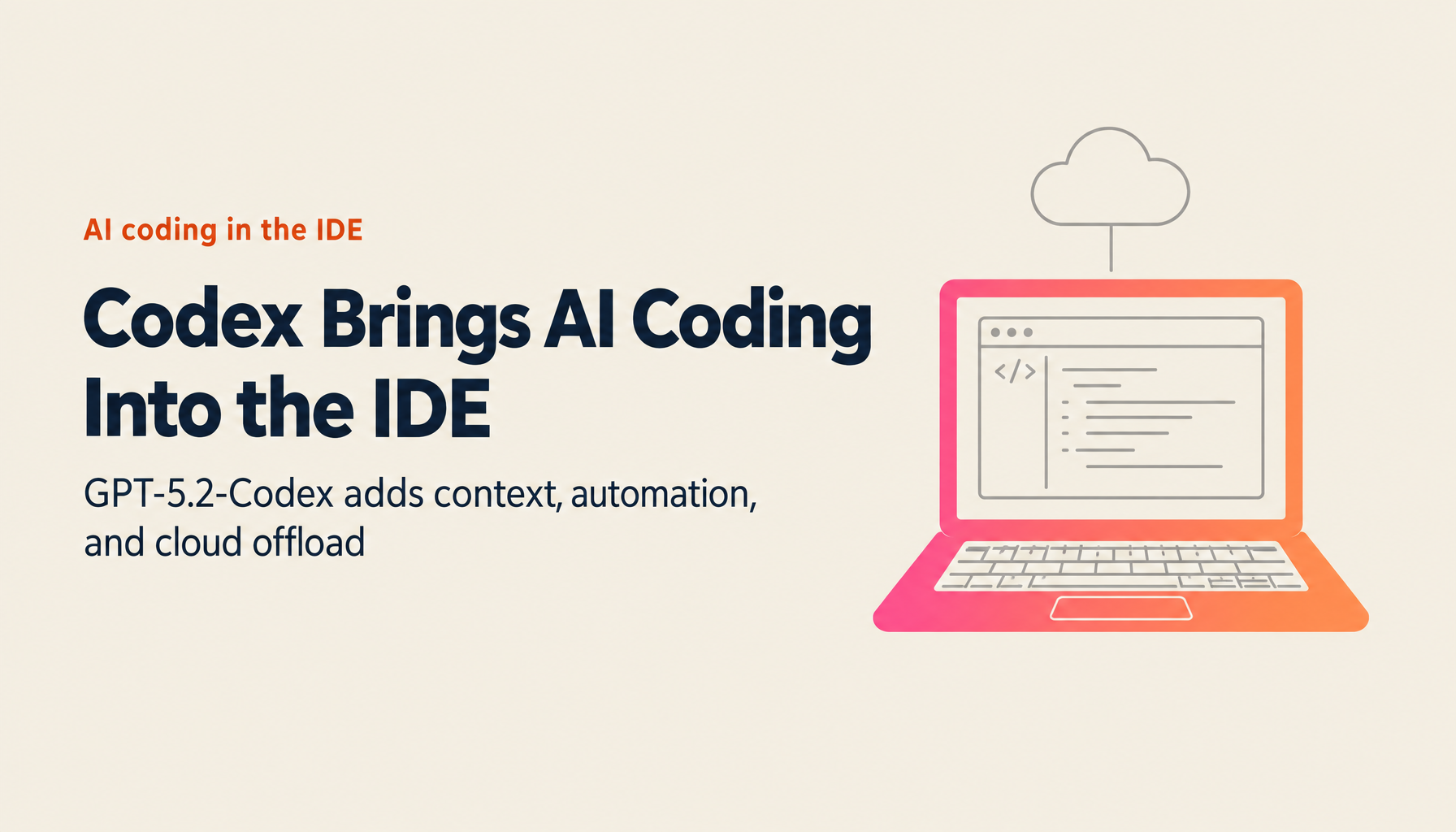
In 2026, the OpenAI Codex extension is transforming the AI coding experience inside the IDE.
Powered by GPT-5.2-Codex and available for VS Code, Cursor, and Windsurf, the extension delivers real-time code assistance in your local environment while also enabling cloud offload to process long-running tasks in parallel. At OpenAI internally, 95% of engineers use Codex every week, and pull request counts have increased by approximately 70%.
This article covers the Codex extension's full feature set and effective usage strategies.
Codex Extension 2026: At a Glance
| Item | Details |
|---|---|
| Models | GPT-5.2-Codex (latest), GPT-5-Codex |
| Supported IDEs | VS Code, Cursor, Windsurf |
| Supported OS | macOS, Linux (Windows experimental) |
| Plans | ChatGPT Plus/Pro/Business/Edu/Enterprise |
| Local Features | File reading, editing, command execution |
| Cloud Features | Long-task offload, parallel trials |
| Impact | 70% increase in PR count at OpenAI |
| Adoption | 95% of OpenAI engineers use it weekly |
What Is the Codex Extension — An AI Coding Agent Inside the IDE
Powered by GPT-5.2-Codex
The Codex extension runs the latest GPT-5.2-Codex model.
GPT-5.2-Codex Highlights:
- Optimized for complex real-world software engineering
- Long-context compression
- Enhanced large-scale refactoring and migration support
- Improved performance in Windows environments
- Enhanced cybersecurity features
Supported IDEs and Environments
Supported IDEs:
- VS Code
- Cursor (VS Code fork)
- Windsurf (VS Code fork)
Supported OS:
- macOS
- Linux
- Windows (experimental)
Supported Plans:
- ChatGPT Plus
- ChatGPT Pro
- ChatGPT Business
- ChatGPT Edu
- ChatGPT Enterprise
Local Environment Features
Automatic Context Retrieval
The Codex extension automatically captures your recent IDE activity and file changes and uses them as context.
Automatically Captured Information:
- Recent IDE actions and history
- Currently open files
- Overall project structure
- TODO comments and tasks
Agent Mode
Codex runs in Agent mode by default.
Agent Mode Capabilities:
- File reading
- Code editing
- Command execution within the working directory
- Automatic application of changes
Operations Requiring Approval:
- Access outside the working directory
- Network access
Agent (Full Access) Mode
When full automation including network access is required, Agent (Full Access) mode is available.
Note:
- Use with caution
- Enable only after understanding the security implications
TODO Task Management
The Codex extension recognizes TODO comments in code to support task management.
Features:
- Automatic detection of TODO comments
- Full context retrieval for the related code
- One-click auto-improvement
- Safe execution within a sandbox
Example:
// TODO: Add hover state
→ Codex detects this task and automatically generates the appropriate code change
Looking for AI training and consulting?
Learn about WARP training programs and consulting services in our materials.
Cloud Integration Features
Cloud Offload
Tasks started locally can be offloaded to the cloud for long-duration processing.
Cloud Offload Characteristics:
- Local changes are handed off to the cloud
- Conversation context is preserved
- Progress monitored inside the IDE
- Results previewed and applied locally
Parallel Trials
The greatest advantage of cloud integration is the ability to run multiple trials simultaneously.
Parallel Trial Workflow:
- Create a task locally
- Offload to the cloud
- Codex Cloud automatically runs multiple attempts
- Compare results across attempts
- Select the best option or combine approaches
Benefits:
- Like having multiple engineers brainstorm simultaneously
- Discover optimal solutions that single attempts might miss
- Combine the strengths of different approaches
Sandbox Environment
Cloud trials run in a secure sandbox environment.
Safety Guarantees:
- No impact on the local environment
- No impact on other project files
- Bold trial-and-error without risk
- Rollback available if something goes wrong
Effort Level Settings
Adjusting Reasoning Intensity
The Codex extension lets you tune the model's reasoning intensity (Effort).
Effort Levels:
| Level | Use Case |
|---|---|
| Low | Light questions, definition lookups |
| Medium | Standard development work (recommended starting point) |
| High | Complex reasoning, detailed analysis |
Notes:
- Higher Effort consumes more tokens
- Rate limits are reached more easily
- Especially worth monitoring with GPT-5-Codex
- Start with Medium; switch to High only when needed
Proven Results
OpenAI Internal Usage
Internal results at OpenAI validate the extension's impact:
Metrics:
- 95% of engineers use Codex every week
- PR (pull request) count increased approximately 70% after Codex adoption
Real-World Troubleshooting: Lottie Animation Case Study
At 1:30 AM during a Codex Web launch, a specific Lottie animation stopped working.
Codex's Response:
- Ran 4 different attempts
- 3 attempts failed
- One attempt uncovered a Content Security Policy issue
- Identified inline JavaScript as the root cause
Even for complex, unpredictable problems, Codex can adapt flexibly and find solutions.
Practical Usage Scenarios
Code Understanding and Explanation
Scenario: Understanding Service Workers code
Question: "What is this Clause for?"
↓
Codex automatically retrieves context
↓
"This is to short-circuit the effect when the browser
doesn't support Service Workers" — explained
Automated Bug Fixing
Scenario: Fixing a complex bug
Problem: Bug occurring only in a specific environment
↓
Codex analyzes the codebase
↓
Tries multiple approaches in the cloud
↓
Presents the optimal fix
↓
Preview locally and apply
Refactoring Assistance
Scenario: Large-scale code overhaul
Input: "Refactor this component"
↓
Codex understands the full project structure
↓
Cloud offload for long processing
↓
Generates multiple refactor options
↓
Select and apply the best option
Then vs. Now: Codex Extension's Evolution
| Item | Then (2024, Initial Release) | Now (January 2026) |
|---|---|---|
| Model | GPT-4 based | GPT-5.2-Codex |
| Supported IDEs | VS Code only | VS Code, Cursor, Windsurf |
| OS Support | macOS only | macOS, Linux, Windows (experimental) |
| Cloud Features | Limited | Offload, parallel trials |
| Agent Mode | None | Agent, Agent (Full Access) |
| Context | Manual selection | Automatic retrieval |
| Effort Setting | None | Low/Medium/High |
| Internal Adoption | Limited | 95% of engineers weekly |
Competitive Comparison
Codex Extension vs GitHub Copilot
| Item | Codex Extension | GitHub Copilot |
|---|---|---|
| Model | GPT-5.2-Codex | Copilot model |
| Cloud Offload | Supported | Limited |
| Parallel Trials | Supported | Not supported |
| Agent Mode | Supported (with command execution) | Limited |
| Plans | ChatGPT Plus/Pro/etc. | Copilot Individual/Business |
Codex Extension vs Claude Code
| Item | Codex Extension | Claude Code |
|---|---|---|
| Format | IDE extension | Terminal CLI |
| IDE Integration | Native | Indirect |
| Cloud Processing | Codex Cloud | Plan Mode + execution |
| Model | GPT-5.2-Codex | Claude 4 Opus/Sonnet |
| MCP Support | Limited | Standard |
Considerations for Adoption
Strengths
1. Integrated IDE experience
- Works directly inside VS Code, Cursor, and Windsurf
- Automatic context retrieval
- Seamless workflow integration
2. GPT-5.2-Codex performance
- Optimized for complex software engineering
- Long-context compression
- Handles large-scale refactoring
3. Cloud offload
- Parallel processing of long-running tasks
- Multiple simultaneous attempts
- Safe execution in sandbox
4. Proven results
- 95% weekly adoption at OpenAI
- 70% increase in PR count
Caveats
1. Plan requirements
- Requires ChatGPT Plus/Pro/Business/Edu/Enterprise
- Not available on free plan
2. OS limitations
- Windows support is experimental
- macOS and Linux recommended
3. Effort settings
- Higher Effort increases token consumption
- Watch for rate limits
Getting Started
Installation
Option 1: VS Code Marketplace
Search for "Codex" in the VS Code Extensions Marketplace and install
Option 2: Official Site
Download from openai.com/codex
Initial Setup
- Log in with your ChatGPT account
- Select a model (GPT-5.2-Codex, etc.)
- Set Effort level (Low/Medium/High)
- Start working
Summary
The OpenAI Codex extension is transforming the AI coding experience inside the IDE.
Key Takeaways:
- GPT-5.2-Codex: long-context compression, large-scale refactoring support
- Available for VS Code, Cursor, and Windsurf
- Agent mode: automates file reading, editing, and command execution
- Cloud offload: parallel processing of long tasks, multiple simultaneous attempts
- Safe execution in a sandboxed environment
- 95% of OpenAI engineers use it weekly
- PR count increased 70% after Codex adoption
- Available on ChatGPT Plus/Pro/Business/Edu/Enterprise
From its early release in 2024 to today — the Codex extension has evolved from a "code completion tool" into an "AI coding agent inside the IDE." Cloud offload with parallel trials, Agent mode automation, and GPT-5.2-Codex's advanced reasoning capabilities have dramatically boosted developer productivity.
Install the Codex extension from the VS Code Marketplace or openai.com/codex, and experience the new era of AI-assisted coding.