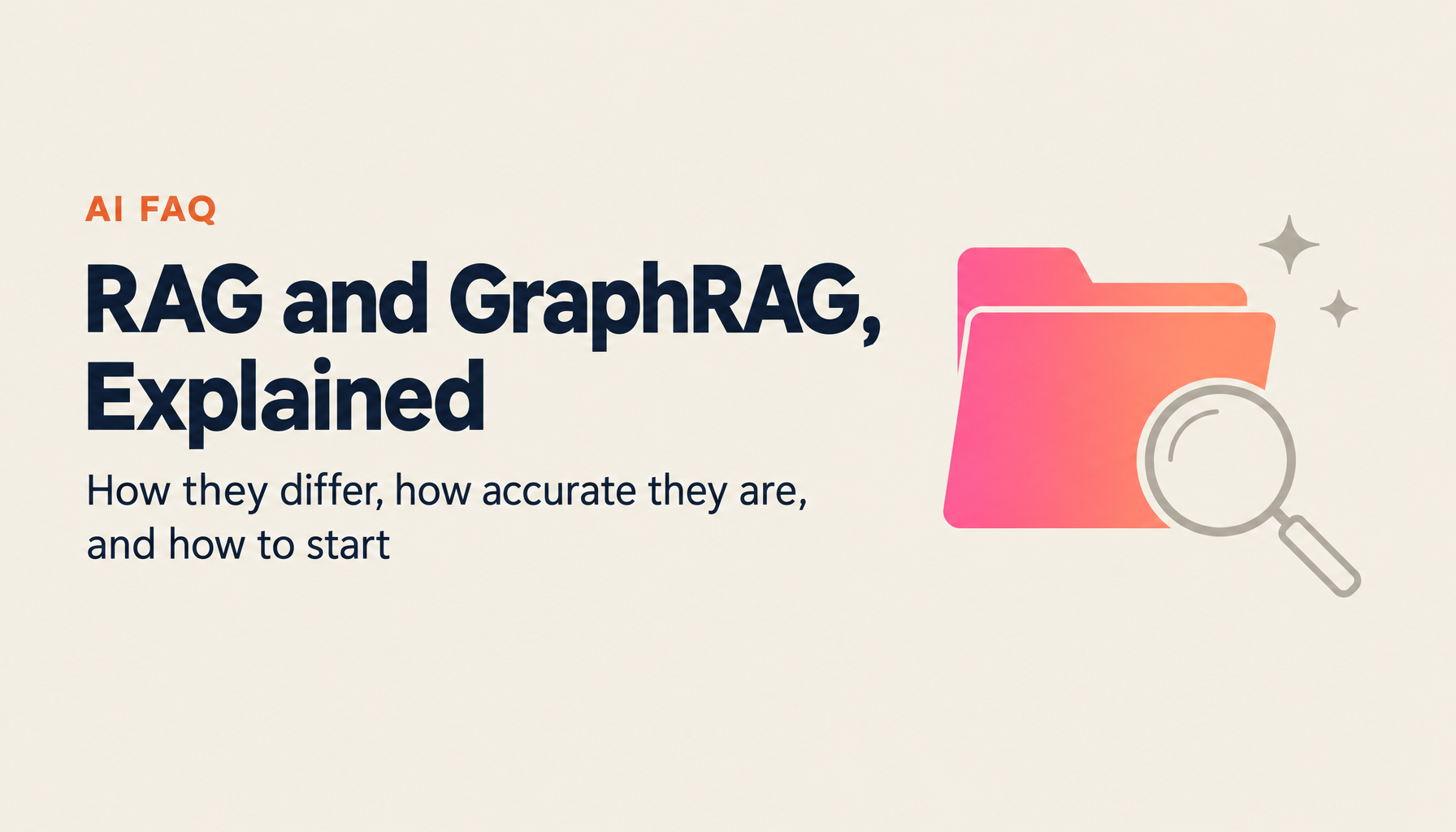
20 Frequently Asked Questions on RAG and GraphRAG
Hamamoto, TIMEWELL.
"I keep hearing about RAG — what actually is it?" "How is it different from GraphRAG?" "Can our company use it?" These are questions I get constantly from people working with AI.
RAG (Retrieval-Augmented Generation) has become essential technology for organizations looking to use AI at a practical level. But the mechanics and use cases still aren't clear for many people. This article answers 20 questions about RAG and GraphRAG in plain language.
Struggling with AI adoption?
We have prepared materials covering ZEROCK case studies and implementation methods.
RAG Basics
Q1: What is RAG?
In one sentence: "a mechanism that lets AI cheat-sheet before answering." RAG (Retrieval-Augmented Generation) works by having the AI search an external database for relevant information before generating a response, then using that information as the basis for its answer. LLMs like ChatGPT only know what they were trained on — but with RAG, they can incorporate internal company documents and up-to-date databases into their responses.
Q2: Why is RAG necessary?
LLMs have two major weaknesses. First, their training data is static — they don't know the latest information. Second, they have no knowledge of your organization's internal information. RAG addresses both. Put your manuals, FAQs, meeting minutes, and contracts into a database, and AI can reference them when answering. In my view, RAG is the key that makes enterprise AI actually practical.
Q3: What happens if you just use an LLM without RAG?
Imagine this: an employee asks an AI, "When is the deadline to apply for paid leave at our company?" The LLM, drawing on general employment knowledge, might say "the day before." But your company's policy might be "three business days in advance." This is hallucination — generating plausible-sounding incorrect information. With RAG, the AI references your actual company policy document and provides the accurate answer.
Q4: Can you walk me through how RAG works in more detail?
Three steps. First, the user asks a question. Second, the system searches a database for documents relevant to that question (Retrieval). Third, those retrieved documents are passed to the LLM, which generates a response (Generation). The search step often uses "vector search" — converting text into numerical vectors and calculating similarity scores.
Q5: What kinds of data can be used with RAG?
Almost any format containing text: PDF, Word, Excel, PowerPoint, plain text files, and web pages. Text embedded in images can also be extracted via OCR. The critical point here: data quality directly determines answer quality. Data containing outdated information or errors must be cleaned up beforehand — otherwise you get an AI that answers based on garbage.
About GraphRAG
Q6: What is GraphRAG, and how is it different from RAG?
This question comes up all the time. Standard RAG and GraphRAG handle information in fundamentally different ways. GraphRAG is a technique Microsoft announced in 2024. Where standard RAG splits text into "chunks" for search, GraphRAG constructs a "knowledge graph" from the text. A knowledge graph represents the relationships between pieces of information as a network structure — "Person A belongs to Department X," "Department X is responsible for Project Y." The AI understands not just facts, but how they connect.
Q7: How much more accurate is GraphRAG?
According to research by Data.world, GraphRAG improved the accuracy of LLM responses by approximately three times compared to traditional RAG. It's especially strong on questions that require combining information from multiple sources, and on questions that require summarizing a broad range of data.
Q8: Are there downsides to GraphRAG?
Yes. Honestly, the cost and time to build a knowledge graph are significantly higher than standard RAG. Building the graph requires using an LLM, so API costs grow with data volume. Graph structure design also requires some specialized knowledge. For small-scale FAQ automation, standard RAG is more than sufficient. GraphRAG delivers its real value when you need to search across a large volume of complex data spanning multiple departments.
Q9: Can our organization use GraphRAG?
Let me ask you: how many internal documents does your organization have? If it's in the hundreds to thousands or more, and you have a need to search across departments, GraphRAG has strong adoption value. ZEROCK has GraphRAG built in, so there's no need to build a knowledge graph from scratch. As an IT leader evaluating whether it makes sense, the first step is taking stock of how many documents you're dealing with and what your search needs are.
Accuracy and Quality
Q10: Will RAG eliminate hallucinations?
Not completely. RAG provides relevant information for the AI to reference, but whether the LLM interprets it correctly is a separate question. That said, hallucinations do drop substantially. Current best practice combines three countermeasures: always display the source alongside the answer; show a confidence score for each response; cross-check with multiple LLMs.
Q11: What is chunk size and why does it matter?
A chunk is the unit you split a document into for searchability. Chunk size is how large each unit is. Too large and search results are too broad; too small and context is lost. Around 200–500 tokens is a common starting point, but the optimal size varies by document type. Honestly, this is an area where trial and error is unavoidable — you rarely land on the right value on the first try.
Q12: How can I improve RAG accuracy?
Five main techniques. Optimize chunk size. Add metadata to documents (document type, department, creation date, etc.). Preprocess data to remove irrelevant headers, footers, and boilerplate. Apply reranking to reorder search results. And craft better prompts. Combining these improves accuracy incrementally. In one client case, adding metadata alone improved accuracy by over 10 points.
Q13: What is Self-RAG?
Self-RAG is a technique where the AI evaluates its own responses as it generates them. Standard RAG passes retrieved results directly to the LLM. Self-RAG adds a self-assessment layer — the AI checks "Is this retrieved content actually relevant to the question?" and "Is this response grounded in facts?" Accuracy improves, but processing time and cost increase.
Cost and Implementation
Q14: How much does it cost to implement RAG?
Building it yourself: combine vector database fees, LLM API costs, and development hours, and ¥2,000,000–¥10,000,000 is a reasonable estimate. SaaS-based RAG platforms start at ¥100,000–¥1,000,000 per month. From a budget planning perspective, starting with a SaaS platform to prove value before committing to self-build is usually the easier path to internal approval.
Q15: How long does implementation take?
With a SaaS platform, some organizations go from data ingestion to trial operation in two to four weeks. Self-build typically runs two to six months. In either case, the bottleneck is data preprocessing — that's where the time variance comes from.
Q16: What are the best use cases for RAG?
Internal knowledge search, automated customer support responses, legal document clause lookup, and technical manual reference. In one phrase: any work that requires accurate information as the basis for an answer. Conversely, creative writing and brainstorming don't really need RAG.
Q17: Does RAG data need to be kept constantly up to date?
Real-time updates are the ideal — but in practice, syncing at the same frequency as your documents are updated is sufficient. If manuals are updated monthly, monthly data sync is fine. For time-sensitive changes like personnel moves or policy updates, build in a process for immediate reflection.
Operations and the Future
Q18: What should we watch out for when operating RAG?
Three things: data freshness management, usage log analysis, and response accuracy monitoring. The most overlooked one is analyzing "questions the AI couldn't answer" — if you don't regularly review these and add the missing information to your database, accuracy plateaus.
Q19: How will RAG technology evolve?
As of 2026, three trends are drawing attention: GraphRAG going mainstream; multimodal RAG (extending search to images and video); and agentic RAG (AI autonomously searching and synthesizing across multiple data sources). Technology is moving fast, but the fundamental concept — "retrieve, then generate" — isn't changing.
Q20: I want to try RAG. Where do I start?
My recommendation: select 50 to 100 internal documents (company FAQs, manuals, etc.) and try a SaaS tool with them. With ZEROCK, you can upload PDFs and Word documents and immediately start asking questions — your RAG environment is ready to go. Once you've experienced it firsthand, you'll have a much clearer sense of where and how it fits in your organization.
Summary
Key points on RAG and GraphRAG:
- RAG is "retrieve, then generate" — having AI reference internal data to deliver accurate answers
- GraphRAG captures relationships between information in a graph structure, improving accuracy approximately threefold
- Hallucinations can't be completely eliminated, but RAG reduces them dramatically
- SaaS implementations can start in weeks; self-build takes two to six months
- Ongoing operation requires data freshness management and response accuracy monitoring
The RAG field is evolving fast, but "retrieve then generate" as the core concept isn't going anywhere. Start with 50 of your internal FAQs or manuals — that's enough to begin. Once you try it, you'll quickly know whether "this is useful for us" or "we need more preparation." ZEROCK includes GraphRAG built in, and you can get started with a simple document upload.
References
- Microsoft Research, "GraphRAG: Unlocking LLM discovery on narrative private datasets," 2024
- Data.world, "Knowledge Graph + LLM Accuracy Study," 2023
- WEEL, "Methods for Improving RAG Accuracy," 2025