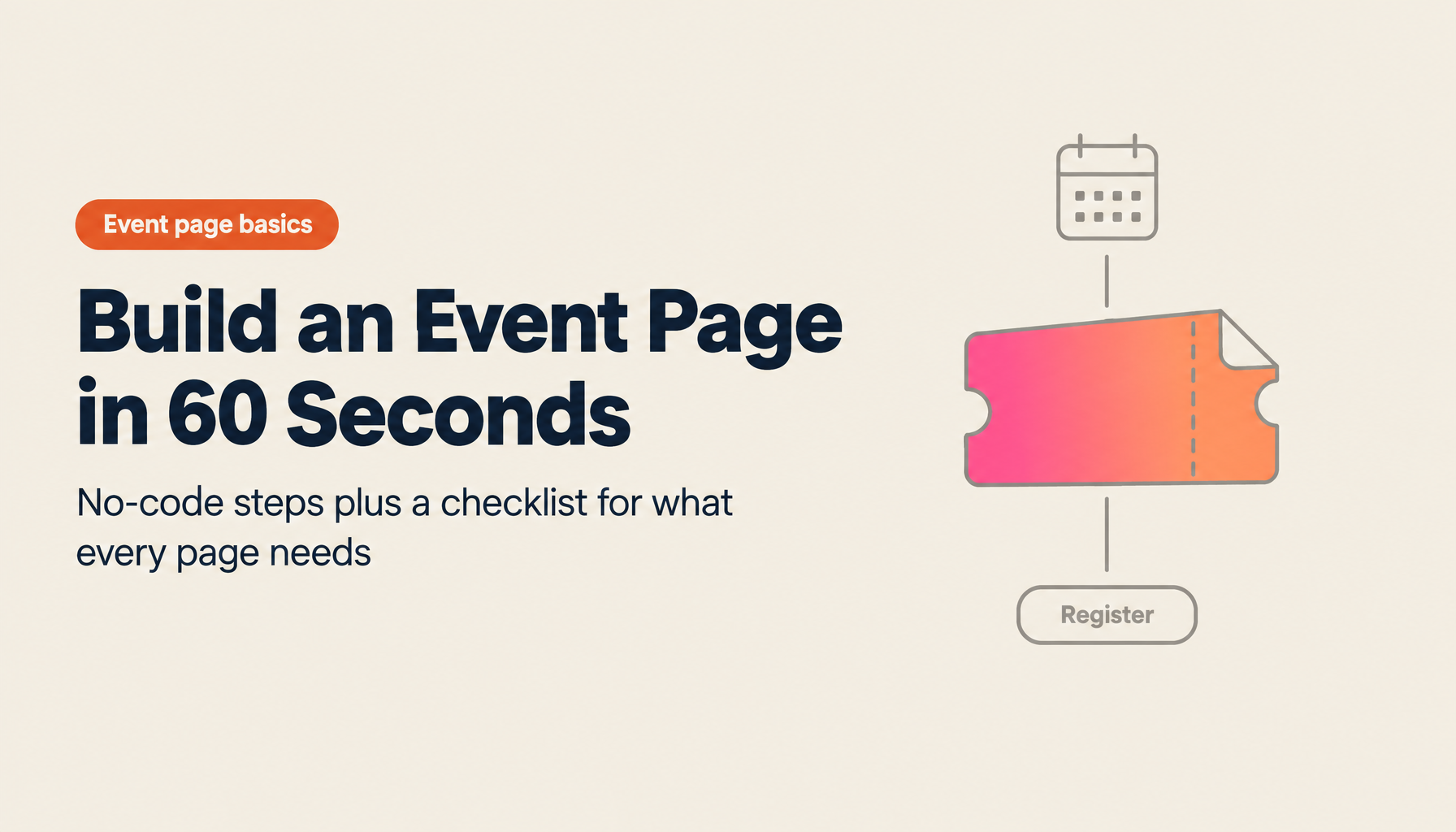
How to Create an Event Page: No-Code in 60 Seconds, with a Required Elements Checklist
This is Hamamoto from TIMEWELL.
Once you've planned a seminar or workshop and it's time to promote it, you run into the same wall: how do you actually build the event page?
No in-house designer. No engineer. Outsourcing takes time and money. But a plain-text email announcement doesn't generate much excitement either. You end up creating a templated page on Company A or Company B, but it never quite matches your brand.
Sound familiar?
This article walks you through how to create a compelling event page with no design or coding skills — including a checklist of required elements, three reference layout patterns, and step-by-step instructions for building one in BASE in 60 seconds.
Required Elements Checklist
Start by getting clear on what needs to go on the page. Use this checklist to make sure nothing is missing.
Must-Have Elements (Missing any of these will reduce registrations)
| Element | What to Include | Common Mistakes |
|---|---|---|
| Event title | A descriptive title (30 characters or fewer recommended) | Using internal jargon or abbreviations |
| Date and time | Start–end time, including day of week | Forgetting time zone (if international attendees) |
| Format | Online / Offline / Hybrid | Omitting venue address or Zoom link |
| Fee | If free, state "Free" explicitly | Hiding the price in a non-prominent location |
| Target audience | Who the event is designed for | Writing "open to anyone" and leaving the audience vague |
| What attendees gain | Three benefits of attending | Only describing content without stating the payoff |
| Registration button | Prominently placed | Only at the very bottom of the page |
| Speaker information | Name, title, photo, achievements | Bio that's too long and gets skipped |
| Program | Session content in a time-slot format | "Details to be shared on the day" — leaving content unclear |
| Capacity | Specific number | No limit set, so no urgency |
Elements That Strengthen the Page
| Element | Effect | Priority |
|---|---|---|
| Hero image | First visual impression; also appears in SNS shares | High |
| Testimonials | Past attendee satisfaction and feedback | High |
| FAQ | Addresses concerns: "Will it be recorded?" "Can I leave early?" | Medium |
| Organizer info | Builds credibility — company name, website URL | Medium |
| Cancellation policy | Required for paid events | Required if paid |
| SNS share buttons | Encourages attendees to spread the word | Medium |
| Related events | For recurring series — links to past editions | Low |
Looking to optimize community management?
We have prepared materials on BASE best practices and success stories.
Three Reference Layout Patterns
Here are three layout patterns matched to different event types.
Pattern 1: Business Seminar
Suited for BtoB seminars and keynote-style events. Prioritizes credibility and clarity of information.
┌──────────────────────────────────┐
│  Header image (event name + date) │
├──────────────────────────────────┤
│  Event summary (3–4 lines)        │
│  ─────────────────────            │
│  Who should attend (3 bullet pts) │
│  ─────────────────────            │
│  [REGISTER NOW]                   │
├──────────────────────────────────┤
│  Program (time-slot format)       │
├──────────────────────────────────┤
│  Speaker profile (photo + bio)    │
├──────────────────────────────────┤
│  Testimonials from past events    │
├──────────────────────────────────┤
│  Event details (date, venue, fee, │
│  capacity)                        │
│  [REGISTER NOW]                   │
├──────────────────────────────────┤
│  FAQ                              │
├──────────────────────────────────┤
│  Organizer information            │
└──────────────────────────────────┘
Key point: place the registration button in two locations — near the top and at the bottom. Anyone who decides mid-page that they want to register won't have to hunt for it.
Pattern 2: Workshop / Study Group
Suited for participatory events. The priority is conveying "what you'll gain" and "what the atmosphere will be like."
┌──────────────────────────────────┐
│  Header image (showing attendees) │
├──────────────────────────────────┤
│  One-line value statement         │
│  ─────────────────────            │
│  Event overview                   │
│  ─────────────────────            │
│  What you'll gain (icon + text x3)│
│  [REGISTER NOW]                   │
├──────────────────────────────────┤
│  How the day flows (timeline)     │
│  ┌──── ──── ──── ──── ┐          │
│  │Intro→Lecture→Practice→Share│  │
│  └──── ──── ──── ──── ┘          │
├──────────────────────────────────┤
│  Facilitator introduction         │
├──────────────────────────────────┤
│  Testimonials from past attendees │
│  ─────────────────────            │
│  What to bring / prep needed      │
├──────────────────────────────────┤
│  Event details + [REGISTER NOW]   │
└──────────────────────────────────┘
For workshops, adding a "What to bring / What to prepare" section reduces attendee anxiety. Be explicit: "Please have a laptop ready" or "No pre-work required."
Pattern 3: Casual Networking
For networking events, fan meetups, and other socially focused gatherings.
┌────────────────────────────────────┐
│  Header image (bright, welcoming)   │
├────────────────────────────────────┤
│  One-liner about the event          │
│  ──────────────────────             │
│  Who you'll meet (3 attendee types) │
│  [REGISTER NOW]                     │
├────────────────────────────────────┤
│  Program                            │
│  ┌──────────┐┌──────────┐┌────────┐│
│  │ Welcome  ││Theme Talk││ Free   ││
│  │ Intros   ││ Groups   ││Mingling││
│  └──────────┘└──────────┘└────────┘│
├────────────────────────────────────┤
│  Venue info (photo + map)           │
├────────────────────────────────────┤
│  Fee & capacity                     │
│  [REGISTER NOW]                     │
├────────────────────────────────────┤
│  A word from the organizer          │
└────────────────────────────────────┘
For networking events, being specific about who will be there is especially effective. Details like "mostly marketing professionals," "a mix of 20s and 30s," or "first-timers are very welcome" remove the hesitation that keeps people from signing up.
Building an Event Page in BASE in 60 Seconds
Here's the step-by-step process for creating an event page in BASE. No coding or design skills required.
Step 1: Choose a Template (10 seconds)
Log into BASE and click "Create New Page." A gallery of templates appears at the top of the dashboard, organized by event type — seminar, workshop, networking event, and more. Pick the one closest to your format.
As soon as you select a template, the layout structure, color palette, and typography are all set. You don't have to design anything from scratch.
Step 2: Enter Basic Information (20 seconds)
Fill in the event basics using the template's form fields:
- Event name
- Date and time
- Format (Online / Offline / Hybrid)
- Fee
- Capacity
- Overview (2–3 lines)
Use the AI assistant to auto-generate a draft overview, then tweak it. Starting from a draft is always faster than writing from scratch.
Step 3: Add Detailed Content (20 seconds)
Add blocks for program details, speaker bios, target audience, FAQs, and more. Select from the block menu on the left side of the screen; each block drops into the editing area. Drag and drop to reorder — use the layout patterns above as a reference.
Upload images here as well. If you don't have a header photo, a color banner is auto-generated, so your page will still look polished without any photography.
Step 4: Set Up the Registration Form (10 seconds)
Select which information you want to collect from attendees. In most cases, name and email address is all you need. Every additional field reduces your completion rate — keep it to the bare minimum.
For paid events, configure payment integration in this step.
Step 5: Publish
Preview the page, then hit publish. A URL is automatically generated and ready to use in your promotions. An OGP image (the thumbnail shown when sharing on SNS) is also auto-generated, so your posts look good without any extra effort.
Major Event Page Platform Comparison
Here's a comparison of the main platforms to help you decide where to build your page.
| Feature | Company A | Company B | STUDIO | BASE |
|---|---|---|---|---|
| Setup cost | Free | Free– | Free– | Contact for pricing |
| Paid event fee | 4.9% + ¥99/ticket | 8% (incl. payment processing) | Payment integration separate | Contact for pricing |
| Page design flexibility | Low (fixed template) | Low–Medium | High (fully custom no-code) | High (AI-generated) |
| Time to create | 10–20 min | 10–20 min | 1 hour to several hours | 60 seconds |
| Community features | Yes | No | No | Yes |
| Platform audience reach | High (8.4M users) | Medium | None | Low–Medium |
| Analytics | Basic | Basic | Basic | AI-powered analytics |
| Brand customization | Limited | Limited | Full | Full |
Company A has a built-in audience of 8.4 million users, which gives it a clear edge for discoverability. However, design flexibility is limited.
STUDIO produces beautiful pages, but event management — registration, attendee tracking, reminders — requires additional tools.
BASE stands out for page creation speed and community integration. It's best suited for organizations that run events as part of an ongoing community, rather than as standalone occasions.
Techniques to Improve Registration Rates
Once your page is live, here are a few more techniques to push conversion higher.
Technique 1: Communicate Value in the First Screen
Roughly 60% of visitors decide whether to register or leave based solely on what they see without scrolling. Your above-the-fold section must answer three questions:
- What is this event? (communicated by the title)
- Who is it for? (clear at a glance)
- When is it? (date and time visible immediately)
Technique 2: Add Social Proof
Numbers like "200+ past attendees," "95% satisfaction rate," or direct testimonials lower the barrier to registration. If it's your first event and you have no track record, lean on the speaker's credentials or the organizer's reputation instead.
Technique 3: Check the Mobile View
If you're promoting on SNS, the majority of your audience will view your page on a smartphone. A page that looks fine on desktop can have tiny text or a hard-to-find registration button on mobile. Always check your page on a phone before publishing.
BASE templates are mobile-responsive by default, so this is handled for you automatically.
Technique 4: Reduce Registration Form Fields
Conversion rate drops by roughly 10% for every additional field in the registration form. Trim it to the essentials.
| Information | When to Collect | Reason |
|---|---|---|
| Name | At registration | Basic identity confirmation |
| Email address | At registration | Required for reminders |
| Company / organization | At registration (optional) | Useful for BtoB events |
| Questions for the speaker | Pre-event survey (separate) | Incorporate into the day's content — don't include in the registration form |
| Satisfaction rating | After the event | For future improvement |
"Questions for the speaker" belong in a separate pre-event survey, not on the registration form. Keeping the form short prevents drop-off.
Summary
A great event page isn't about being elaborately designed — it's about presenting the necessary information clearly and completely.
- Use the required elements checklist so nothing is missing
- Choose a layout that fits your event type
- Put "what, for whom, and when" in the first screen
- Keep the registration form fields to the minimum
- Always check how the page looks on a smartphone
With BASE, AI handles the process from template selection to publish in 60 seconds. Rather than spending time building pages, you can focus on driving attendance and preparing great content. The community integration also lets you convert event attendees directly into ongoing community members.
Learn more about BASE here.
Streamline Event Management with AI | TIMEWELL Base
Struggling to manage large-scale events?
TIMEWELL Base is an AI-powered event management platform.
Proven Results
- Adventure World: Managed a Dream Day event with 4,272 attendees
- TechGALA 2026: Centrally managed 110 side events
Key Features
| Feature | Benefit |
|---|---|
| AI Page Generation | Event page ready in 30 seconds |
| Low-Cost Payments | 4.8% transaction fee (among the lowest in the industry) |
| Community Features | 65% of attendees continue engaging after the event |
Feel free to reach out to discuss how we can make your event operations more efficient.
Related Articles
- Accelerating Growth in the AI Semiconductor Market: Latest 2026 Trends and Strategies from TSMC and NVIDIA
- ElevenLabs 2026: Valuation Reaches $11 Billion, ARR Surpasses $330 Million, Dominating the Voice AI Market
- From 2026 to 2027: The Reality of AGI's Arrival, Anthropic CEO Confident It's "Within a Few Years"