From TIMEWELL
This is Hamamoto from TIMEWELL Inc.
The Combination of AI and No-Code Tools Is Overturning the Conventional Wisdom of Business Development
The combination of AI and no-code tools is overturning the conventional wisdom of business development, and the era has arrived where even entrepreneurs who felt blocked by technical barriers can create prototypes in a short time. Yet many entrepreneurs may be giving up — thinking "I don't understand the technology, so building a business is impossible."
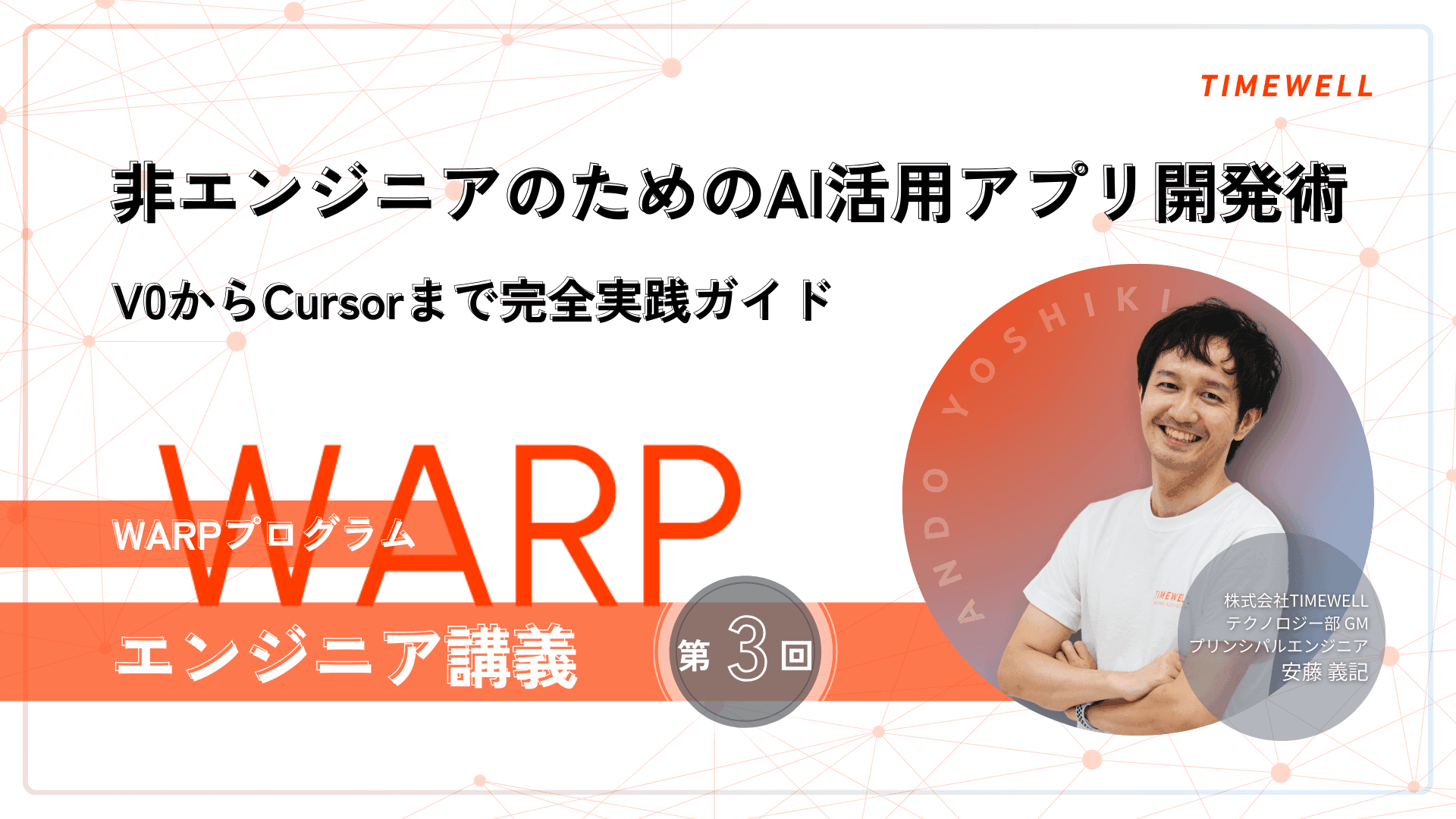
The development methodology using V0 and Cursor introduced in the WARP program's engineering lectures is an innovative approach that enables serious application development for non-engineers, providing a consistent process from requirements definition through to implementation.
This article introduces the content of Engineering Lecture 3, covering the steps for progressively building a functioning application from V0 through Cursor.
Affiliation: TIMEWELL Inc., Technology Division GM / Principal Engineer
Profile: Originally from Tokyo. Passionate about robotics and AI research, achieved second place in the world at a home robot contest during university.
Worked in IoT development at a major electronics manufacturer, accumulating broad system development experience over 10 years. Led the specification design of a home management system for a residential district of more than 1,000 units and led the project to success.
Continued competing in hackathons and manufacturing events, winning the grand prize at the ONE JAPAN Hackathon x Tokai. Self-taught in cloud technology, independently launched and operated a site for social game players.
Hobbies include gaming and otaku culture such as VTubers. Learns UI design from games and applies it to daily work.
Looking for AI training and consulting?
Learn about WARP training programs and consulting services in our materials.
Point 2
Instructor Introduction
- Why Migrate From V0 to Cursor?
- V0 to Cursor Migration Steps
- Building a Local Execution Environment
- GitHub Integration Setup
- Cursor Performance Configuration
- The Actual Development Process
- Error Handling and Debugging
- Version Control Best Practices
- Summary
Why Migrate From V0 to Cursor?
First, let me explain why it is necessary to use not only V0 but also Cursor. V0 is indeed an excellent tool, and it is fully capable of creating simple applications. In fact, authentication and data storage features are updated daily — things that were once impossible are becoming possible one after another.
However, for this workshop we have prioritized safety, and have chosen not to use external integrations such as Supabase. The setup is complex, and there is a risk of exposing beginners to risks such as personal data leakage and security attacks.
V0 also has constraints when building more complex applications. With long interactions with AI continuing, the AI tends to forget past content — much like a human would. As versions increase, the risk of inadvertently breaking previously working features also rises. For this reason, a robust backup system combining Cursor and GitHub is important for serious application development.
Details of the Actual Migration Process
Let me explain the actual migration process in detail. First, select "Download ZIP" from the download button in the upper right of the application created in V0, and save the file to your local PC.
Next, open Cursor. There is an important note here: after unzipping the downloaded ZIP file, select all the contents and copy them to outside the Docs folder — that is, the outermost level. Crucially, select "Copy Folder" — not the blue option, but specifically this option.
To run the application locally, Node.js must be installed. You should have installed it in advance, but those who have not can download the installer from the official site using the left button and install by basically clicking "Next."
After installation, close Cursor and reopen it. Then open the Terminal. On Mac, go to the top menu: "Terminal" → "New Terminal." On Windows, select "Terminal" from the dots menu, or press the Terminal button at the bottom.
In the Terminal, Run the Command npx pnpm install
In the Terminal, run the command npx pnpm install. This installs the packages needed to run the application and generally only needs to be run once. If a confirmation like "Need to install..." appears mid-process, type "Y" in half-width alphanumeric and press Enter.
If an error occurs, paste the error content directly into Cursor's chat and request "Please resolve this error" — in the spirit of the AI era — and the AI will present a solution.
Once installation is complete, launch the application with the pnpm run dev command. If successful, a local address like "localhost:3000" will appear — accessing this will run the same application as V0 in the local environment.
Next, let me explain version management with GitHub. First, a .gitignore file must be created. This is a file that specifies files that do not need to be uploaded to GitHub.
Open a New Chat and Ask to "Create a .gitignore Appropriate for This Project"
Open a new chat and ask the AI to "Create a .gitignore appropriate for this project." The AI will automatically create it with appropriate content. This prevents files with large volumes that can be regenerated — such as the node_modules folder — from being uploaded to GitHub.
For committing to GitHub: first press the Git icon to the right of the magnifying glass to check changes. Press the "+" button to the right of the changed file to add it to staging, use the sparkle icon to have the AI generate a commit message, then press the "Commit" button to save locally, and finally use the sync button to upload to GitHub.
Let me explain the settings for using Cursor more effectively. There are broadly two settings.
The first is "User Rules." In the settings at the upper right, select "Rules and Memories" → "Add Rules" and paste in the prepared rules. This is a setting applied to the entire user and includes instructions for responding in Japanese and referencing the Docs folder.
The Second Is the ".cursorrules" File
The second is the .cursorrules file. Create it as a new file in the project's root directory and describe project-specific development rules. As this file is also saved to GitHub, it has the advantage of being shareable during team development.
With these settings, the AI understands the project's context and provides more appropriate code and advice.
Let me explain the basic development flow. First, document-based design is important. Before writing code, always align understanding with the AI about specifications in natural language.
When implementing a new feature, first have a detailed specification document created. Use the prepared prompt, explain the feature you want to build, and the AI will ask clarifying questions. Clarifying ambiguities at this stage and solidifying the specification before implementation is critical.
Once the Specification Is Confirmed, Move to Implementation in a New Chat
Once the specification is confirmed, move to implementation in a new chat. Reference the newly created specification document with @features and ask "Please implement based on this specification." Recent AI is very capable and often implements all the way through in a single instruction.
Let me also explain how to handle errors that occur during development. Recent AI has become very capable, and pasting the error message in directly is often sufficient to present the appropriate solution. Even without knowing which file is involved, just the error content is enough.
After implementation is complete, always confirm operation in the local environment. Changes are reflected in real time, so actually operate the application to check for problems, and if there are any issues, communicate them to the AI for correction.
Let me explain the recommended timing for version management with GitHub: when one feature is completed, when a day's work is done, and most importantly — commit when in a "state of normal operation." Committing while an error is present can later become the source of problems.
GitHub's Change Visualization Is a Useful Feature
GitHub's change visualization is a useful feature. Edited files are color-coded, and deleted files can also be confirmed. If you accidentally make a change or deletion, the "Discard Changes" button makes it easy to revert. This feature means that even if the AI makes an unintended change, you can recover with confidence.
Through today's lecture, I have conveyed concrete methods for overcoming technical barriers in business development. Migrating from V0 to Cursor is not merely a tool change — it is an important step up from prototype to serious application development.
The particularly important point is the document-based design philosophy. By aligning understanding with the AI about specifications in natural language before writing code, development precision and efficiency improve dramatically. And with GitHub version management, you can build an environment where you can recover with confidence even if the AI makes an unintended change.
The methodology presented here enables serious application development for those without technical knowledge, through the right combination of steps and tools.
Please join the WARP program and learn AI-powered application development methods.
Related Articles
- The Reality of a Working Mother Returning from Two Maternity Leaves — And How Her Work Philosophy Changed | TIMEWELL
- Before Taking Paternity Leave (Part 2): Three Absolute Must-Dos for Taking Leave During a Busy Season
- A First-Class Architect Who Stays Close to the Job Site — Finding My Own Path as the Fifth-Generation Leader of a Construction Company