From TIMEWELL
This is Hamamoto from TIMEWELL Inc.
In an Era Democratized by AI and No-Code Tools, the Technical Barriers to Entry Are Falling Rapidly
In an era democratized by AI and no-code tools, the technical barriers to entry are falling rapidly. But on the journey of development and entrepreneurship, what truly matters is not mastering technology — rather, it is listening to customers and accurately capturing real needs.
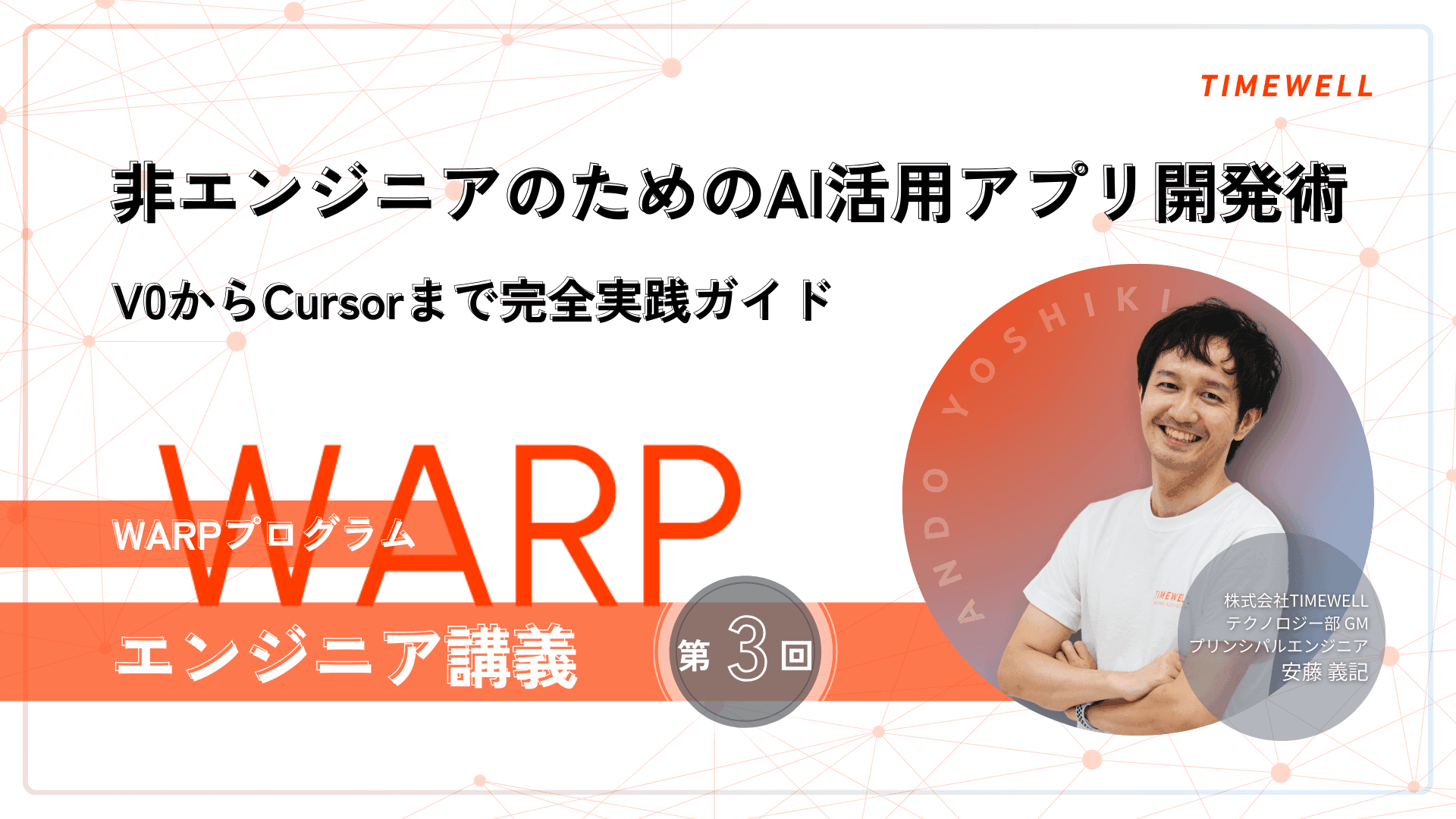
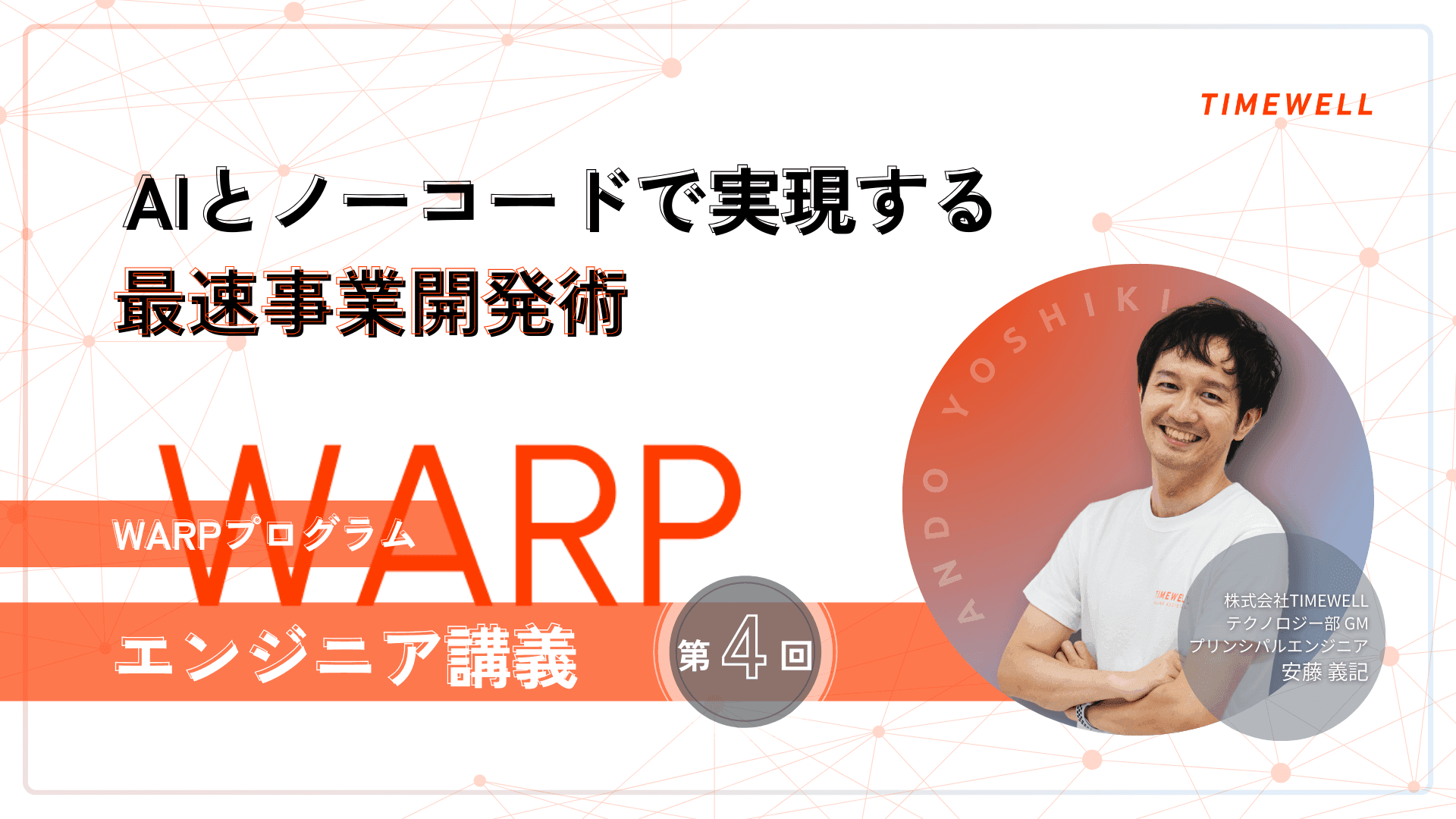
This article conveys the content of the WARP program engineering course session by Yoshiki Ando of TIMEWELL Inc. It introduces in detail the process of participants building applications in just a few weeks using the latest tools such as V0 and Cursor, and the practical approach for modern entrepreneurs to build sustainable businesses while balancing technology and business development.
Affiliation: TIMEWELL Inc., Technology Division GM / Principal Engineer
Profile: Originally from Tokyo. Passionate about robotics and AI research, achieved second place in the world at a home robot contest during university.
Worked in IoT development at a major electronics manufacturer, accumulating broad system development experience over 10 years. Led the specification design of a home management system for a residential district of more than 1,000 units and led the project to success.
Continued Competing in Hackathons and Manufacturing Events
Continued competing in hackathons and manufacturing events, winning the grand prize at the ONE JAPAN Hackathon x Tokai. Self-taught in cloud technology, independently launched and operated a site for social game players.
Hobbies include gaming and otaku culture such as VTubers. Learns UI design from games and applies it to daily work.
Instructor Introduction
- Recap and Basic Development Approach
- Effective V0 vs Cursor Distinctions and Usage
- Cursor Efficiency Techniques
- Basic Strategy for External Service Integration
- Practical Database Design Approach
- Implementing Database Connection With Neon
- Implementing Authentication With Clerk
- Troubleshooting During Development
- Using Helpful Tools to Boost Efficiency
- Implementation Optimization and Data Management
- Key Points Learned in Practice
- The Possibilities Opened by AI-Era Development
- Summary
Looking for AI training and consulting?
Learn about WARP training programs and consulting services in our materials.
Recap and Basic Development Approach
Today I want to work through data persistence and user authentication features together with everyone.
Looking back at what we have covered so far: we started by clearly defining the requirements specification. To avoid misalignment with AI, we had participants clearly define what they wanted to build in their everyday language. This part is extremely important — if you convert human language directly to code, only specialists will be able to understand it.
After That, Participants Created Prototypes Using the Service V0
After that, participants created prototypes using the service V0. At this stage, the focus was on appearance — concentrating on building the overall framework. Then the flow was to download what was created into Cursor and implement features that actually function.
Going back to V0 after once bringing work into Cursor is not recommended. From the second time onwards it becomes very difficult. The efficient approach is basically to use V0 to build the broad framework, then consolidate everything in Cursor going forward.
Important settings in Cursor also merit attention. There are two settings — User Rules and Cursor Rules — and those who have not yet set them must do so. These settings improve the performance of the AI.
Also, please make use of Claude Sonnet 4 as well. The AI's performance changes substantially. Payment is required, but it leads to significant reductions in work time — so using smarter AI is ultimately more efficient.
Cursor Efficiency Techniques
Using the @ Symbol in Cursor
Using the @ symbol in Cursor allows you to specify the file or content you want to reference. When an error occurs, copying the error message and sending it to the AI will often resolve it.
Regarding running the application: first, node_modules must be installed. This is only necessary once. From the second time onwards, you can start the application with the npm run dev command.
Now we enter today's main topic. Building everything from scratch is extremely difficult and wasteful, so we proceed with the spirit of "borrow what can be borrowed." Today we will use a service called Clerk for user login functionality, and a service called Neon for data storage.
External service integration requires keys. These are like very long passwords — secret information known only to the service provider and the user. These keys are saved in the .env file. As this file contains confidential information, it is restricted from AI access.
Let me explain database design in detail. First, design the data in a file called prisma/schema.prisma. This is a technical term, but think of it as the data design file. When AI recognizes this filename, it performs setup without mistakes.
The Basic Flow Is: Use a Prompt to Have AI Design It
The basic flow is: use a prompt to have the AI design it, install what is needed, configure the keys, and then apply the changes to the actual database.
When creating the .env file, note that because this file is restricted from AI access, the AI may sometimes struggle, saying "I cannot access this." In that case, just comment "That's fine" and it will proceed with the implementation confidently.
The schema.prisma file has the necessary data structure designed based on your implementation specification document. In my example, a design document of about 300 lines was generated. The commands the AI proposes are generally fine to execute.
The URL for the database connection is obtained from the Neon service. Create an account on the Neon site and create a project. At that point, obtain the connection information from the copy button and paste it into the .env file.
An important note: this database URL is extremely confidential information. If it leaks, anyone can access the database. Take sufficient care not to upload it to GitHub.
For Database Migration
For database migration, instructing the AI "Please apply to the database" will have it execute the necessary commands. During this process, you may be asked to name the changes — pressing Enter without input is fine.
Let me also explain authentication feature implementation. The basic framework is the same as the prompt from last week. The flow is to first create documentation, then proceed to implementation.
For authentication features, we use a service called Clerk. Clerk setup is also relatively simple — just create an account and register the application. You can choose the authentication methods you want to use, such as Google authentication or email authentication.
During implementation, the AI automatically installs necessary packages. Errors about not being able to read the .env file may occur, but this is due to the restriction — there is no problem.
Network errors may occur during development. This is a Cursor server-side issue, and you need to wait a while and then retry. If an error occurs, typing "Continue" will continue the process.
Finally, Obtain Configuration Information for Next.js From Clerk's Homepage
Finally, obtain the configuration information for Next.js from Clerk's homepage, add it to the .env file, and the authentication feature is complete.
Let me also introduce tools useful for progressing development. The browser's developer tools are very useful. Right-click and select "Inspect" to check error logs in the console. When an error occurs, copying these logs and sending them to the AI resolves problems efficiently.
For those developing smartphone applications, the browser developer tools also offer a feature for simulating mobile display. Since you can check display at various device resolutions, browser verification before checking on real devices is recommended.
For checking database contents, the npx prisma studio command is convenient. Running this command launches a tool for visually checking database contents.
During development, it may be necessary to transition from mock data to actual implementation. In this case, instructing the AI "Please implement the mock data properly" will have it efficiently proceed with implementation.
Many Questions Were Also Received From Participants
Many questions were also received from participants. If installation processing takes a long time, PC performance or internet connection may be factors. If Prisma Engine download fails, the network environment needs to be improved before retrying.
The .env file should be placed in the project's top-level folder — the same level as the .cursorrules file.
In scenes where terminal user input is requested, input appropriately following instructions. Selection by spacebar and confirmation by Enter may be required.
Next time is the final session, with planned deployment functionality and presentations. Please prepare presentation materials in PDF format, approximately 3 to 5 pages, including customer interview content and demo application content.
Development Is a Continuous Learning Process
Finally, development is a continuous learning process. Do not be afraid when errors occur — make steady progress while asking the AI questions. We will continue to support you, so please do not hesitate to reach out if anything is unclear.
With the rapid advancement of AI and no-code tools, the technical barrier to entry is definitely falling. As we practiced in today's lecture, by combining the latest tools such as V0, Cursor, and Claude Sonnet 4, application development that would traditionally have taken months can now be realized in weeks.
However, precisely because technical implementation has become easier, the truly important point in business development becomes clearer. That point is listening to customers and accurately capturing real needs. No matter how excellent a technology stack you use, building something the market does not want will not lead to success.
The most important message from today's lecture was the spirit of "borrow what can be borrowed." Just as we used Clerk for authentication and Neon for database, leveraging existing services allows more time and energy to be invested in the core of the business — the part you truly need to focus on.
For those of you considering entrepreneurship: please use this AI-era development methodology not merely as an opportunity for technology acquisition, but as a tool for accelerating the validation of business hypotheses. Create prototypes in a short time, gather feedback from actual users, and rapidly iterate through improvement cycles. This is precisely the attitude required of modern entrepreneurs.
Now that democratization of technology is advancing, business thinking — rather than technology — becomes the differentiating factor. Based on the development methodology we have provided, I sincerely hope you build businesses that can truly provide value to customers.
Related Articles
- The Reality of a Working Mother Returning from Two Maternity Leaves — And How Her Work Philosophy Changed | TIMEWELL
- Before Taking Paternity Leave (Part 2): Three Absolute Must-Dos for Taking Leave During a Busy Season
- A First-Class Architect Who Stays Close to the Job Site — Finding My Own Path as the Fifth-Generation Leader of a Construction Company