This is Hamamoto from TIMEWELL.
Preparation Determines the Visit Quality
At Expo 2025 Osaka, preparation made before leaving home has a measurable effect on the visit itself. The cashless-only policy, airport-level security checks, a 155-hectare venue with limited in-venue purchase options, and an app-dependent reservation system all create conditions where unprepared visitors lose time that cannot be recovered during the day.
This guide covers what to prepare, what to bring, and what to leave behind.
- Essential documents and payment preparation
- Prohibited items and security checkpoint readiness
- Digital tools: app setup and Wi-Fi registration
- Physical supplies for the venue
- Summary
Looking for AI training and consulting?
Learn about WARP training programs and consulting services in our materials.
Essential Documents and Payment Preparation
QR Code: Print It
Your Expo ID is the access credential for everything: the entry gate, every pavilion, every same-day registration. It exists as a QR code in the official app, and the app can display it.
The problem: at entry and during the high-traffic 9 AM pavilion registration window, network congestion slows or interrupts the app's ability to display the code. A QR code saved as a screenshot may also fail to scan reliably on certain reader models.
The solution: use the PDF export function in the ticket system and print the QR code on paper before leaving home. A physical printout is immune to network interruption, battery failure, and display rendering issues. This one step eliminates the most common entry-delay scenario.
If you have multiple family members on the same booking, print a separate QR for each.
Cashless Payment: Prepare and Check Before Arrival
Expo 2025 Osaka does not accept cash anywhere on the grounds. Vending machines, food stalls, pavilion shops, and all food service operate exclusively on:
- Credit and debit cards
- IC cards (Suica, ICOCA, Pasmo, etc.)
- QR code payment apps (PayPay, LINE Pay, etc.)
Pre-arrival checklist:
- IC card: load ¥3,000–¥5,000 for incidentals and food
- Credit card: confirm it works for tap payment
- QR payment app: confirm balance and that you are logged in
Visitors who carry cash as their primary payment method and have not set up any electronic payment alternative have limited options once inside the venue. The on-site information points do not offer cash exchange.
Prohibited Items
The following items will be refused at the security gate or flagged during the X-ray check:
Alcohol (externally purchased): No outside alcohol is permitted. Drinks purchased inside the venue are fine. Glass bottles are prohibited generally, including non-alcoholic glass-bottled beverages.
Long poles and camera equipment: Monopods and tripods with pointed or long-shaft designs are not permitted. Standard shorter-shaft camera tripods may be permissible — confirm the specific dimensions against the published prohibited items list. Camera poles that extend to significant lengths fall under the same restriction.
Wheeled luggage (large-format): Suitcases and large roller bags are not permitted inside the gates. Storage lockers at the venue perimeter are available for a fee (confirm current availability), but plan to not bring luggage you need to enter with. Traveling directly to the expo from an airport or hotel with luggage requires a plan.
Pets: Not permitted.
The security procedure operates at airport level: X-ray machines, metal detectors, and bag inspection. Liquids must be removed from your bag and placed separately — the same process as at an international terminal. Organizing your bag so that water bottles and liquids are at the top layer before you reach the checkpoint will save approximately 2–3 minutes compared to repacking mid-checkpoint.
Digital Tools: App Setup and Wi-Fi Registration
EXPO2025 Personal Agent
The official app provides:
- Real-time GPS routing to your booked pavilions
- Countdown alerts timed to your walk distance from current location
- Same-day registration management
- Live wait-time data for major pavilions
The app requires linking to your Expo ID — this connection must be completed before arriving at the venue. The link process involves confirming your ticket registration on the app, which requires a stable internet connection and your booking confirmation details.
Complete this setup at home. Visitors who attempt first-time setup at the gate compound an already congested entry experience.
The app alert function is specifically useful: the system can send "your session starts in 15 minutes, and you are 15 minutes away" notifications that match booking time to real-time location. In a venue where your next reservation may be 1.5 kilometers from your current position, this operational guidance is not decorative.
Osaka Free Wi-Fi Pre-Registration
The "Osaka Free Wi-Fi" network covers significant portions of the venue and adjacent transit infrastructure. The registration process can be completed before your visit at the Osaka Free Wi-Fi portal site. A pre-registered device connects automatically to the network within coverage zones.
Given the load that tens of thousands of simultaneous users place on mobile carrier networks at the venue, having a secondary network connection reduces the probability of failing to load your reservation screen during a high-contention moment.
Register before departure.
Physical Supplies for the Venue
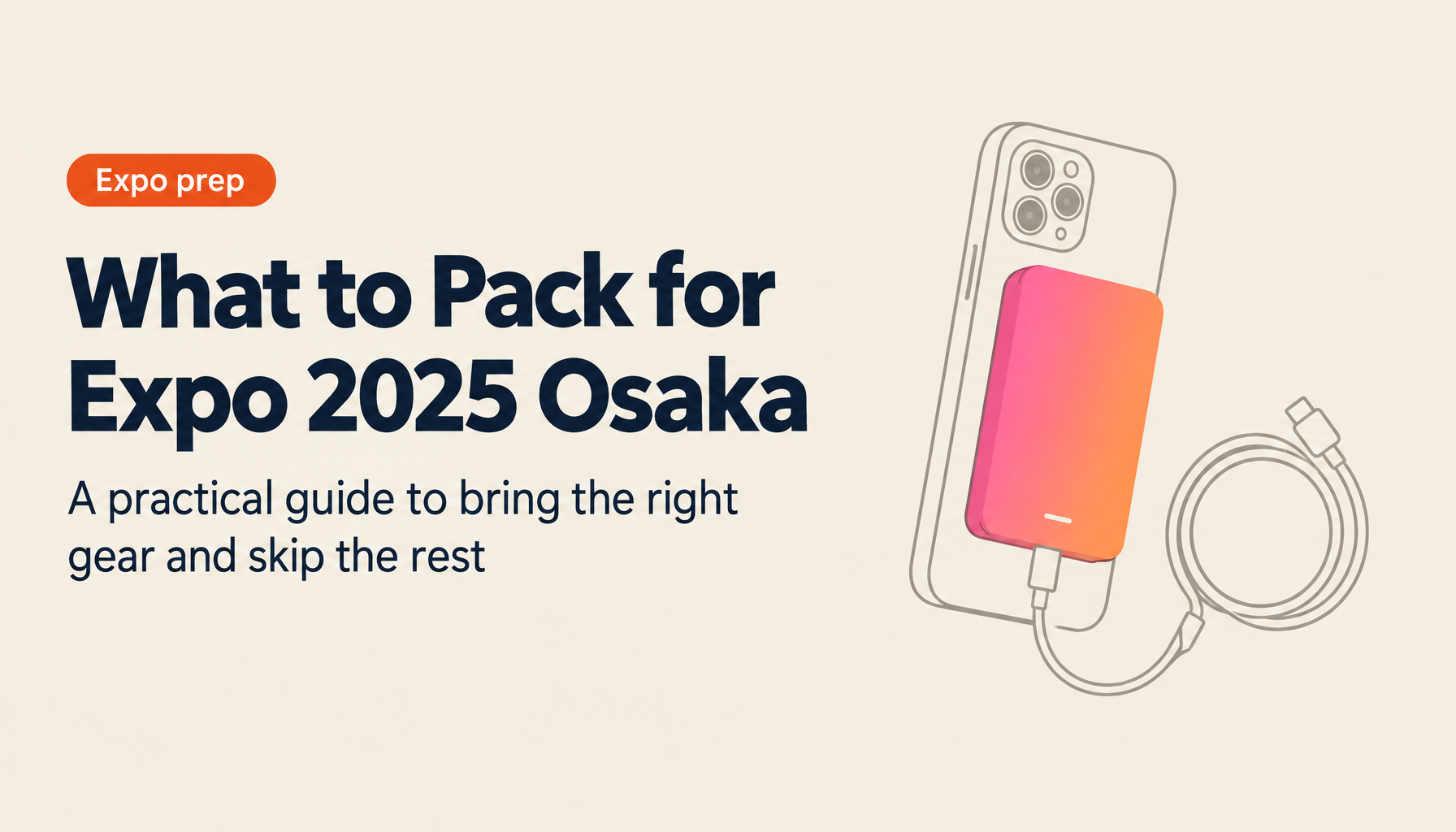
Mobile Battery: Two is the Correct Number
The phone's roles during a full-day expo visit: reservation management, QR code display, GPS navigation, camera, app notifications, payment confirmation, and communication. The battery load from this sustained multi-function use exceeds most phones' capacity for a 9 AM–9 PM day.
Minimum recommendation: two 10,000mAh batteries. Carry one actively charging from the first pavilion, the second in reserve. Distribute between bag and pocket so one is always accessible.
A single 10,000mAh battery will not last the full day under expo conditions. Plan accordingly.
Venue Map: Print Before Arrival
The official app's map is functional for zoomed-in location checks and is not practical for moving navigation across the 155-hectare venue. The scale at which you can read pavilion names is the scale at which the map cannot show your full route.
Print an A3 or A4 venue map before departure and annotate it with:
- Your reserved pavilions and their approximate locations
- Entry type for each target (reservation, same-day, walk-in)
- Release times for any same-day registration targets
Several unofficial maps compiled by frequent visitors consolidate reservation information and release windows onto a single sheet and are available through expo information channels.
The information booth inside the venue sells paper maps, but the booth has queues during peak periods and the maps sell out. Do not rely on buying one after arrival.
Water Bottle and Refill Stations
Free refill stations are distributed across the venue. The stations work with standard-diameter bottles and standard-length containers. Unusually large containers or those with wide mouths may not engage the dispenser sensor correctly — check your bottle against the station specifications before depending on it.
Pre-chill your bottle before arrival; the dispensers provide unchilled water. During peak summer months, cold water matters for sustained physical activity.
Carry enough capacity to manage 45–60 minutes between stations. During midday peak, popular refill points develop queues.
Snacks
Restaurants inside the venue operate at premium pricing and with significant queues at standard meal times. Food courts are more accessible but still involve wait time. Pre-prepared snacks — energy bars, onigiri, easily consumed portable food — extend your operational time between seated meal stops and provide an option when queue times make restaurant stops impractical.
The venue permits sealed food items for personal consumption. Check the current prohibited items list for specifics.
Garbage Bags
Waste bins are sparse within the expo grounds. Plastic bags are not distributed at stalls or pavilion exits. Carry two or three small garbage bags and manage your own waste throughout the day. This is consistent with general Japanese event venue practice and will not be a surprise to most domestic visitors — worth noting explicitly for first-time international visitors.
Weather Equipment
The venue is sited on Yumeshima, an artificial island in Osaka Bay. The bay location generates wind exposure significantly higher than central Osaka, and weather conditions change without matching the city forecast.
Prepare for:
- Rain: a compact rain jacket or umbrella. Ponchos are available at the venue, but availability varies during heavy rain events.
- Wind: secure hats and lightweight items. The perimeter of the Grand Roof Ring and open pavilion areas are particularly exposed.
- Heat: the summer months (June–September) produce sustained heat and humidity at the venue. UV protection, loose clothing, and proactive hydration.
- Footwear: the walk distance across a full day is 10–15 kilometers. Comfortable, broken-in walking shoes are not optional.
Summary
| Category | Preparation |
|---|---|
| QR Code | Print on paper before departure |
| Payment | IC card loaded, credit card ready, QR app confirmed |
| Prohibited items | No alcohol, no large poles/tripods, no wheeled luggage |
| App setup | Expo ID linked in Personal Agent before arrival |
| Wi-Fi | Osaka Free Wi-Fi pre-registered |
| Battery | 2 × 10,000mAh minimum |
| Map | A3/A4 printed, annotated with targets |
| Water bottle | Standard diameter, pre-chilled |
| Snacks | Portable food for between-meal gaps |
| Garbage bags | 2–3 small bags |
| Weather | Rain jacket, UV protection, walking shoes |
The visitors who find the expo manageable and enjoyable consistently share one characteristic: they arrived with the logistics already resolved. The venue is designed to reward engagement with its content. The preparation required to access that content is finite and entirely front-loadable.
Reference: https://www.youtube.com/watch?v=p0MFMxqwhno