Hello, this is Ryuta Hamamoto from TIMEWELL.
On 15 October 2026, NTT Docomo published a notice titled "Notice regarding suspicious emails." It said that for some companies taking part in the official-account feature of Docomo Mail, phishing messages had been reported showing the official-account mark. The cause was described as "the effect of the sender's email authentication settings, among other things," and Docomo said it would suspend the display for the affected companies for a period of time.1
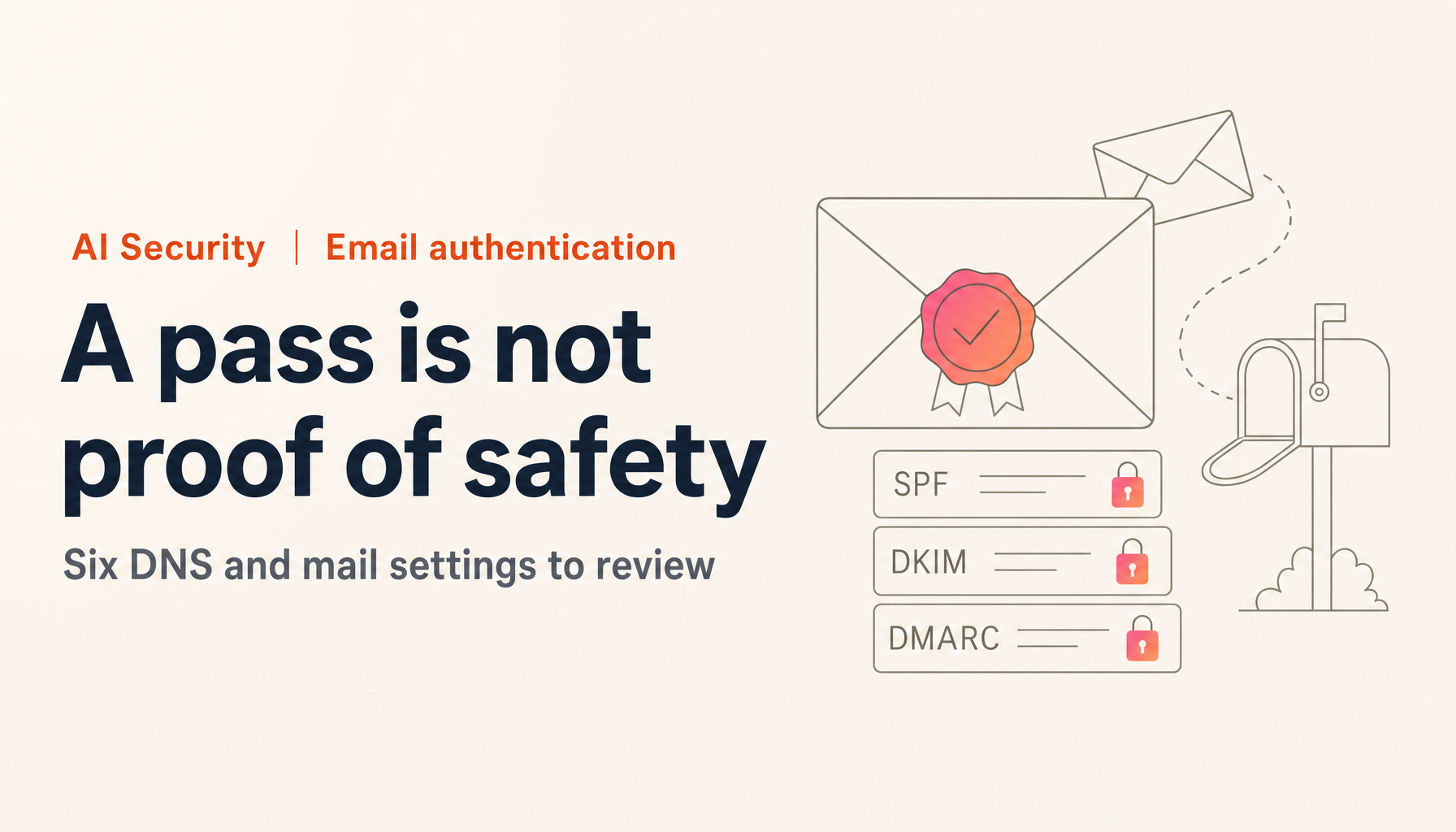
SPF, DKIM and DMARC all passed, a logo was attached, and the message was still fake. Anyone who has spent years getting email authentication in order will feel the weight of that.
This article separates what has been disclosed from what is still unknown, and then walks through how a DKIM replay attack works. After that come six items that domain owners can review in DNS and mail delivery, grounded in the RFCs and an industry body's guidance.
What happened: the disclosed facts, and what is still unknown
First, what can be confirmed from official sources.
Docomo's notice is short. It says that reports have come in of phishing messages showing the official-account mark, that the cause is described as the sender's authentication settings and similar factors, that the display will be suspended for affected companies until the issue is resolved, and that users should stop reading or delete any suspicious message. The notice does not name the companies, give the number of reports, describe the specific authentication settings, or say when the display will return.1
Rakuten Card, in a notice dated 19 October, said it had confirmed spoofed emails that imitate the company and display the Rakuten brand symbol and the official-account mark. It gave sample subject lines such as "[Important] Guide to payment procedures" and said it never asks for the 16-digit card number, the Rakuten ID or one-time passwords by email or phone. When information needs updating, it asks customers to go through the official app or website instead of an email link. The notice does not say how the emails were delivered or what happened in the sending infrastructure.2
What follows needs care. On X, an engineer's analysis of the headers of one of these messages circulated widely. In summary, it said:
- A genuine email was sent from a legitimate sending platform to an address the attacker controlled.
- The signature remained valid, so when the message was resent to the victim from another server, DKIM verification still passed.
- Only the From header was signed, so the subject and the MIME boundary could be rewritten.
- The SPF pass came through a separate path, in which the attacker's own domain was used for the check.
This is one engineer's analysis. Neither Docomo's nor Rakuten Card's disclosure confirms this explanation, so it cannot be treated as the settled account of what happened. Still, every mechanism in it is behavior defined in the RFCs, and it applies to any domain owner regardless of this incident. The next sections take those mechanisms one at a time.
How a DKIM replay attack works, and why everything passes
DKIM lets the sending side attach a digital signature over selected headers and the body, and lets the receiving side verify it with a public key in DNS. What it confirms is that the signed parts did not change in transit. It does not confirm who sent the message or from where.
That is where replay finds room. The signature travels with the message and stays valid no matter whose hands it passes through. If an attacker has a genuine message sent to an address they control and then resends it with the signature intact, the receiver's verification succeeds. Section 8.6 of RFC 6376 treats this as a replay and spam attack: a spammer gets a signed message and resends it to many recipients in order to borrow the signing domain's reputation.3
The tricky part is how much is signed. Section 5.4 of RFC 6376 makes signing the From header mandatory. Everything else is the signer's choice. Signing Subject, Date, Reply-To and the MIME-related headers is strongly recommended, but it is not required, and the RFC adds that a receiver may be suspicious of headers that are not signed.3
So a platform that signs only From does not violate the standard. It does, however, leave the largest possible room for rewriting the subject or the body boundaries when the message is resent.
The RFC also allows signing headers that do not exist. If a header name that is not actually present is listed in the signature, adding that header later is detected at verification (oversigning). The RFC itself notes a limit: a signer cannot predict headers that will be defined in the future, so oversigning cannot stop every addition.3
A signature can also carry an expiry time through the x= tag, but RFC 6376 states that the tag is not meant as an anti-replay defense. Delivery can take hours, so the expiry cannot be set very short in any case.3
AI Security training, taken seriously
A 2-day intensive course fully aligned with OWASP, NIST, ISO/IEC 42001, and METI. Take it as executives, practitioners, or both.
Where the SPF pass came from, and why DMARC passes
SPF checks whether the IP address of the sending server is authorized for the domain in the envelope sender (MAIL FROM). That is a different thing from the From address shown on screen.
Section 2.4 of RFC 7208 says that when MAIL FROM is empty, as in a bounce notice, the check uses a mailbox built from the HELO name, "postmaster@" followed by the HELO domain.4 This is the path the analysis pointed to. The attacker uses a domain they control as the HELO name, leaves MAIL FROM empty, and gets SPF to pass.
That SPF pass does not align with the From domain, though. DMARC requires that SPF or DKIM passes and that the domain that passed matches the From domain on screen (alignment). SPF through this path does not meet the DMARC condition. In the analysis, what satisfied DMARC was DKIM signed with the same domain as From.
The result is that SPF, DKIM and DMARC all pass, and p=reject does not stop the message, because the signature is genuine and its domain matches From. The official-account mark and the BIMI logo are displayed on the basis of authentication results, so they come along. Docomo's notice also says the official-account mark is a display based on sender-domain authentication and does not guarantee the safety of the message.1
Six things domain owners should review in DNS and mail delivery
Now the main part. With replay, the signer's design determines how much damage is possible. Here are six places a domain owner can look.
1. List every stream of mail you send.
Write down everything that leaves your domain: day-to-day business mail, announcements, form auto-replies, invoices, marketing, and notifications from external SaaS. M3AAWG's guidance also puts this inventory first, as preparation before rotating keys. If you publish DMARC with p=none and set a reporting address (rua), daily reports arrive showing what is being sent in your domain's name.5 If you find a service you did not know about, that is your first finding.
2. Check the DKIM signing scope with your delivery provider.
The delivery platform decides the signing scope. If you outsource sending to an external service, ask what it signs. You want to know whether Subject, To, Cc, Date, Message-ID, Reply-To, Content-Type and MIME-Version are signed in addition to From, and whether it oversigns headers that do not exist. RFC 6376 strongly recommends the subject, date, Reply-To and MIME-related headers.3 If a service cannot be configured this way, that is a reason to ask for a change, or to consider another service.
3. Use 2048-bit DKIM keys and rotate them regularly.
M3AAWG recommends rotating DKIM keys at least every six months. A 2019 revision relaxed the earlier quarterly guidance to every six months. The purpose is to shorten the window in which a cracked or stolen key can be used, and to keep the procedure familiar so that an emergency does not catch you unprepared. The same document describes 2048-bit RSA keys as strong enough that they are considered immune to cracking in today's computing environment.5
For replay, what helps is not leaving old keys around. Once a rotated key is removed from DNS, signatures made with it fail verification on any later resend. When you see signs of replay, revoking the key at once instead of waiting for the regular cycle is also an option. Messages that have already been delivered, however, do not disappear from inboxes.
4. Narrow SPF to the IPs you actually need.
A broad include in SPF can let mail from other customers of the same platform pass your SPF. Keep the permission to what is needed and remove includes for services you no longer use. SPF also has a limit of 10 DNS lookups, so adding includes without end eventually breaks evaluation altogether.4
5. Do not treat DMARC as finished once it is deployed.
In February 2023, Japan's Ministry of Internal Affairs and Communications, the National Police Agency and the Ministry of Economy, Trade and Industry jointly asked credit card companies to strengthen anti-phishing measures. The request was to deploy DMARC on every domain published for users, including domains that do not send mail, and to operate it with a policy that has receivers reject spoofed mail.6 It has been reported that many Japanese companies that deploy DMARC stay at p=none, which only monitors. In a Proofpoint Japan survey, Japanese companies were at none 63%, quarantine 13% and reject 7%, while US companies were at reject 46%.7
The basic path is to tighten in stages, from none to quarantine to reject, while reading the aggregate reports. For domains and subdomains that do not send mail, publish SPF with "-all" and DMARC with reject so that they cannot be used. Then, as preparation for replay, make reading the reports a habit. A record showing "DKIM passes, but a large volume comes from IPs outside your SPF" can be a sign of resending.
6. Separate mail to unverified recipients from your main sending domain.
The raw material for replay is a genuinely signed email that the attacker can receive. A contact-form auto-reply, a sign-up confirmation or a password-reset message can be triggered by anyone entering any address, and the signed email arrives in the attacker's inbox. If you send those from the same domain as invoices and important notices, you are handing attackers material to resend.
Send auto-replies and confirmation mail from a subdomain separate from your main notifications. Do not set up BIMI on that subdomain. Do not echo user-supplied input into the message body, and limit how many messages can go to one address or come from one IP.
This item is a measure I drew from the analysis of the published incident, not a procedure set by a standard or a public agency. Even so, since replay depends on the attacker being able to receive a genuinely signed message, I think the reasoning holds.
What to tell recipients and staff
Fixing your settings does not make every message safe. Prepare what you tell staff and business partners as well.
First, make clear that the official-account mark and the BIMI logo do not show that the body and links are safe. Docomo's notice asks people not to open messages that look suspicious and to delete them.1 Rakuten Card likewise asks customers to go through its app or official site instead of an email link.2 That habit of not entering through a link is the last line of defense when authentication has been slipped past.
Next, decide in advance how to act when a fake email using your name is circulating: where the warning to customers will be posted, which desk handles inquiries, who reports to providers and the Council of Anti-Phishing Japan, and who checks the state of the domain. It is too late to decide during the incident.
Identity management and endpoint measures are covered in our two-part series. Lessons from Japan's 2026 Breaches (Part 2) lists the priorities for smaller companies, so check entry points beyond email as well.
Summary
Even when SPF, DKIM and DMARC all pass, the safety of an email is not guaranteed, because a signature stays valid no matter who resends the message. Preparing for replay comes down to widening what is signed, rotating keys regularly, separating mail to unverified recipients from your main domain, and continuing to read the aggregate reports.
The cause of this incident has not yet been made public officially. I think it is appropriate that Docomo and Rakuten Card put out the facts and called for caution. When more is disclosed, I will update this article.
As a first step, look at which policy your domain's DMARC record is set to right now. If it is still p=none, that means "monitoring," not "protecting." If you would like to talk through mail operations or how to brief your staff, please reach out through the consultation form for WARP SECURITY.
References
Footnotes
-
Notice regarding suspicious emails (Docomo Mail official account) (Japanese) — NTT Docomo — 15 October 2026 ↩ ↩2 ↩3 ↩4
-
About suspicious emails and calls impersonating Rakuten Card (Japanese) — Rakuten Card — 19 October 2026 ↩ ↩2
-
RFC 6376 DomainKeys Identified Mail (DKIM) Signatures — IETF — Sections 5.4, 8.6 and 3.5 ↩ ↩2 ↩3 ↩4 ↩5
-
RFC 7208 Sender Policy Framework (SPF) — IETF — Sections 2.3 and 2.4 ↩ ↩2
-
M3AAWG DKIM Key Rotation Best Common Practices — Messaging, Malware and Mobile Anti-Abuse Working Group — revised March 2019 ↩ ↩2
-
Request to credit card companies to strengthen anti-phishing measures (Japanese) — Ministry of Internal Affairs and Communications, National Police Agency, Ministry of Economy, Trade and Industry — 1 February 2023 ↩
-
Council of Anti-Phishing Japan publishes "DMARC adoption and why it is needed" (Japanese) — ScanNetSecurity — 12 February 2025 ↩