This is Hamamoto from TIMEWELL.
"Our old drawings only exist as paper and scanned PDFs. We want to use them in CAD, but we end up redrawing everything from scratch." Not a month goes by without a manufacturing client raising this with us. And it isn't only the design team that struggles. Sales looks at a drawing and can't gauge the labor involved, so a quotation takes two or three days to come back. Cost estimation lives inside a veteran's head. Everything around drawings is where the deepest reliance on individual know-how still lingers in manufacturing.
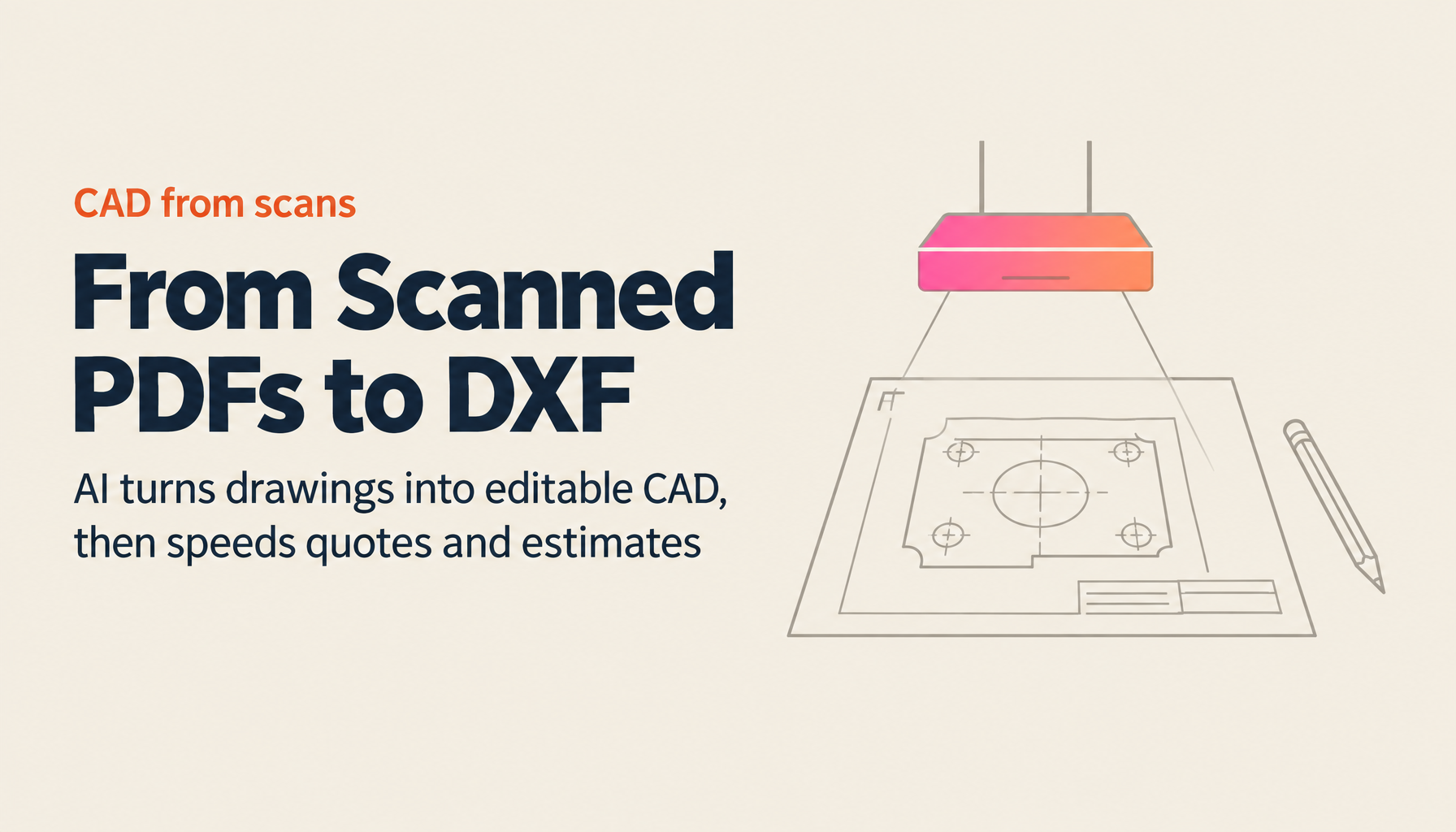
In this article, I'll lay things out from a practitioner's viewpoint: from a comparison of the ways to convert scanned drawing PDFs into CAD data (DXF), to turning 2D drawings into 3D models (STEP), to automating quotation drafts and cost estimation from drawings.
Let me start with the bottom line in a comparison table. There are three broad approaches to turning a PDF drawing into DXF.
| Approach | Cost | Turnaround | Best suited for |
|---|---|---|---|
| Manual tracing (redrawing in-house in CAD) | Labor cost only | A few hours per sheet | Small volumes where you also want to re-verify dimensions along the way |
| Outsourcing (CAD-data conversion services) | Charged per sheet | Days to weeks | Cases where high accuracy is essential and the schedule has room |
| AI conversion | Tool subscription fee | A few minutes per sheet | High volumes, speed-first work you want to keep in-house |
Let's look at what each one involves, and what to watch for if you choose AI conversion.
What's the difference between PDF and DXF? The background you need before converting
First, some terminology. DXF is a standard file format for exchanging drawing data between CAD applications1. Lines and arcs are stored as "data," so if you open the file in CAD you can edit it and read off dimensions.
A scanned drawing PDF, on the other hand, is nothing but an image inside. To the human eye it looks like a drawing, but to a computer it's a collection of pixels with no information about which parts are outlines and which are dimension lines. That's why you can't edit it after loading it into CAD, and why it has to be redrawn.
In other words, what "PDF-to-DXF conversion" really means is the work of recognizing shape elements — lines, arcs, text — from an image and reconstructing them as data. This is the hard part to automate. Conventional raster-to-vector conversion software tended to produce results too poor to rely on: a faded line, for instance, would come out as a scattered set of broken line segments. Recent AI conversion takes an approach that recognizes line types and shapes in the context of the drawing as a whole, and it has substantially improved on this problem.
One more thing: a PDF output directly from CAD sometimes still contains vector data, and in that case conversion accuracy rises significantly. It's worth checking at the outset whether the PDF in your hands originated from a scan or from CAD output.
What AI conversion can and can't do: how to think about accuracy
To clients considering AI conversion, we always say the same thing: "Accuracy is decided by the condition of the drawing." Both inflated expectations and undue skepticism lead to the wrong adoption decision.
Four main factors govern accuracy.
- Scan quality. Low resolution, a skewed capture, or shadows across the page directly lower the recognition rate.
- Drawing condition. Faded lines, handwritten correction marks, and fold creases all cause misreadings.
- Drawing density. Drawings packed with dimension lines, leader lines, and hatching make it hard to judge which line belongs to what.
- Notation quirks. In-house symbols and abbreviations often can't be read by a general-purpose model.
That's exactly why the realistic operating model is "let AI conversion produce 80–90%, then do the final check in CAD." A drawing that used to take two hours to redraw from scratch becomes a matter of a few dozen minutes once you count conversion plus review — and even that alone delivers plenty of value for a department handling several dozen sheets a month. Rather than holding off on adoption while chasing full automation, our position is that it's more sensible to start reclaiming time today on the premise of a human check.
Struggling with AI adoption?
We have prepared materials covering ZEROCK case studies and implementation methods.
Generating a 3D model (STEP) from a 2D drawing
Alongside DXF conversion, demand is surging for generating 3D models from 2D drawings. More and more clients are being told by their business partners, "Please supply this as 3D data (STEP)," and at companies that work in 2D, a full day disappears into modeling each time. STEP is the international standard for exchanging 3D CAD data (ISO 10303), and its defining feature is that it can be handed off regardless of the CAD software involved2.
AI-based 2D-to-3D conversion mainly works by inferring the solid shape from the consistency among the three views (front, top, and side). From what we see in practice, it's good at shapes made up of prisms, cylinders, holes, and fillets — the kind found in machine parts — while shapes dominated by freeform surfaces, such as molds and dies, still need a human hand. Here too, the premise is the same workflow: produce a first draft in a few dozen minutes, then verify the dimensions in CAD.
Automating everything from the drawing to the quotation and cost estimation
Digitizing drawings is, in fact, only the entrance. What ties directly to a manufacturer's bottom line is what comes next: quotation and cost estimation.
On the quotation front, sales works the following flow by hand: receive the drawing, read off the material, dimensions, and tolerances, envision the machining steps, and build up the labor hours and unit prices. A veteran gets a sense of the going rate the instant they see a drawing; a junior member has no choice but to go ask design or manufacturing, and the answer takes two or three days. This is the classic way deals slip away — the job flows to a competitor in that gap.
AI-assisted quotation reshapes this flow into "upload a drawing, and a first-draft quotation comes back based on the machining it has read." The key point is that you can train it on your past quotation records and your own price tables. Once it produces a draft that reflects your equipment and your feel for pricing — rather than a generic market rate — sales can review and adjust it and reply the same day.
Cost estimation follows the same structure. AI assists in building up material and machining costs, and you raise accuracy by registering your own cost tables. You can replace the anxiety of "will this price actually turn a profit?" with numbers that have a basis behind them.
As the Ministry of Economy, Trade and Industry's White Paper on Manufacturing Industries has kept pointing out, the manufacturing workforce has fallen sharply over the past twenty years, and skills succession has become a structural challenge3. We see whether a veteran's estimating instinct can be preserved as data not as mere efficiency, but as a matter of business continuity.
A checklist for choosing a tool
Here are five points to check when selecting a drawing AI.
- Can you trial it on your own drawings? Above all, it matters that you can test it on real drawings — faded, quirks and all — not on catalog-grade accuracy.
- Does it run end to end, from DXF conversion to 3D to quotation? When the tool is fragmented, you end up handing drawings around and managing them twice.
- How is training data handled? Check whether the contract keeps uploaded drawings out of the AI's re-training, and whether data is stored domestically. A drawing is technical information itself.
- Can it accumulate knowledge? Is there a mechanism to teach it your price tables, past records, and in-house notation to improve accuracy?
- Does it cover work beyond drawings? When the same platform also streamlines things outside drawings — meeting minutes, internal document search, document creation — the return on investment changes.
About ZEROCK's drawing AI
At the risk of sounding self-serving, ZEROCK, the manufacturing AI agent we provide, implements everything I've written about here on a single platform. DXF conversion of scanned drawing PDFs, 3D model (STEP) generation from 2D drawings, first-draft quotations from drawings, and support for cost estimation — you can use all of it just by uploading a drawing. Data is stored encrypted on domestic AWS servers, and your drawings are never used to re-train the AI.
Because accuracy varies with the condition of the drawing, we have clients try it on their own actual drawings before adopting it. A 14-day free trial and a demo using your real drawings are both available. For details, please see the ZEROCK service page.
Summary
- A scanned drawing PDF is an image inside; DXF conversion requires recognizing and reconstructing its shape elements
- There are three conversion approaches — manual tracing, outsourcing, and AI conversion. For high volumes where speed comes first, AI conversion is a strong option
- AI conversion accuracy is decided by the condition of the drawing. "AI for the first draft, CAD for the final check" is the realistic way to operate
- 3D model (STEP) generation from 2D drawings has also reached practical use, and it's an especially good fit for machine-part shapes
- The real prize is automating quotation and cost estimation. Train it on your own price tables and records to deliver both speed and a sound basis for your answers
The reliance on individuals around drawings only gets more expensive to unwind the longer it's left alone. Start with a single sheet — try one of your own drawings first.