AR glasses have moved from science fiction to carry-on luggage
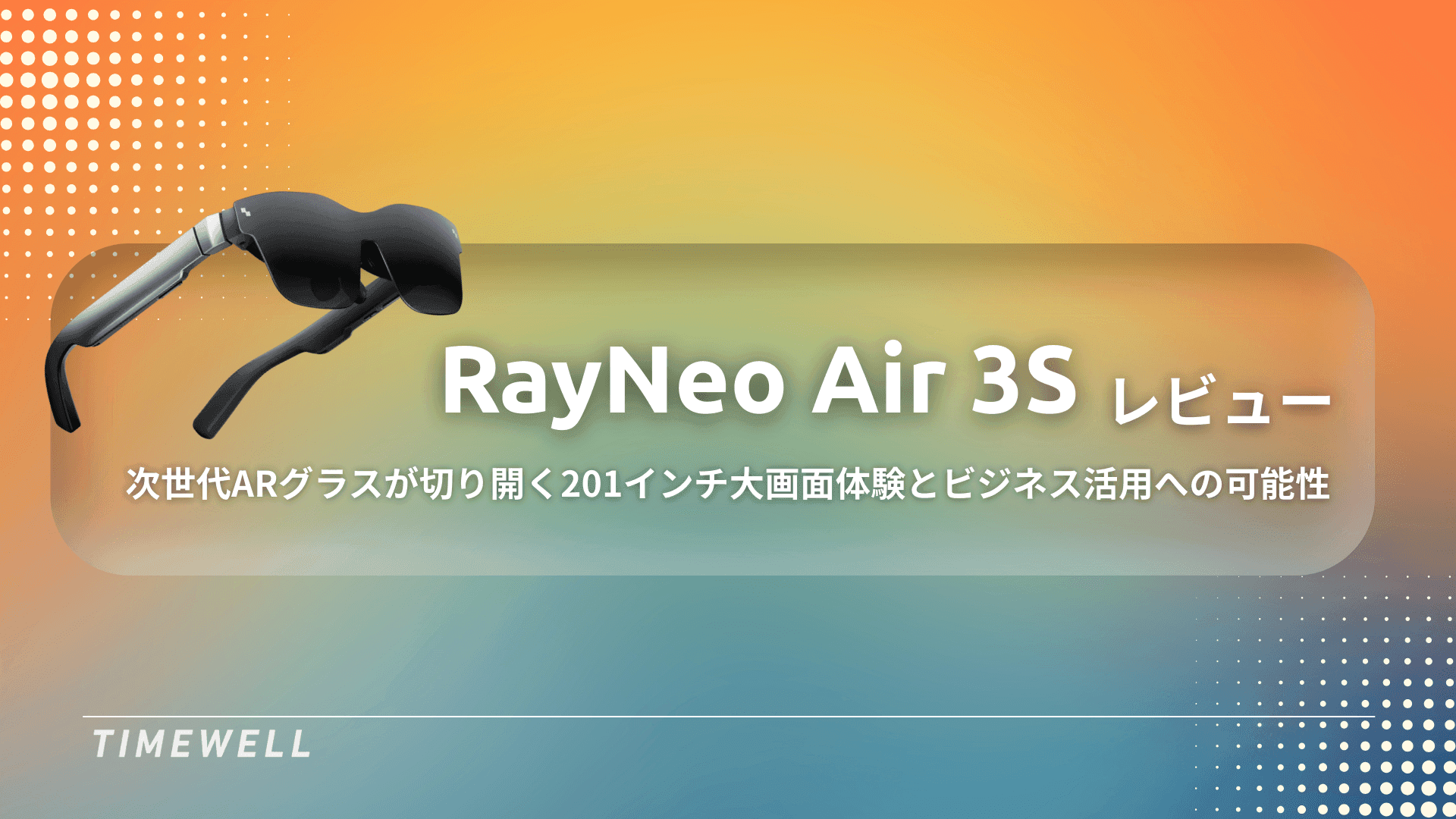
Not long ago, augmented reality glasses belonged to expensive enterprise deployments or research labs. The RayNeo Air 3S represents something different: a lightweight, stylish device designed for everyday portable use, delivering what the company describes as a 201-inch virtual screen experience from a form factor that resembles a slightly thick pair of sunglasses.
This review covers the hardware, connectivity options, use cases, and realistic limitations of the Air 3S — with particular attention to its performance as a travel companion and gaming display.
Hardware: light enough to forget you're wearing it
The Air 3S weighs almost nothing by the standards of display headsets. Most VR headsets feel substantial on the face; the Air 3S feels more like moderately thick sunglasses. This is intentional and architectural — major computing components (processor, battery) are offloaded to the connected device. The glasses themselves only need to handle display and audio, keeping the facial weight minimal.
Design details:
- Silver frame with a clean, understated aesthetic — does not announce itself as a tech device in public
- Hinge with a satisfying click-adjustment system allowing fine-tuning for individual head shapes
- Soft silicone nose bridge pads for extended wear comfort
- An insert frame for prescription lenses is included — take it to an optician for custom lenses
- Four built-in speakers (two per temple) for audio without earphones
- Whisper Mode reduces sound bleed when in public spaces
- Physical buttons on the temple for volume and mode switching
- USB-C connection via an L-shaped cable that routes neatly behind the ear
- Compact travel case included
The display uses a see-through design at the periphery — you can see your surroundings without removing the glasses, which is both practically useful (reaching for your drink, checking the seat next to you on a flight) and socially important for extended public use.
A 120Hz refresh rate and low-latency design ensure smooth motion for video and action games.
Smartphone connectivity: the simplest use case
Any USB-C smartphone supporting DisplayPort Alternate Mode (most recent iPhones and Android flagships) connects directly via the included cable. The screen mirrors immediately without any setup — plug in, and your phone's display appears as a large virtual screen in front of you.
The experience in practice: watching YouTube in a reclined position on a long flight, screen filling the field of view, with no neck strain from looking down at a phone. This is the core value proposition, and it delivers on it convincingly.
The limitation: your phone's battery drains faster with the display active. For multi-hour sessions, this is a real consideration.
Pocket TV: untethered streaming
The optional Pocket TV bundle addresses the battery problem directly. This Android TV-based device has its own substantial internal battery (estimated 6,000mAh+), built-in Netflix, YouTube, Amazon Prime Video, Disney+, and Wi-Fi connectivity. It operates independently of your phone entirely.
The Pocket TV has a physical navigation wheel and click buttons, making it operable by touch without looking at it — once you've learned the layout, you can control playback without breaking focus from the virtual screen.
A MicroSD card slot allows local storage for offline content. Power passthrough enables charging while in use.
When to use Pocket TV vs. phone:
- Long flight with limited charging access: Pocket TV
- Quick session where phone is the most convenient source: smartphone connection
- Streaming content you've downloaded: Pocket TV with MicroSD
Nintendo Switch + Joy Dock: the most impressive pairing
The Air 3S works exceptionally well as a display for Nintendo Switch. The Joy Dock accessory clips directly to the back of the Switch and accepts the Air 3S cable, eliminating cable management issues entirely.
The Joy Dock's most significant feature is its 10,000mAh internal battery — more than double the Switch's native battery capacity. A full gaming session on a long flight becomes realistic in a way it isn't with the Switch alone.
The experience of playing Mario Kart on a virtual 201-inch screen is meaningfully different from the Switch's 7-inch display. The review noted that the scale creates enough spatial presence that you instinctively lean into curves. The 120Hz display and low latency make fast-paced games feel responsive.
The ergonomic benefit is also real: normal portable Switch play puts your head down and your neck forward. With the Air 3S, your gaze is naturally forward and your posture relaxed. For multi-hour sessions, this difference is significant.
Realistic use cases
| Context | Value |
|---|---|
| Long flights | High — private screen, comfortable posture, no battery anxiety with Pocket TV |
| Hotel room | High — personal cinema experience without setting up a projector |
| Business travel / document review | Moderate — feasible, but not optimized for heavy text work |
| Commuting (train, bus) | Moderate — partial peripheral vision helps; not for standing or high-traffic situations |
| Gaming at home | High — significantly more immersive than handheld mode |
What it doesn't do
The Air 3S is not an Apple Vision Pro competitor. It does not run independent apps, track hand gestures, provide 6DOF spatial computing, or function as a standalone computing device. It is a display accessory — sophisticated, well-designed, and genuinely portable, but a display accessory.
The focus on media consumption and light gaming is deliberate. The result is a device that does those things very well at a fraction of the cost and size of full spatial computing headsets.
Summary
The RayNeo Air 3S is the best current answer to a specific problem: how do you get a large, immersive display experience in situations where a screen isn't practical? The hardware is genuinely lightweight and comfortable. The 201-inch virtual screen claim is real in the sense that matters — it feels large and cinematic. The ecosystem of connectivity options (phone, Pocket TV, Switch via Joy Dock) covers the most common use cases effectively.
For frequent travelers, mobile gamers, or anyone who watches a lot of content in contexts where a screen isn't available, the Air 3S is worth serious consideration.
Take AI-driven development all the way to production
WARP is a hands-on program for teams who want more than headlines. Former enterprise DX and data strategy leads work alongside you until it runs.
Streamline event operations with AI | TIMEWELL Base
Struggling to manage large-scale events?
TIMEWELL Base is an AI-powered event management platform.
Proven Track Record
- Adventure World: Managed Dream Day with 4,272 participants
- TechGALA 2026: Centrally managed 110 side events
Key Features
| Feature | Impact |
|---|---|
| AI Page Generation | Event page ready in 30 seconds |
| Low-cost payments | 4.8% fee — industry's lowest |
| Community features | 65% of attendees continue networking after events |
Ready to make your events more efficient? Let's talk.