This is Hamamoto from TIMEWELL.
Before You Can Enter: The Three Steps
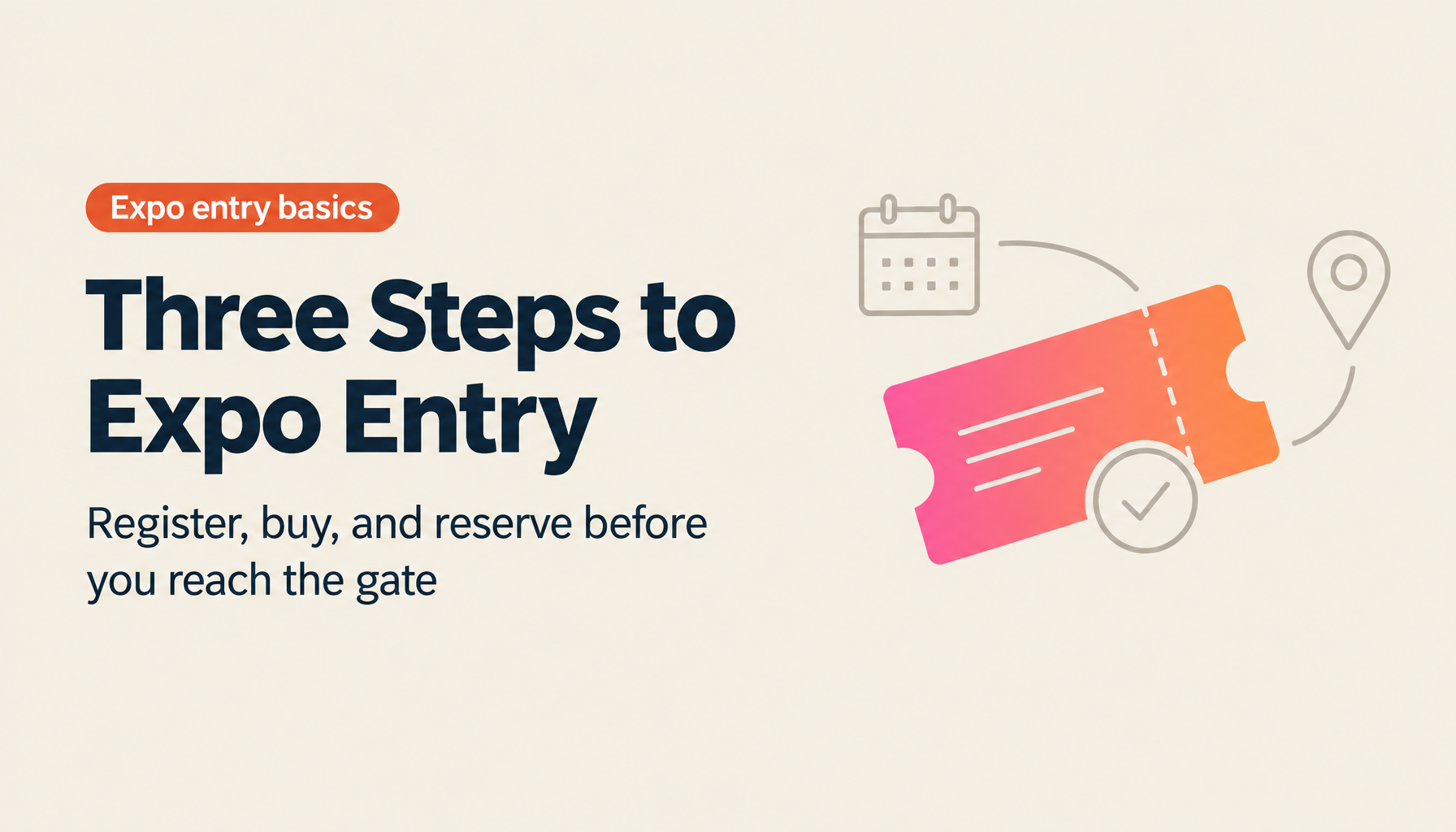
Attending Osaka Expo 2025 requires completing three distinct processes before you arrive at the gate: registering an Expo ID, purchasing a ticket, and completing a visit reservation with a specific date and entry window. Each step depends on the previous one.
- Expo ID registration: requirements, rules, and what to watch for
- Ticket purchase: types, pricing, group mechanics, and payment
- Visit reservation: date selection, gate choice, and changes
- Summary
Looking for AI training and consulting?
Learn about WARP training programs and consulting services in our materials.
Step 1: Expo ID Registration
The Expo ID manages your tickets, reservations, and point data across the full expo system. You cannot purchase a ticket or make a visit reservation without one.
The Terms of Service Requirement
On the terms of service screen, the "Agree" checkbox does not become active until you have scrolled to the bottom of the full text. This is by design. Incomplete scrolling is the most common reason visitors get stuck at this step.
Age Restrictions
Users aged 15 and under cannot register independently. A representative adult (16 or older) must register on their behalf. One adult can purchase and manage tickets for multiple family members under a single ID.
Registration Method: SNS Linking Recommended
New accounts can be created via email address, or by linking Facebook, LINE, or Google. Linking an SNS account is generally simpler to manage. If registering via email, set a password, note that the Expo ID must be under 20 characters and cannot duplicate your email address, and write both down immediately after registration.
After first login, enable biometric authentication (fingerprint or face ID) if available on your device.
Key points:
- Scroll to the bottom of the full terms of service before the agree checkbox appears
- Children 15 and under require proxy registration by an adult 16 or over
- SNS account linking is simpler than independent email+password registration
- Record your Expo ID and password immediately
Step 2: Ticket Purchase
Ticket Types
| Ticket Type | Period Applicable | Notes |
|---|---|---|
| Early Purchase Discount | Any date | ~¥800 cheaper than standard; best when visit date is confirmed |
| Opening Tickets | April 13–April 26 | First two weeks of the event only |
| First-Half Tickets | April–mid-July | Any day within the first half |
| Full Period Tickets | Any date through October 13 | Maximum flexibility |
| Convenience Store Day Tickets | Specific days only | Paper only; no early discount option |
For most visitors, the Early Purchase Discount ticket purchased online via Expo ID offers the best combination of price and flexibility. Convenience store tickets are limited to specific calendar dates and do not include the early purchase discount.
Group Purchase
One representative can purchase multiple tickets through their Expo ID. Tickets can be distributed to other members after purchase. If each person needs to independently manage their own reservations, they each need their own Expo ID — but the initial purchase can still be consolidated through one representative.
Post-purchase ticket transfer to another person's Expo ID is possible but requires exchanging account information in advance.
Payment Methods
- Credit card (online): Immediate completion; access to all ticket types
- Convenience store payment: A payment code is issued online; complete at a store within the payment window; results in a paper ticket with date restrictions
Important: You must be logged in to your Expo ID before clicking the purchase button. Clicking while logged out returns you to the login screen and restarts the process.
Step 3: Visit Reservation
A ticket alone does not grant entry. After purchasing, you must set a visit reservation — a specific date and entry time window.
Making the Reservation
From your MyTicket screen, tap "Reservation / Lottery" and select the tickets to reserve. Multiple tickets for a group can be reserved simultaneously.
A monthly calendar shows available dates color-coded by congestion: blue (available), red (full), yellow (high congestion expected). Navigate to your intended month, select a date, then select your entry gate.
Gate Selection
- East Gate — for visitors arriving by Osaka Metro Chuo Line (Yumeshima Station)
- West Gate — for visitors arriving by shuttle bus
This selection can be changed later without counting as a date change.
Entry Time Window
After selecting the gate, choose a time slot. Tap "Confirm Visit Date and Time." Your MyTicket screen immediately reflects the confirmed reservation.
Date Changes and Rules
- Standard tickets: up to three date changes permitted
- Changing the visit date cancels any pavilion or event lottery reservations already secured for that day
- Changing only the time slot or gate within the same day does not count toward the three-change limit and does not cancel pavilion reservations
- Season pass holders have unlimited date changes
Group Reservations
A single representative can make visit reservations for multiple tickets purchased under their account. If members have their own independently purchased tickets, each must complete their own reservation or authorize the representative to manage it.
Summary
The three-step process — Expo ID registration, ticket purchase, visit reservation — is the prerequisite for entry. Each step depends on the previous one being complete.
The most common problems: not scrolling to the bottom of the terms of service, purchasing convenience store tickets when online tickets are needed, and clicking the purchase button while logged out of the Expo ID. Once all three steps are complete, your MyTicket screen provides the QR code for gate entry.
Reference: https://www.youtube.com/watch?v=q0U7xML9s7U