Gemini 2.5 Pro for Business: PDF-to-WebApp, Deep Research, and Google Workspace Automation
What Gemini 2.5 Pro Does Differently
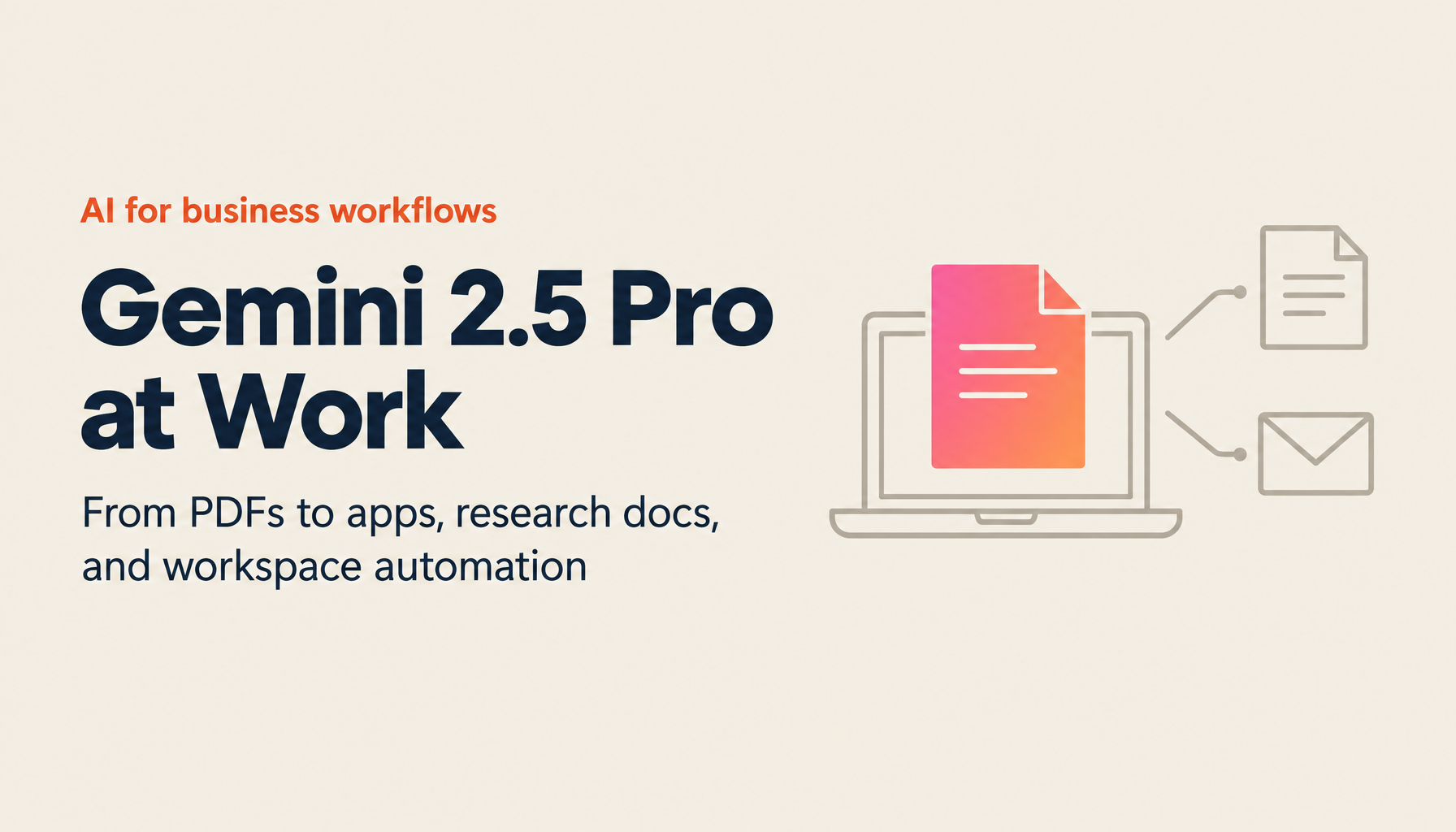
Most AI tools operate as standalone applications. Gemini 2.5 Pro is built into Google's existing infrastructure—Gmail, Google Docs, Google Sheets, NotebookLM, Google Drive—which means it doesn't replace existing workflows so much as accelerate them. The core capabilities covered here: generating interactive web applications from PDF documents, automated deep research with Google Workspace export, and email and spreadsheet automation directly within the apps where work already happens.
Looking for AI training and consulting?
Learn about WARP training programs and consulting services in our materials.
PDF to WebApp: Turning Static Reports into Interactive Tools
The Problem with Dense Reports
PDF reports get read once, filed, and forgotten. The information inside them—industry analysis, product documentation, training materials—has value beyond the initial reading. Gemini 2.5 Pro lets you extract that value by converting the report into an interactive application.
How It Works
The workflow demonstrated in practice:
- Use an AI-powered search tool (such as Perplexity) to identify relevant PDF reports on your topic—automotive industry trends, competitive landscape, technical specifications
- Upload the PDF to Gemini 2.5 Pro
- Enter a prompt: "Create a 10-question quiz-based learning app from this document"
- Gemini activates Canvas mode, processes the document visibly, and generates a functional interactive application
The output in tested examples was a quiz-based learning application where users answer questions drawn directly from the document. The format works for pre-meeting preparation, team knowledge sharing, or onboarding—any situation where you want people to engage with material rather than passively read it.
Why This Works at Scale
Gemini 2.5 Pro's large context window (capable of processing million-token inputs) means it doesn't lose content when working with long or complex documents. Comprehensive reports get comprehensive apps—not summaries of summaries.
Key advantages:
- Fully automated process from document import to working application
- Real-time progress visibility through Canvas mode
- Quiz format verifies comprehension, not just exposure
- Native integration with Google Docs and NotebookLM for further processing
Deep Research and Google Workspace Export
Automated Research to Document
Gemini's deep research function runs extended information gathering on a specified topic—similar to commissioning a research brief, but automated. The process:
- Select deep research mode
- Enter your topic ("Overview of Canva AI: evolution, current features, development roadmap")
- Wait several minutes while Gemini collects and organizes information from multiple sources
- Receive a structured document with headings, organized sections, and inline citations
The output exports directly to Google Docs, arriving as a well-formatted document rather than raw text. From there, it can feed into NotebookLM for further questioning and refinement.
NotebookLM Integration
The combination of Gemini deep research and NotebookLM creates a two-stage research workflow:
- Gemini deep research: Broad information gathering, organized into a structured Google Doc with source attribution
- NotebookLM: Import the Google Doc as a source, then ask specific follow-up questions, generate outlines, create audio summaries, or share the notebook as a team knowledge base
This addresses a common organizational problem: research is done, written up, then siloed in one person's Drive. NotebookLM turns the research document into a queryable resource anyone with access can use.
Citation and Fact-Checking
Deep research outputs include abundant citations—each claim linked to a source. This matters for business use cases where accuracy needs to survive scrutiny: client presentations, executive briefings, compliance documentation. The citations make fact-checking fast rather than relying on trust in the AI's output.
Google Workspace Automation: Email and Spreadsheets
Gmail: Automated Reply Drafts
Gemini integrates directly into Gmail through a dedicated button in the compose interface. Practical applications:
- Polite decline letters: Drafting a professional, context-appropriate rejection message for a vendor proposal or partnership inquiry—typically a task that requires careful wording—takes a prompt rather than 15 minutes of careful drafting
- Follow-up emails: Generate follow-up messages with relevant context from the email thread
- Client communication: Draft responses that match the tone and level of detail appropriate to the relationship
The model picks up context from the existing email thread, so drafts arrive with relevant specifics rather than requiring you to re-explain the situation.
Google Sheets: Spreadsheet Template Generation
In Google Sheets, Gemini generates complete spreadsheet templates from natural language descriptions. An example from demonstrated use:
Prompt: "Create a table to track workshop registrations and attendance numbers, with RSVP status and channel breakdowns (paid media, sales, referral) plus calculated totals"
Output: A complete spreadsheet with the requested columns, formula-driven totals, and a structure ready for immediate use.
This replaces the process of: opening a blank sheet, deciding on column structure, writing formulas, formatting for readability. Template generation arrives complete; users customize from there rather than building from scratch.
A planned capability (in development at the time of documentation): AI functions within spreadsheets to automatically categorize customer feedback data—classifying free-text responses into predefined categories using an in-cell AI formula.
What This Looks Like in Practice
A representative workflow for a consulting or knowledge-intensive business:
- Research: Use Gemini deep research to gather information on a client's industry; export to Google Docs
- Knowledge base: Import the Google Doc into NotebookLM; share the notebook with the team for Q&A
- Analysis: Upload client data spreadsheets to NotebookLM for structured analysis
- Deliverables: Use the PDF-to-WebApp function to convert a key report into a client-facing learning tool
- Communication: Use Gmail's Gemini integration to draft follow-up emails and status updates
Each step uses tools that many organizations already have. The productivity gain comes from connecting them through Gemini rather than switching between disconnected systems.
Honest Assessment
Strong capabilities:
- PDF-to-WebApp generation works well for educational and training applications
- Deep research produces well-organized output with genuine citation quality
- Gmail integration handles straightforward drafting tasks reliably
- Spreadsheet template generation from prompts is genuinely faster than manual construction
Current limitations:
- Deep research quality varies with topic specificity—precise, bounded topics get better results than broad exploratory questions
- The PDF-to-app function excels at quiz formats; other app types require more iteration
- AI functions in Sheets (feedback classification) were still in development and may require validation before production use
Summary
Gemini 2.5 Pro's value for business teams comes from its integration depth, not just its model capability. PDF-to-WebApp generation turns passive documents into interactive tools. Deep research automates the information-gathering phase of knowledge work. Google Workspace integration means email, documents, and spreadsheets work faster without leaving the applications where work already happens.
For organizations embedded in Google Workspace, these capabilities are accessible now—no new infrastructure required. The workflows described here represent current, demonstrated functionality, not roadmap promises.
Reference: https://www.youtube.com/watch?v=VqxiQNDCKtQ
TIMEWELL AI Consulting
TIMEWELL supports business transformation in the AI agent era.
Our Services
- ZEROCK: High-security AI agent running on domestic servers
- TIMEWELL Base: AI-native event management platform
- WARP: AI talent development program