This is Hamamoto from TIMEWELL.
iOS 18.4 Beta 2: What's New
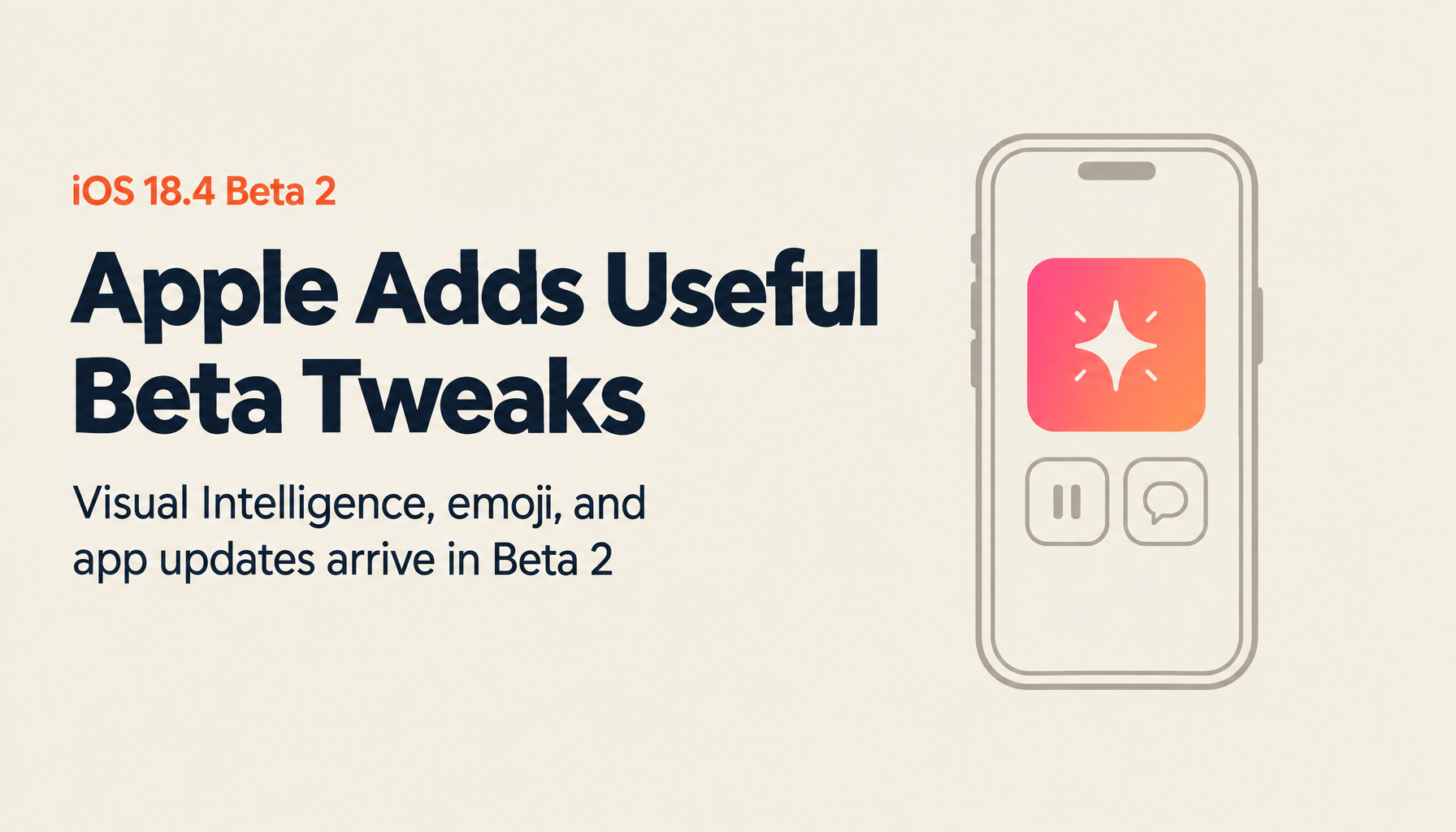
Apple released iOS 18.4 Beta 2 to registered developers on March 3, 2025. A public beta rollout is expected shortly after. The same release window includes Beta 2 for iPadOS 18.4, watchOS 11.4, macOS Sequoia 15.4, tvOS 18.4, HomePod 18.4, visionOS 2.4, and a second Release Candidate build for macOS 14.7.
Here's a breakdown of what's changed from Beta 1.
Update Size and Build Number
- Update size: 1.34 GB on iPhone 16 Pro Max (updating from Beta 1; varies by device)
- New build number: 22E5216H
- The "H" suffix in the build number suggests several more beta releases are expected before the final version
Visual Intelligence Toggle in Control Center
iOS 18.4 Beta 2 adds a new Visual Intelligence toggle to Control Center. Previously, Visual Intelligence could only be activated from the Camera Control button. This makes it available directly from Control Center—and also extends support to iPhone 15 Pro and iPhone 15 Pro Max.
Additionally, a Visual Intelligence option has been added to the Action Button settings in the Settings app, so iPhone 15 Pro series users can assign it to the Action Button for faster access.
A minor visual change: the glyph icon for the Productivity ambient sound in Control Center has been updated—the second checkbox icon that appeared on the right in Beta 1 has moved to the left in Beta 2.
Looking for AI training and consulting?
Learn about WARP training programs and consulting services in our materials.
Seven New Emoji
iOS 18.4 Beta 2 introduces seven new emoji. These can also be used as base assets for creating generative emoji.
App Store: Download Pause and Resume
The App Store download button behavior has changed. Previously, the only option during a download was to "stop" it entirely. In Beta 2, this becomes "pause," with a "resume" option appearing when paused.
Previously, users could only "pause download" by tapping the app icon itself—being able to pause and resume directly from within the App Store is a welcome improvement.
Mail App: Primary Category Description
The Mail app now includes a description for the Primary inbox category: "Find your most important messages in Primary, and keep everything else organized. Tap the three-dot menu for more." A quick option to turn off Primary is also accessible from the same location.
Photos App: Search Description Added
A "Find specific moments" description now appears next to search options in the Photos app. This introduces the natural language search capability to users who may not have discovered it—not a new feature, but a helpful prompt.
News+ Food Section: New Glyph Icon
The News+ food section received a new glyph icon next to "Food & Wine." The News+ app, which crashed frequently in Beta 1, is notably more stable in Beta 2. Recipe pages also show the three-dot menu more clearly (it blended into the background in Beta 1). A "More to Explore" section at the bottom of pages now shows categories like "Food," "Wine," and "Dinner" for easier content discovery.
Apple Vision Pro Companion App
A new companion app for Apple Vision Pro has been added to iOS 18.4 Beta 2—useful for Vision Pro owners. In visionOS 2.4 Beta 2, a new app called "Spatial Gallery" also appears on Vision Pro itself. Currently less feature-rich than the Apple Watch companion app, it provides tips including "Getting Started," "Fit and Care Basics," and a user guide. The main page displays content available to watch or experience on Vision Pro (Spatial Gallery, 3D movies, etc.).
Beta 2 also supports iPhone 16e, which could not install Beta 1.
Priority Notifications Improvements
In Settings > Notifications > Priority Notifications, users can now configure priority for all apps in bulk. In Beta 1, importance was automatically determined and apps were set as priority. Beta 2 lets users turn off priority notifications for apps they consider low-priority—Screen Time, Apple TV, and similar apps.
Performance and Known Issues
Overall performance in Beta 2 is good. The News and Music app crashes from Beta 1 appear to be resolved. Battery life shows no major issues. Release notes confirm a fix for lock screen notification flickering and layout problems.
Known issue: Some US Cellular users may experience Wi-Fi calling failures. The current workaround is to revert to iOS 18.3. Some Apple Intelligence features may also have issues when used in languages other than US English.
What's Next
The next release will be iOS 18.4 Beta 3. Post-Beta 2 releases are expected to move to a weekly schedule, though the week of the 17th is possible for Beta 3. If the weekly cadence holds, Beta 3 arrives the week of the 10th, with subsequent weekly releases putting the iOS 18.4 final release in the first or second week of April—subject to change based on any Apple product announcements planned this week.
Summary
iOS 18.4 Beta 2 brings meaningful stability improvements and several notable additions: Visual Intelligence in Control Center, new emoji, App Store pause/resume, Mail and Photos UI improvements, and a new Apple Vision Pro companion app. iPhone 16e support is a practical step toward broader coverage.
The April release timeline for the final version gives developers and testers a reasonable window to continue providing feedback.
Reference: https://developer.apple.com/documentation/ios-ipados-release-notes/ios-ipados-18_4-release-notes