The Demand for Operational Efficiency and Automation Is Accelerating
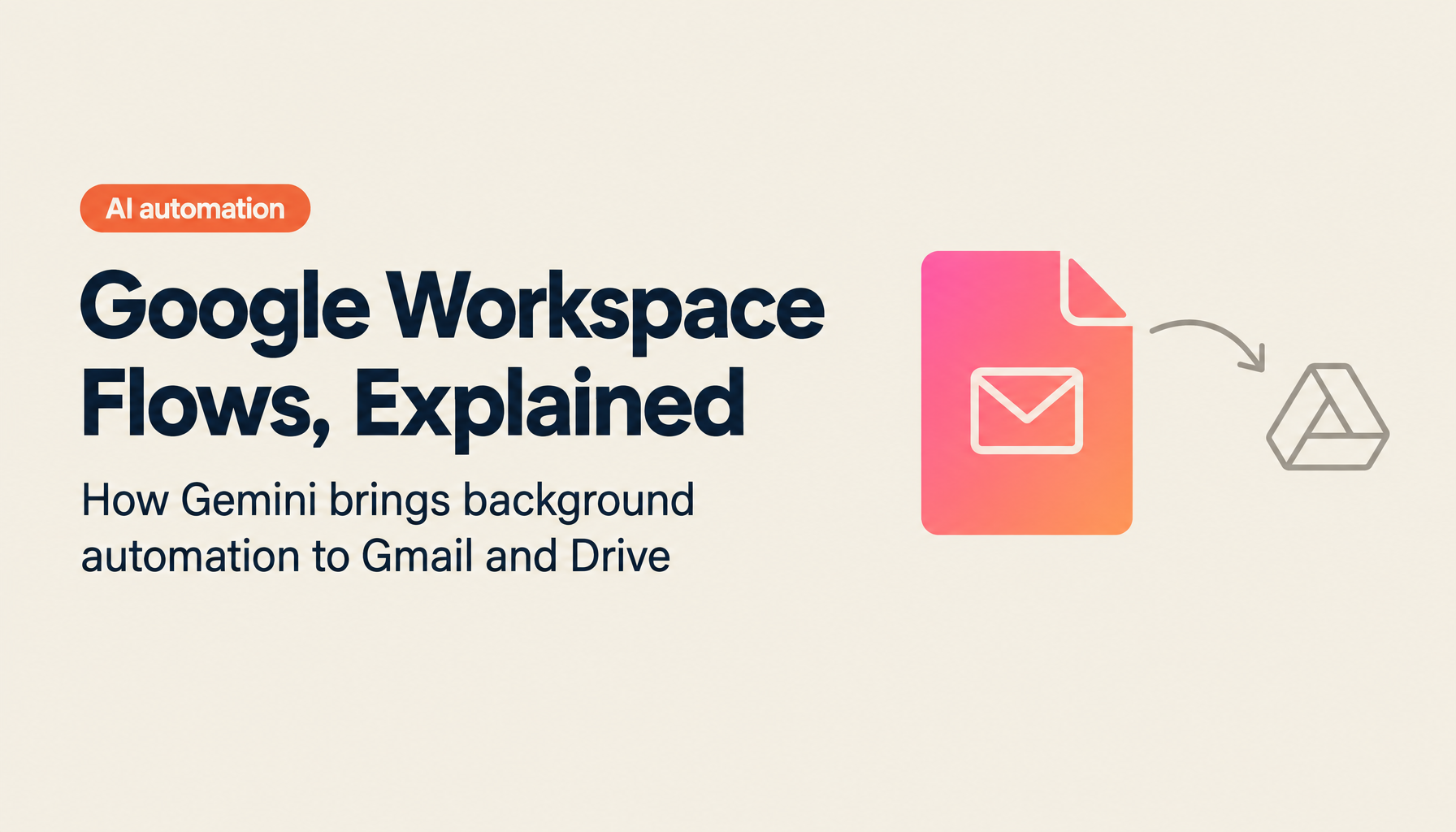
As the demand for operational efficiency and automation accelerates, a new tool has emerged that maximizes the full potential of Google Workspace. That tool is "Workspace Flows." Delivered as an alpha-stage feature by Gemini, this service aims to seamlessly connect Google Workspace tools — Gmail, Google Drive, Google Chat, Google Calendar, and more — and enable event-triggered automation. For example, when an important email arrives, AI can analyze the content and draft a reply. Images uploaded to Google Drive can be automatically transcribed and logged in a spreadsheet. By delegating parts of tedious work to AI, users are freed from repetitive tasks and can focus on what actually matters.
This article walks through real-world use cases to cover Workspace Flows' overview, how it works, how it differs from other automation tools, and what the future holds. It is useful reading for anyone interested in business automation or looking to get more out of Google Workspace. Understanding the potential for enterprise deployment and the surprisingly flexible system design behind this simple-looking tool will open up new ideas for how you work.
- What Is Google Workspace Flows? Features, Capabilities, and How It Works
- Automation Workflows You Can Use Today: Real Use Cases for Gmail and Drive Integration
- AI × Google Workspace: The Future of Automation and Extensibility
- Summary: The Value of Adopting Google Workspace Flows
Take AI-driven development all the way to production
WARP is a hands-on program for teams who want more than headlines. Former enterprise DX and data strategy leads work alongside you until it runs.
What Is Google Workspace Flows? Features, Capabilities, and How It Works
Gemini's Workspace Flows is a brand-new service that uses Google Workspace tools to support business automation for users. Because it is currently in alpha, some features are still in testing — but the potential is significant. At this stage, access is limited and administrator setup is required. A set of templates is also pre-built: for example, notification flows when an email arrives from an important contact, or templates that automatically process files when they are uploaded to a specific Drive folder. These ready-to-use automation patterns make it easy to get started with practical scenarios.
Workspace Flows operates by treating incoming emails, file additions, and similar events as "triggers" that kick off automated processing. For instance, AI can analyze an incoming Gmail message, determine whether it is genuinely important, and then decide whether to draft a reply — a workflow designed for actual business use from day one.
Workspace Flows also eliminates the need for manual data exchange between tools. Automation runs behind the scenes, centralizing data that tends to be scattered and enabling efficient operations. Everything from checking unread emails, automatically filtering spam and promotional messages, to sending auto-replies — all handled within Google Workspace with no development knowledge required. This user-friendly design makes the system highly accessible.
These features provide significant value for organizations and individuals who already rely on Google Workspace daily. When creating workflows, it helps to first review your own business processes and identify where automation would be most useful. First-time users who aren't sure "what to automate" will find that the pre-built templates make the automation flow easy to understand intuitively.
The system is not limited to email processing — image analysis and OCR, file content extraction, and many other types of processing can run simultaneously, attracting significant attention. For example, when an image is uploaded to Google Drive, AI can automatically convert it to text and log that content in a specific spreadsheet. This kind of automation dramatically cuts the time required compared to manual work. Another appealing characteristic is that automation runs in the background without any conscious effort from the user — AI processing helps users focus on the communications that actually matter.
The system is simple yet highly flexible, offering considerable customization potential — non-developers can add complex conditional branches or combine specific templates after the fact to build automation that fits their detailed business processes. This user-friendly design has earned high marks from many users.
Gemini's Workspace Flows is also frequently compared to other automation tools like N8N and Opal, and the distinctions are clear. Opal builds the input side as an application — users directly enter data to drive automation forward. Workspace Flows is different: processing runs automatically in the background. This means automation proceeds more naturally, with significantly less conscious effort required from users. Because the entire system operates within Google Workspace, compatibility with other tools is high, and integration with corporate security policies is straightforward.
The workflow creation process also allows users to experience firsthand how automation works through hands-on demonstrations. A concrete example that is highly useful for anyone starting with automation: incoming sales emails analyzed by AI, with automatic replies and labeling applied. Once users try a template, they can clearly see the parts of their workflow that can be automated — and then continue to refine and expand from there.
Gemini Workspace Flows represents a new era of automation within the Google Workspace suite, with enormous potential for operational efficiency going forward. Even at the alpha stage, the combination of rich templates and flexible workflow design makes practical automation achievable. Users who are initially unsure what to automate will find that provided templates make it easy for beginners to build their own workflows. And once in actual use, not only is the automation itself valuable — the ease of further adjustment and refinement is also a major draw. In the business environments ahead, adopting Google Workspace Flows will be a critical lever for saving time and improving productivity.
Automation Workflows You Can Use Today: Real Use Cases for Gmail and Drive Integration
Workspace Flows delivers its full effect when mapped to real business scenarios. Email management automation is one of the most representative use cases — enabling a system where users no longer have to handle each message manually, dramatically reducing daily operational burdens.
Workspace Flows automation goes beyond simple integrations. By combining with conditional branching (decide), it successfully automates more sophisticated decision-making processes. For example, when verifying email content and deciding the next action based on conditions like "is this urgent?" or "does this contain a specific keyword?", AI instantly evaluates the content and executes processing such as:
- Checking incoming email in detail and, for important messages, automatically drafting a reply, creating a draft, and sending a notification to a management tool
- For spam and unwanted sales emails, automatically applying a label and marking as read so the user's attention is not drawn to them
- After a meeting ends, integrating with Google Calendar to automatically generate meeting information and minutes, then sending them to Google Chat or other tools
These steps are designed to minimize user input, and are praised for requiring no complex configuration — intuitive to operate. These integrations also function as a high-security system that operates within Google Workspace, aligning with corporate security policies. One company reportedly automated daily workflows across multiple departments using this tool, resulting in increased team-wide productivity.
Compared to other automation tools, Workspace Flows shares similarities with tools like Opal in approach but differs significantly on the input side. Opal requires users to explicitly provide app input to drive automation, while Workspace Flows uses events from Google Workspace tools as triggers, processing things fully automatically without user input. For users who receive large volumes of email through Gmail daily, this is highly valuable — "unread," "read," and "starred" management happening automatically without any effort ultimately accelerates the pace of business significantly.
Workspace Flows also focuses its integrations on Google Workspace tools, making it the optimal solution for companies and organizations that manage information within Google Spaces. In environments where knowledge management and internal information sharing happen through Google Drive and Google Calendar, all data is centralized with AI automation running on top — improving work efficiency, information consistency, and preventing gaps. Visualizing the business process flow and then layering in customizations makes it possible to evolve the system into something more sophisticated over time.
AI × Google Workspace: The Future of Automation and Extensibility
Looking ahead to the future business environment, automation via Google Workspace Flows has the power to transform not just efficiency but the way work itself gets done. Gemini aims to remove the specialist knowledge and complexity that previous automation tools required, providing an environment where anyone can easily create automated workflows. The ability to handle not just email and file processing but also meeting minutes, chat notifications, and increasingly diverse business processes including Google Calendar and Meetings — flexibly and in real time — will be a major draw for business environments going forward.
One of the key characteristics of Gemini's technology is the idea of minimizing user input. Conventional automation tools required various manual inputs and detailed configuration, needing specialist knowledge. Workspace Flows, however, has AI running processing automatically in the background — users simply choose the starting event or template, with no need to memorize complex settings. Image analysis and OCR capabilities in particular have produced groundbreaking results in scenarios like automatically extracting text from uploaded image files and creating follow-up emails based on that information. Future expansion is eagerly anticipated.
Gemini's Workspace Flows is also attracting attention as a low-cost, high-capability automation tool. Beyond configuration and operation costs, the expected effects — daily time savings and error reduction — make it attractive from a cost-performance standpoint. While pricing has not yet been officially announced (details will be revealed in future updates), the ability to achieve sophisticated AI-powered automation is an enormous selling point. These cost advantages make it an accessible option for many small and medium-sized enterprises and sole proprietors as well.
As a future outlook, Gemini has strong potential for further evolution in the AI automation domain. Current Workspace Flows already incorporates mechanisms for using AI knowledge to make accurate judgments and proposals based on internal data — for example, automatically devising optimal reply text based on user-configured prompts and templates, enabling advanced functionality that goes beyond simple auto-reply. As these capabilities mature, more sophisticated automated workflows like "Ask Gemini" and "Gemini answers" are expected to spread widely, with significant improvements in corporate decision-making and process management anticipated.
The process of users learning by doing — actually working through demonstrations to understand capabilities — also serves to lower the barrier to technology. Initial voices of "I don't know what I can do with this" tend to dissolve once users try a template, revealing the parts of their workflow that can be automated. Then, as users continue to improve and expand from there, they can ultimately build a proprietary workflow unique to their organization. In this way, Gemini Workspace Flows is a system with the potential to transform not just individual task automation but the entire organizational business process — and it will continue to evolve.
The potential ahead is limitless. This automation tool within Google Workspace is designed to deliver increasing effectiveness and efficiency the more it is used, with more advanced features expected to be added in future updates. This will enable work that was previously done manually to be fully automated, freeing people to shift toward more creative tasks. Gemini Workspace Flows will undoubtedly become an essential tool in future business environments, continuing to evolve day by day and delivering new value and the joy of working to every user.
Summary: The Value of Adopting Google Workspace Flows
Gemini's Workspace Flows, as an automation system leveraging tools within Google Workspace, dramatically expands the potential for operational efficiency. From initial setup through conditional branching, AI-powered content generation, image analysis, and auto-reply — diverse automation managed in one place significantly reduces daily operational burdens.
Operating entirely within Google Workspace means excellent security and data management, directly contributing to company-wide information sharing and process efficiency. The design that allows automation to proceed without fine-grained user input is also a major strength.
If you are seriously considering moving forward with operational efficiency and automation, Google Workspace Flows is well worth evaluating. Combining AI and automation tools will fundamentally change how work gets done going forward.
Three key points from this article on business automation:
- Automatic management of email, files, meeting information, and more through integration of tools within Google Workspace
- Conditional branching and content generation powered by AI enables automatic responses and notifications with minimal input
- Intuitive templates make it easy for beginners to automate entire business processes
Gemini Workspace Flows is an automation tool that maximizes Google Workspace environments and powerfully supports operational efficiency. Future updates are eagerly anticipated — this is set to become an indispensable presence in the way work gets done going forward.
Source: https://www.youtube.com/watch?v=efYC3T9_lcI
Streamline Event Management with AI | TIMEWELL Base
Struggling to manage large-scale events?
TIMEWELL Base is an AI-powered event management platform.
Proven Results
- Adventure World: Managed a Dream Day event with 4,272 attendees
- TechGALA 2026: Centrally managed 110 side events
Key Features
| Feature | Benefit |
|---|---|
| AI Page Generation | Event page ready in 30 seconds |
| Low-Cost Payments | 4.8% transaction fee (among the lowest in the industry) |
| Community Features | 65% of attendees continue engaging after the event |
Feel free to reach out to discuss how we can make your event operations more efficient.
Related Articles
- Accelerating Growth in the AI Semiconductor Market: Latest 2026 Trends and Strategies from TSMC and NVIDIA
- ElevenLabs 2026: Valuation Reaches $11 Billion, ARR Surpasses $330 Million, Dominating the Voice AI Market
- From 2026 to 2027: The Reality of AGI's Arrival, Anthropic CEO Confident It's "Within a Few Years"