AI and Google/Gemini: Image Generation Roundup
This article combines one related piece into a single guide.
Looking for AI training and consulting?
Learn about WARP training programs and consulting services in our materials.
Table of Contents
Google AI Studio's New Feature: Image Variations and Natural Video Generation
AI image generation has been advancing rapidly, but one limitation has persisted: most tools excel at generating images from text, but struggle when you want variations of a specific existing image—particularly for consistent character renderings across multiple angles.
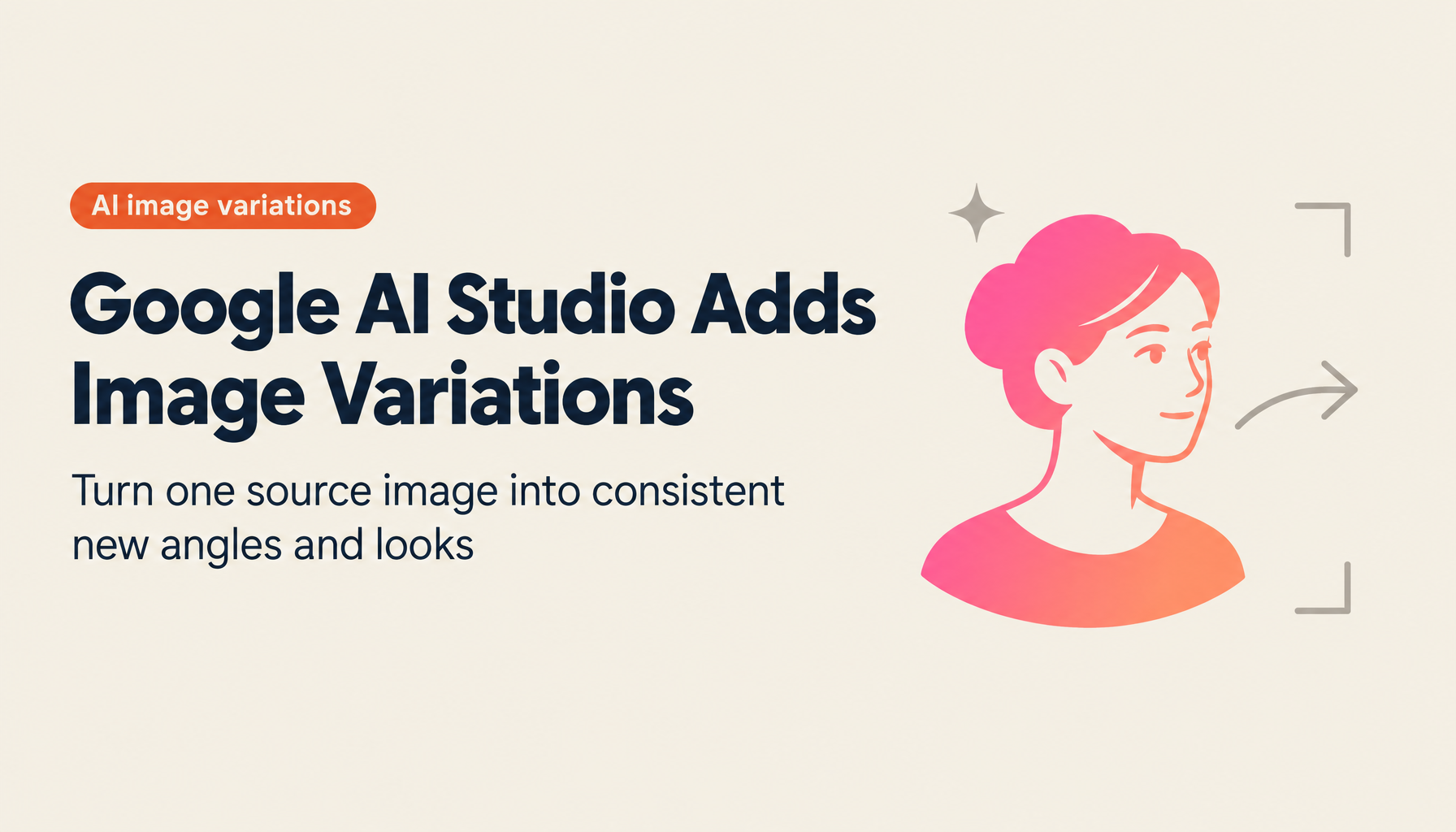
Google AI Studio's Flash Experimental model addresses this directly. With it, you can take a single source image and generate variations that change the angle, hairstyle, outfit, or other specific attributes—while maintaining the subject's identity and visual consistency.
The Evolution of AI Image Generation
AI image generation has been transformed by deep learning advances over the past several years. The introduction of GANs (Generative Adversarial Networks) enabled more photorealistic outputs. The development of large language models brought text-to-image capabilities that allow users to describe what they want in natural language. Google AI Studio's new feature extends these capabilities into image-to-image transformation with fine-grained control over specific attributes.
What Google AI Studio's Flash Experimental Can Do
The new capability allows users to provide one input image and generate multiple variations:
- Front view → side profile or rear view
- Change hairstyle (e.g., long to short, different color)
- Change outfit while maintaining facial consistency
- Generate different angles for illustrated characters and anime
For creators who need multiple perspectives of a single character or subject, this eliminates the need to recreate from scratch each time.
How to Use It
The workflow is straightforward:
- Open Google AI Studio and log in to your account
- Click "Models" in the upper right and select "Flash Experimental"
- Change the "Output Format" to "Image & Text"
- Upload the source image you want to modify
- Type your variation instruction in the text field (e.g., "back view," "short hair," "wearing a blue jacket")
- Click "Run" to generate the variation
The model maintains the core visual identity of the subject while applying the requested change. Results are high quality, though—as with all image generation AI—not every output will be exactly what you intended. Plan on iterating through a few runs.
The feature works on both photorealistic images and illustrated/anime characters, which expands its usefulness for creative work considerably.
Practical Applications
Illustration and manga production: Character designers typically spend significant time creating characters from multiple angles. This feature can generate front, side, back, and three-quarter views from a single reference image, reducing production time substantially.
Animation: Animation requires many frames representing a character in different positions. This feature can assist in generating in-between frames and alternative poses from keyframe references.
Game character design: Games require character assets from multiple angles. Starting from a single front-facing design, you can generate the side and back views needed for the full character sheet.
Fashion design: Designers exploring variations of a garment design can generate alternatives with different colors, patterns, or details without redrawing from scratch.
Combined with AI video generation capabilities, this feature opens up a path toward short animated sequences generated from minimal source material—a subject that had previously required extensive frame-by-frame production work.
Summary
Google AI Studio's Flash Experimental model brings a genuinely useful new capability: creating consistent image variations from a single source. For illustrators, character designers, game developers, and fashion designers, the ability to generate multiple angles and variations of the same subject—while maintaining visual identity—removes a significant production bottleneck. Like all AI tools, it requires iteration, but the output quality represents a meaningful step forward in AI-assisted creative production.
Reference: https://www.youtube.com/watch?v=Kh1iP-ayfPs
TIMEWELL AI Consulting
TIMEWELL supports business transformation in the AI agent era.
Our Services
- AI Agent Implementation: Business automation leveraging GPT-5.2, Claude, and Gemini
- GEO Strategy Consulting: Content marketing for the AI search era
- DX and New Business Development: Business model transformation through AI