Google's Free AI Mixboard: A New Standard for Idea Generation
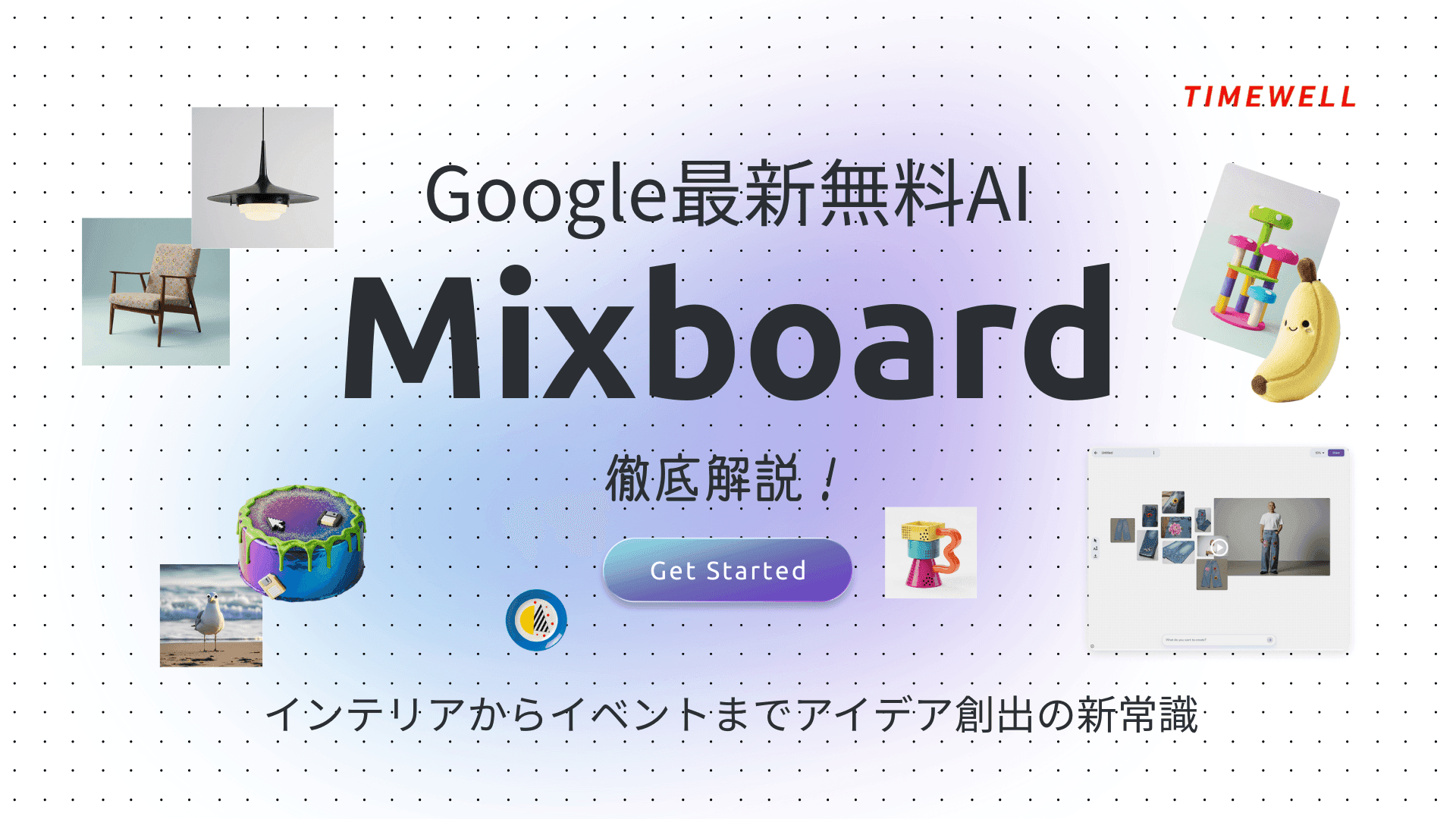
Recent years have seen AI tools advance rapidly, and Google's free AI offering Mixboard has attracted attention for the combination of capability and accessibility it brings to creative work. Mixboard lets users build moodboards from their own preferences and generate original composite images by freely combining multiple photos and concepts.
One demonstration involved upcycling ideas for jeans: a floral design image and a denim photo were combined with a person's photo to produce a coordinated outfit image that looked as though an actual model were wearing the finished piece.
Because Mixboard is free, it has practical applications across a wide range of users — professional designers, independent creators, event planners, and interior designers among them. The tool integrates with Google's broader AI ecosystem, including Gemini, NotebookLM, and Nano Banana, opening up diverse generation possibilities. While Mixboard has not yet been officially released in Japan at time of writing, it can be accessed from within Japan via VPN — making it an available tool for anyone willing to take that step.
This guide covers Mixboard's core features and operation, specific demonstration cases for interior design, and a wedding planning walkthrough.
- Core features and how Mixboard works
- Interior design applications with concrete examples
- Event planning use case: wedding design
Take AI-driven development all the way to production
WARP is a hands-on program for teams who want more than headlines. Former enterprise DX and data strategy leads work alongside you until it runs.
Core Features and How Mixboard Works
Google's free AI Mixboard is built around intuitive, flexible moodboard and composite image creation. The opening screen presents a "New Project" button — click it, enter a theme for what you want to create, and the tool immediately generates a range of visual ideas. In the demonstration, the keyword "Halloween party" was entered, and a range of Halloween items, decorations, and themed objects were generated through Nano Banana. The process of moving from prompt to generated images to the next editing step was smooth and fast.
The interface is simple and supports Japanese. Once images appear on screen, five operation buttons are available on the left side:
- Regenerate — Produces a different variation based on the selected image
- More alike this — Generates several additional images maintaining the same concept as the selected one
- Remove background — Automatically strips the background from the target image, simplifying later editing
- Duplicate — Copies an image you've decided to keep
- Download — Saves the finished image to your device
Mixboard's value isn't in generating images and using them as-is — it's in the ability to customize and refine after generation. The demonstration showed users selecting from multiple generated images, combining them with other images, and merging them into a single composite.
In the Halloween demo, multiple Halloween item images were generated, then combined through a compositing step to produce a single table setting image. This process dramatically reduces the manual work that conventional image editing software requires for complex compositions — a genuinely transformative shift for creative workflows.
Mixboard also supports uploading a person's photo and blending that person naturally into generated image content. The output looks as though the subject was photographed within the new environment — practical for advertising and promotional material.
The key to getting strong results is specificity in prompts. The more precise the input, the more closely the generated output matches what the user has in mind. The background removal feature further improves composite quality by producing clean cutouts, and the duplicate function enables multiple copies of a good image for final arrangement and layout work.
The tool's accessibility is also notable. Selecting, regenerating, and compositing images is intuitive enough that users without design backgrounds can produce moodboards and design concepts that match professional-quality work. VPN access is currently required for use from Japan, and some portraits may not be recognized accurately — both limitations that future updates are expected to address.
Interior Design Applications
In interior design, translating a client's vision into concrete visuals is one of the most time-consuming parts of the work. Mixboard changes that calculus significantly.
The demonstration introduced a design case built around a "Japan-style living room" theme. The workflow began with listening carefully to a client's preferences, then entering specific prompts to match: "Japanese style living room," "bright natural light," "oak furniture," "houseplants," "neutral colors." The level of specificity in the prompts determined how accurately the generated images reflected the concept — and Mixboard generated a range of options immediately.
Multiple images appeared at once, allowing the designer to select the most suitable ideas and add text descriptions to build a final proposed layout. The demonstration showed multiple interior elements — TV cabinet, sofa, lighting, cushions, plants — arranged in a balanced, naturally cohesive layout. The advantage over sketching or hand-drawn ideation is immediate: multiple variations can be visualized and compared in the time it would previously have taken to produce a single sketch.
Client-supplied photos of preferred pieces (a sofa, a rug) can be uploaded and incorporated directly into the concept image. Specifying a placement instruction — "position the sofa by the window" — produces an image where the uploaded piece integrates naturally with the AI-generated environment. The demonstration showed how swapping and duplicating sofas and rugs within a generated layout, then making incremental refinements, produced a progressively more accurate representation of the intended space.
Key advantages for interior design work:
- Specific prompts yield images that faithfully reflect the intended concept
- Multiple images can be combined to visually simulate actual room layout
- Client preference photos and AI-generated designs can be compared side by side, streamlining final decisions
These capabilities compress what previously required multiple rounds of sketching and model-making into a single iterative session. AI-generated suggestions for new patterns and layouts stimulate the designer's own thinking in the process, often surfacing design directions that wouldn't have emerged otherwise.
Text annotations can be added to each design proposal — labels like "Living room concept" or "Bedroom coordination" — making the full project legible at a glance and usable as presentation material for client meetings.
Event Planning Use Case: Wedding Design
For weddings and events, consistent venue decoration and concept coherence are critical. Mixboard is equally well-suited to this domain.
The demonstration created a concept board for a friend's wedding using a "country and rustic" design direction. Keywords entered included: "outdoor wedding party in lush greenery," "white and green color palette with warm wooden rustic atmosphere," and "seasonally appropriate decorations." The detailed prompts produced images from Nano Banana alongside actual venue reference images, generating multiple proposals on screen.
The generated images were organized by category — tableware, overall decoration — and individual items were positioned and balanced to produce a concrete visual close to the actual event experience. The planner then selected preferred images, organized them by item category (tableware, cake, invitations, overall decoration), and assembled a final balanced concept image.
This kind of visual during a client consultation allows concrete shared understanding of what the event will look like — a significant improvement over verbal descriptions or rough sketches. Multiple images combined produced a realistic simulation of invitation design, venue lighting placement, and other elements that are difficult to communicate abstractly.
Mixboard provides flexible adjustment throughout the process. Selecting an image and using "More alike this" generates similar variations for direct comparison. When layout issues arise — positioning not working as intended — the duplicate and regenerate buttons allow immediate correction. Text input can add explanatory notes to each section, producing a presentation-ready document that makes the planner's intent clear and supports client decision-making.
The demonstration also showed actual venue photos being combined with AI-generated wedding imagery to simulate how the space would look with guests present or the couple taking commemorative photos — a level of visual reality that traditional moodboards can't approach.
Summary
Google's free AI Mixboard gives a wide range of users — from beginners to professionals — a tool for turning creative ideas into visual form with minimal friction. Core operations work through simple prompt input, image selection, regeneration, background removal, and duplication to produce complex composites intuitively.
In interior design, Mixboard reproduces Japan-style living rooms and furniture arrangements naturally, proposing designs aligned with client requirements. For event and wedding planning, it integrates venue decoration, lighting, and invitation design into a coherent visual whole. Some operational limitations and occasional image rendering issues exist, but future updates are expected to improve usability further.
Overall, Google AI Mixboard brings a level of freedom and creative efficiency that conventional design tools don't offer. A simple interface with intuitive controls means users without specialist knowledge can find new possibilities across a wide range of fields. As a tool for bringing your own creative vision to life, it's worth trying — and the fact that it's free removes the barrier to entry entirely.
Reference: https://www.youtube.com/watch?v=J4AR22RcjBQ
Streamline Event Management with AI | TIMEWELL Base
Struggling to manage large-scale events?
TIMEWELL Base is an AI-powered event management platform.
Track Record
- Adventure World: Managed Dream Day with 4,272 attendees
- TechGALA 2026: Centralized management of 110 side events
Key Features
| Feature | Benefit |
|---|---|
| AI Page Generation | Event pages ready in 30 seconds |
| Low-Cost Payments | 4.8% transaction fee (among the lowest in the industry) |
| Community Features | 65% of attendees continue networking after events |
Feel free to reach out to discuss streamlining your event operations.