From TIMEWELL Inc. — Hamamoto
This is Hamamoto from TIMEWELL Inc.
Looking for AI training and consulting?
Learn about WARP training programs and consulting services in our materials.
Claude's Long-Awaited Upgrade Could Change How You Work
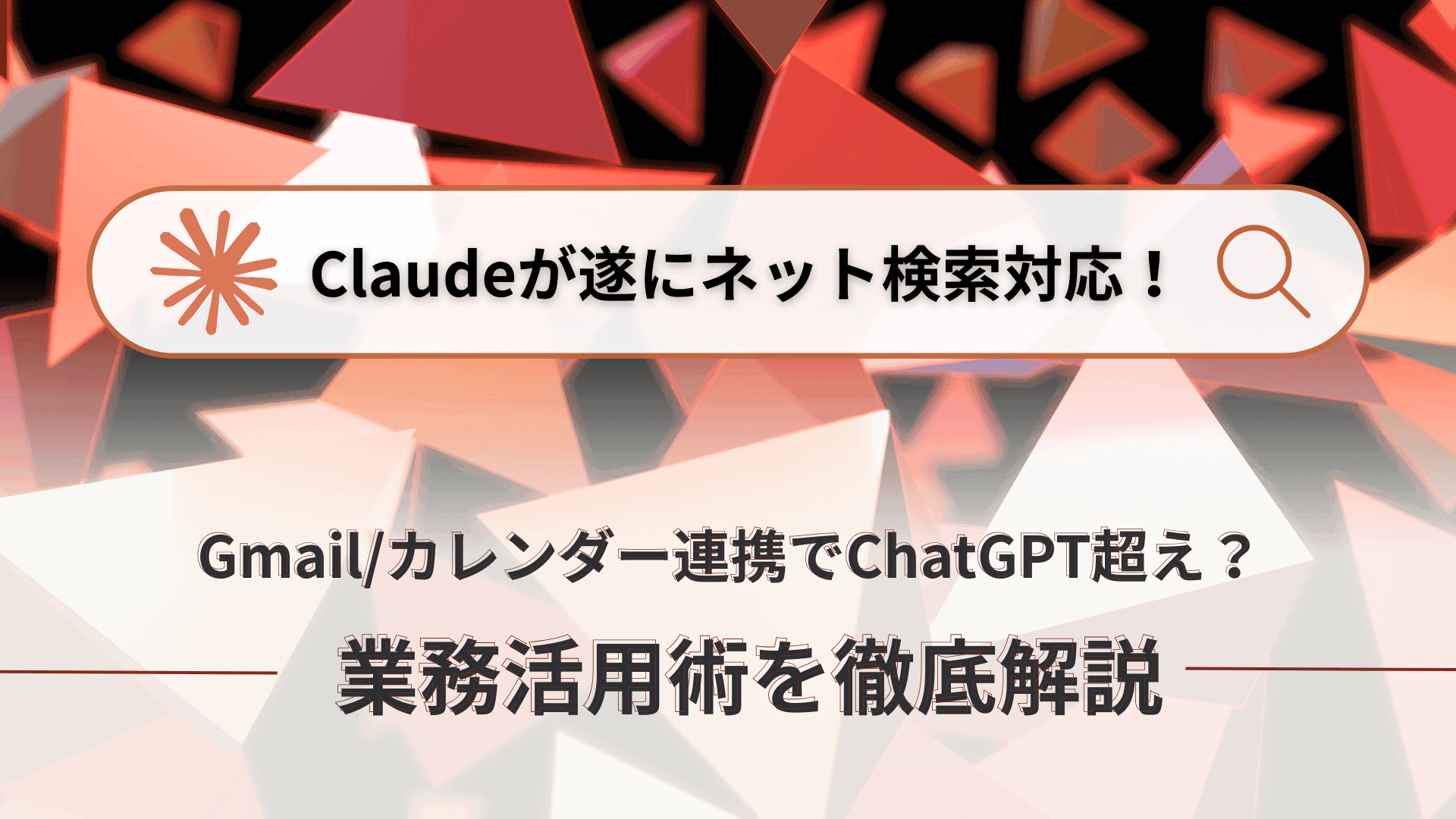
The generative AI landscape evolves by the day, and one of the most closely watched players is Anthropic's Claude. Long praised for its superior writing and coding capabilities, Claude has now received two highly anticipated features: native web search and Gmail/Google Calendar integration. Some are already saying it may have finally surpassed ChatGPT. With these additions, what was once Claude's only real weakness — limited access to real-time and personal information — has been addressed, opening up near-unlimited possibilities for business use.
This article covers Claude's new features in depth, including concrete business use cases and ready-to-use prompt examples that you can apply to your work starting today.
Claude's New Era: Web Search, Gmail and Calendar Integration, and What It All Means
Web Search — The Feature Users Had Been Waiting For
Many AI users have long awaited a native web search feature in Claude. The model's core language capabilities — powered by Claude 3.7 Sonnet — have always been exceptional: excellent writing, summarization, and coding, plus the popular "Artifacts" feature for previewing generated content like infographics and proposals. However, Claude's one notable limitation was its inability to access real-time internet information. Asking about recent news or the latest company updates often produced inaccurate or outdated results.
To work around this, users previously had to connect Claude to external search tools like Brave Search or Exa via MCP (Model Context Protocol). But that was a workaround, not a native solution — and users wanted more.
Now, Claude has native web search built in. Activating it is simple: click the globe icon (Web Search) next to the chat input field. With one click, Claude can reference internet information and generate answers accordingly. The feature is currently available in beta for paid plan users (Pro and Team), and after rolling out first in the United States, United Kingdom, and Brazil, it's now accessible in Japan and many other countries.
How Good Is the Search Quality?
To test it, we asked: "Tell me about the most talked-about AI news from the past week." Claude ran a web search, referenced multiple sources, listed around 10 major recent AI news items, and summarized them clearly. The accuracy was impressive — ChatGPT's memory feature going broadly available, Meta's Llama 3.1 model launch, Google's Firebase Studio announcement — all current, relevant, and precisely captured.
What stands out is that Claude cites its sources. Each news item includes a link to the referenced article, so users can click through to verify information and read further. This also meaningfully reduces the risk of hallucination — one of generative AI's persistent weaknesses.
Claude's Artifacts feature also shines here. After asking Claude to search recent news, you can follow up with "Display these as slides," and Claude immediately structures the search results into a presentation in the Artifacts panel — with news titles and summaries on each slide, ready to share as a briefing document. While ChatGPT offers similar functionality (e.g., through Canva integration), Claude's Artifacts feature provides particularly seamless and powerful previewing and editing for code generation, data visualization, and quick document creation.
In short, Claude's native web search isn't just "now it can search the internet." It delivers impressive accuracy, clear citations, and deep integration with existing features — positioning it as a genuine transformation in how business professionals gather and use information.
Gmail and Google Calendar Integration — Claude Evolves Into a Personal Assistant
Claude's evolution doesn't stop at web search. The other major addition is Gmail and Google Calendar integration, which allows Claude to read your personal email and schedule data and take action based on it. This is an upgrade that meaningfully elevates Claude's role as a personal assistant.
To enable it, click the globe icon (Web Search) in the chat input, select Google Drive from the menu, and then connect Gmail and Google Calendar from the Connect Google Drive option. Google Drive document access is included as well. This feature is also available in beta for paid plan users.
Once connected, Claude can read your Gmail content and Google Calendar events, answer questions about them, and execute instructions. Here are some examples of what becomes possible:
- "Tell me about the most important emails I've received recently" — Claude scans your Gmail and summarizes emails it considers significant, helping you avoid missed messages and quickly prioritize what needs your attention. It can even read the body of emails containing meeting notes and summarize what was discussed.
- "Are there any tasks from this week's emails that still need a response?" — Claude analyzes email content, identifies requests and deadlines, and lists items that may still need your attention.
- "Review my current calendar and tell me what's inefficient or how I could improve my time use" — Claude can identify patterns such as back-to-back meetings, concentration of meetings on certain days, or potential redundant meetings, and offer specific suggestions for improvement.
Meeting Prep Automation
One standout use case: "Check tomorrow's meetings on my Google Calendar, search for related past Gmail conversations, and create a pre-meeting briefing for each one." Claude identifies tomorrow's meetings from the calendar, finds and summarizes relevant past email threads, and generates a ready-to-use briefing document — dramatically reducing prep time and improving meeting quality.
On security, Anthropic states high standards for user data protection. As a beta feature there may be occasional errors, but even accounting for that, the productivity impact of this integration is substantial. For professionals who live in Google Workspace, Claude has evolved from an AI chatbot into a powerful personal assistant that supports your actual daily work.
Practical Techniques and Prompt Examples for Claude's New Features
Claude's web search and Gmail/Calendar integration are powerful on their own, but combining them enables even more sophisticated workflows. Here's a breakdown of practical prompts and approaches.
Web Search: Best for Capturing Real-Time Information
- Catching up on AI news: "Tell me the latest AI-related news. I'm particularly interested in [topic, e.g., large language models, image generation]."
- Market and competitive research: "Research the latest trends in the [industry] sector and summarize key player activity."
- Pre-sales company research: "I'm visiting [Company X] for a sales meeting. Please search for their recent press releases, business overview, and leadership information."
Gmail Integration: Streamlining Email-Related Tasks
- Important email triage: "List emails from the past 3 days that I should reply to or that contain important tasks."
- Thread summarization: "Summarize the recent email thread about [Project X] and tell me the key decisions made."
- Task extraction: "Based on my email content, identify and list the tasks I need to handle this week."
Google Calendar Integration: Optimizing Schedule Management
- Schedule analysis and improvement: "Analyze my calendar for next week and suggest ways to use my time more efficiently, especially where meetings are clustered."
- Finding meeting slots: "I want to schedule a one-hour meeting with [person]. Please find three available time slots for tomorrow or the day after."
Combining All Three for Maximum Impact
The highest-value use case combines all three features. For example:
"Check my Google Calendar for tomorrow, list all scheduled meetings, then search Gmail for relevant past exchanges — especially agenda items, decisions, and attendee emails — and run web searches for current information related to each agenda topic. Synthesize all of this into a concise pre-meeting briefing document for each meeting."
Running this prompt has Claude pull tomorrow's meetings from your calendar, search Gmail for related past exchanges, gather current web context, and deliver a meeting-ready briefing — all in one go. This automates what used to take significant human time: gathering, organizing, and summarizing information. It's a genuine revolution in meeting preparation.
You can also ask Claude to generate ideas itself. For example, paste an article about Claude's new features and ask: "Using these new features (web search, Gmail, Calendar), propose 10 genuinely useful business applications at consultant-level quality. First in text, then as 16:9 slides." Example outputs include:
- Automated competitive analysis: Collect competitor updates via web search, compare against internal company data
- Client meeting efficiency: Pull meeting details from Calendar, search past Gmail exchanges for context, and prep summaries
- Personalized news digest: Collect topics of interest via web search, connect to Gmail content and Calendar events for daily optimization
What Matters Most
More important than memorizing prompt templates is developing clarity about what you want to achieve and what information you want Claude to use (web, Gmail, Calendar) and what cognitive process to execute (analysis, comparison, summarization, recommendation). Ask Claude directly: "For my role as a [salesperson, marketer, developer], propose five ways to most effectively use these new features."
Claude's web search and Gmail/Google Calendar integration aren't minor feature additions — they represent a potential transformation in how we work. Real-time information access, combined with personalized email and schedule data, makes Claude a more powerful business partner than ever before. Of course, AI is not infallible and final judgment always rests with humans — but for professionals willing to learn how to use it effectively, Claude's latest capabilities represent a genuine competitive advantage.
Reference: https://www.youtube.com/watch?v=U210vyrphZY