From Ryuta Hamamoto at TIMEWELL
This is Ryuta Hamamoto from TIMEWELL Corporation.
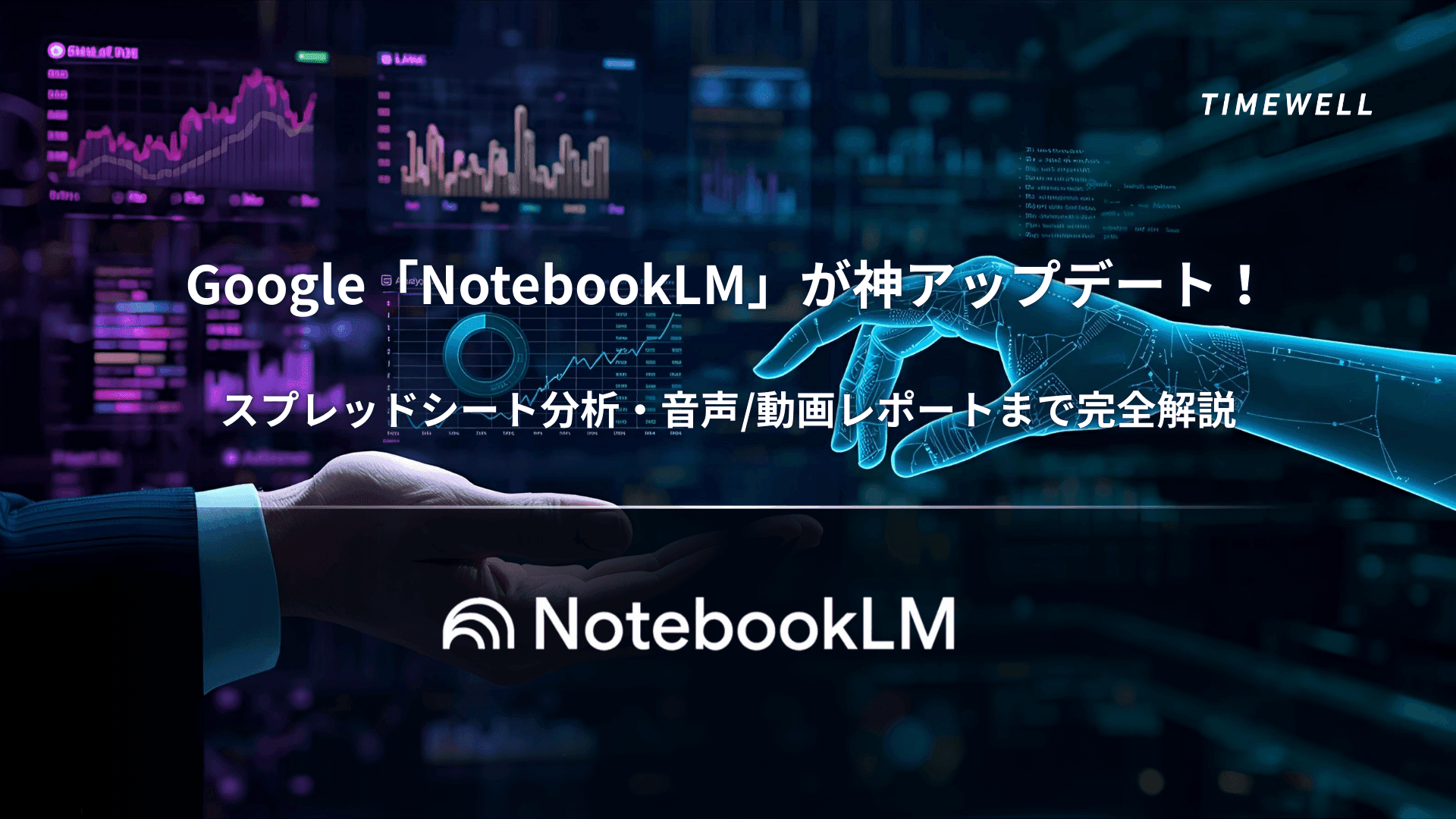
In 2026, Google NotebookLM has evolved from an "AI research tool" into a personal AI learning platform. Powered by Gemini 3 Flash, a 50-page technical manual can be converted into a 20-minute Lecture Mode audio in under 45 seconds. Video Overview (80 languages), Learning Guide (AI tutor), quiz and flashcard generation — the learning support feature set has expanded substantially.
This article covers NotebookLM's 2026 updates, a competitive comparison, and practical applications for business and education.
NotebookLM 2026: Current State
| Feature | Details |
|---|---|
| AI Model | Gemini 3 Flash |
| Audio Overview | Deep Dive, Brief, Critique, Debate, Lecture (30 min) |
| Video Overview | 80 languages, auto slide generation |
| Learning Guide | AI tutor functionality |
| Generation Speed | 50 pages → 20-min audio in under 45 seconds |
| Upcoming | Voice Cloning (late 2026), British English voice |
| Source Types | PDF, Google Docs, Sheets, YouTube, websites |
Gemini 3 Flash: The Speed Upgrade
Performance improvements:
- 50-page technical manual → 20-minute Lecture Mode: under 45 seconds
- Same material → 5-minute Executive Brief: under 30 seconds
- Chat quality: 50% improvement
- Context window: 4x expansion
- Conversation memory: 6x longer
This processing speed transforms how users can work with large document collections — converting dense reference material into accessible audio and video formats in the time it takes to make a cup of coffee.
Cross-session chat saving Previously, chat history was lost when closing a session. The 2026 update saves chat history across sessions, enabling continuous research workflows and easier team sharing of analysis results.
Looking for AI training and consulting?
Learn about WARP training programs and consulting services in our materials.
Audio Overview: Five Formats
| Format | Character | Best For |
|---|---|---|
| Deep Dive | Two AI hosts discuss in depth | Detailed understanding |
| Brief | Key point summary | When time is limited |
| Critique | Constructive feedback | Document improvement |
| Debate | Multiple perspectives | Multi-angle understanding |
| Lecture | Single host, up to 30 min | Complex technical material |
Lecture Mode is the most significant addition. A single host delivers extended, structured explanations of complex or technical material — up to 30 minutes — with options for Short, Default, and Long length. Use cases include audio versions of technical books, learning technical manuals, understanding research papers, and commute learning.
Lecture Mode shifts NotebookLM from "podcast generation tool" to "personal lecture generation platform."
Video Overview: Visual Explanations in 80 Languages
Video Overview moves beyond audio to deliver AI-hosted visual presentations. The host explains source material while slides appear on screen — relevant visuals auto-generated to accompany the explanation.
What Video Overview generates:
- Structured slide decks
- Chart and graph visualizations
- Key point highlights
- Chronological information organization
Language support:
| Language | Status |
|---|---|
| English | Full support |
| Japanese | Full support |
| Chinese | Full support |
| Korean | Full support |
| Others | 80 languages total |
Learning Guide: AI Tutor Mode
Learning Guide transforms NotebookLM into an interactive tutor rather than a summarization engine.
The difference from standard Q&A:
- Standard: "What are the key points of this document?" → Provides a summary
- Learning Guide: "How do you understand this concept?" → Asks questions to deepen understanding
The Learning Guide presents thought-provoking questions, breaks problems into steps, adapts explanations to the user's apparent level, and uses open-ended prompts to encourage active engagement rather than passive consumption.
Auto-generated learning content:
- Quizzes (multiple choice and short answer)
- Flashcards
- Summary reports
- Mind maps
This closes the learning cycle: source upload → understanding → comprehension verification, all within NotebookLM.
Upcoming Features
Voice Cloning (late 2026) Google has announced Voice Cloning for release in the second half of 2026. Potential applications include generating Audio Overview in the user's own voice, unified brand voices for enterprise use, and consistent voice identity across languages.
British English voice A British English voice option for Audio Overview is planned for 2026, expanding the voice variety available.
Spreadsheet Analysis with Google Sheets
NotebookLM can directly import and analyze Google Sheets data.
Workflow example:
- Upload a sales data spreadsheet
- Prompt: "Analyze revenue structure by industry"
- NotebookLM automatically identifies industry-specific characteristics, averages, and trends
- Generate an Audio Overview explanation of the findings
Then vs. Now: NotebookLM's Evolution
| Feature | Then (Sept 2024, Audio Overview launch) | Now (Jan 2026) |
|---|---|---|
| AI Model | Gemini 1.5 | Gemini 3 Flash |
| Audio Overview | Deep Dive, Brief only | 5 formats (incl. Lecture) |
| Video Overview | None | 80 languages |
| Lecture Mode | None | Up to 30 minutes |
| Learning Guide | None | AI tutor mode |
| Chat saving | Session only | Across sessions |
| Context window | Limited | 4x expanded |
| Voice Cloning | None | Late 2026 planned |
| Generation speed | Several minutes | Under 45 sec (50 pages → 20 min) |
Competitive Comparison
NotebookLM vs. ChatGPT
| Feature | NotebookLM | ChatGPT |
|---|---|---|
| Strengths | Source-based analysis | General dialogue |
| Audio generation | 5 formats | None |
| Video generation | Video Overview | None |
| Source citation | Explicit | Limited |
| Google integration | Native | Limited |
| Price | Free (with limits) | $20/month+ |
NotebookLM vs. Perplexity
| Feature | NotebookLM | Perplexity |
|---|---|---|
| Primary use | Analysis of your documents | Web search and research |
| Sources | Uploaded materials | Web-wide |
| Audio | 5 formats | None |
| Deep analysis | Strong | Limited |
| Real-time info | Document-dependent | Real-time |
Use NotebookLM when:
- You want to deeply understand specific documents
- You want to learn via audio or video format
- You want to share document knowledge across a team
- You want to create learning content (quizzes, etc.)
Use other tools when:
- You need the latest web information (Perplexity)
- You need general conversation or creative tasks (ChatGPT)
- Code generation is the primary goal (Claude, Copilot)
Business Applications
Meeting preparation
- Upload relevant materials (minutes, reports)
- Generate a 5-minute Brief summary
- Listen during your commute
- Review key points with Learning Guide
Training and onboarding
- Upload training materials
- Generate a 30-minute Lecture Mode explanation
- Auto-generate quizzes and flashcards
- New employees self-study
Sales and proposals
- Upload client industry reports
- Request industry trend analysis
- Generate a Video Overview for presentation slides
- Use in client proposal
Summary
Google NotebookLM has become a definitive AI research and learning platform with the Gemini 3 Flash upgrade.
Key 2026 updates:
- Generation speed dramatically improved (50 pages → 20-min audio in under 45 sec)
- Audio Overview in 5 formats: Deep Dive, Brief, Critique, Debate, Lecture (30 min)
- Video Overview: 80 languages, auto slide generation
- Learning Guide: interactive AI tutor
- Quiz and flashcard generation for complete learning cycles
- Voice Cloning and British English voice planned for 2026
- Google Sheets integration for spreadsheet analysis
From the Audio Overview launch in September 2024 to today — NotebookLM has evolved from "a tool that turns documents into podcasts" to "a personal AI learning platform." With Lecture Mode, Video Overview, and Learning Guide, it's now applicable across learning, training, and business analysis scenarios.
Before you get buried under a pile of documents, building an efficient learning and analysis workflow with NotebookLM is well worth the investment.