Hello, this is Ryuta Hamamoto from TIMEWELL.
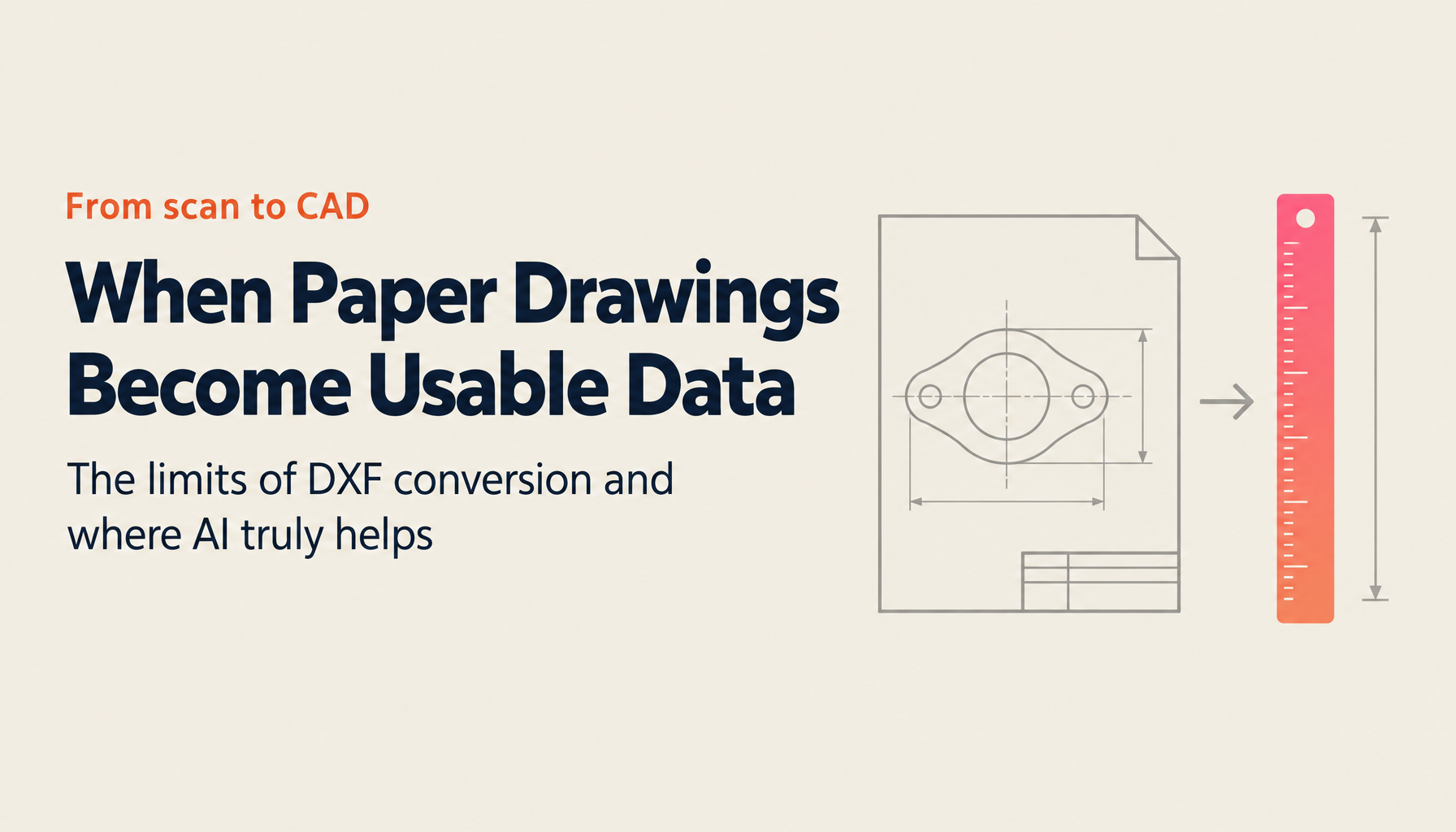
"Our past drawings only exist as paper and scanned PDFs. We want to open them in CAD and reuse them, but in the end we redraw everything from scratch." Visit a manufacturing design department and this conversation comes up almost without fail. The PDF is right there. The drawing shows up on screen. And yet it can't be used. What people thought was digitization actually stopped at "just saving it as a picture."
In this article, I'll lay out how to turn paper drawings and PDFs into data you can actually use in CAD (DXF), the accuracy and limits of each method, and what changes when you bring in AI — all from the on-the-ground perspective of design, quotation, and production engineering. This isn't just a conversion how-to; we'll go all the way to turning drawings into a "searchable, reusable asset that can even automate quotation." If you want to first size up where your own drawing operations stand, checking your current position with the AI Readiness Check before reading should make the pieces connect more easily.
Let me summarize the key points up front.
- There are three levels of drawing digitization. Most companies stop at Level 1, "scan and turn into a PDF."
- A scanned paper drawing's PDF is an image inside, so it can't be edited in CAD. Turning it into editable data requires "vectorization" that re-recognizes lines and dimensions.
- There are four ways to convert a PDF to DXF: CAD import, a raster-to-vector conversion tool, manual tracing, and outsourced conversion. Realistically, all of them should be treated as "touch-up assumed."
- AI not only reduces this touch-up effort but is entering a stage where it searches drawings by dimension, material, and part name and automates quotation and cost estimation.
- The goal of digitization is not "conversion" but "turning drawings into an asset that can be searched, reused, and automated."
Why drawing digitization can no longer wait
Digitizing drawing operations was long a "someday we'd like to" issue. The reason it has turned into a "we have to do this now or the business won't run" issue is that several pressures have started to bite at the same time.
One is the labor shortage. The very people who can read drawings, draw them, and estimate from them are dwindling. A study commissioned by Japan's Ministry of Economy, Trade and Industry (METI) estimated that IT talent could be short by up to roughly 790,000 people by 20301. The pool of people who can drive manufacturing-floor digitization overlaps with this group, and those who also understand the practical work of design and quotation are rarer still.
Another is skills succession. It has been a long time since the veteran baby-boomer generation left the floor, and the reasoning behind a drawing — "why this dimension, why this tolerance, why this material" — is being lost without ever being put into a durable form. The paper drawing remains, but the ability to read it does not. METI and others' "White Paper on Monodzukuri (Manufacturing)" has repeatedly treated the long-term decline and aging of the manufacturing workforce, and skills succession, as central issues2.
On top of that come the constraints of how we're allowed to work. The cap on overtime hours became a talking point as the "2024 problem" in logistics and construction, but it took effect in manufacturing earlier than that. In other words, the option of getting by on overtime has already been closed off. To handle the same volume of work with fewer people, there is no choice but to cut down the labor-intensive tasks — converting drawings to CAD, and quotation.
And the cost of leaving all this unaddressed reaches a scale that can't be ignored. METI's "DX Report" estimated that if the renewal of legacy systems and person-dependent operations fails to progress, an economic loss of up to 12 trillion yen per year could occur from 2025 onward — the so-called "2025 Digital Cliff"3. Drawing operations that depend on paper and on the memory of veterans are, in my view, an area standing right at the edge of that cliff.
What "digitizing a drawing" actually means
Let me pause to sort out the terminology. When people say "we digitized our drawings," three states with completely different substance are actually being lumped together. As long as this distinction stays vague, you can invest and still get no results.
| Level | State | What you can do | What you can't do |
|---|---|---|---|
| Level 1 | Scanned and turned into a PDF | View on screen, share, print | Edit in CAD, read out dimensions, search |
| Level 2 | Vectorized into CAD data (DXF) | Edit in CAD, reuse dimensions, adapt for new designs | Cross-drawing search, automated estimation |
| Level 3 | Structured and made searchable | AI search by dimension/material/part name, automated quotation | — |
Where most companies have arrived is Level 1. Scan the paper and put it on a server. As storage efficiency this has meaning, but the substance is still an image, so it can't be used directly for design or quotation. The companies that say "our digitization is done" are, in my experience, often the ones actually stuck at Level 1.
Level 2 is the stage of turning that image into "editable CAD data." This is the central theme of this article — what people call PDF-to-DXF conversion. Because lines, arcs, and dimensions are restored as "data," opening the file in CAD lets you adapt and modify it.
The real aim, though, is Level 3: a state where digitized drawings can be searched across the whole set by dimension, material, part name, and shape, and from there you can run quotation and cost estimation. "A drawing you can't search might as well not exist" is how it feels on the floor, and if you stop at Level 2, the data you worked so hard to convert just gets buried in yet another folder. Judging which level you're at now is the starting point for any investment decision.
Struggling with AI adoption?
We have prepared materials covering ZEROCK case studies and implementation methods.
Four ways to convert PDFs and paper drawings to CAD (DXF), and their limits
Let's get into Level 2 — conversion. Most people who stumble here skip one premise: telling whether "this PDF is a vector PDF or a raster PDF."
A vector PDF is one where lines and arcs are held as mathematical data. A PDF exported directly from CAD is this kind. Because the shape data is inside, the conversion success rate is high. A raster PDF, by contrast, is an image PDF created by scanning paper. To the human eye it looks like a drawing, but to a computer it's a collection of pixels with no information about which part is an outline and which is a dimension line. Many of the "easily convert PDF to DXF" articles out there assume a vector PDF, and the reason people who bring in a scanned drawing are disappointed that "it won't convert at all" is that this difference is never explained. First, confirm which one your file is. Everything starts from there.
On that basis, conversion methods fall into roughly four categories.
| Method | Accuracy | Effort / turnaround | Cost feel | Best-suited case |
|---|---|---|---|---|
| CAD's PDF import function | High for vector PDFs; impossible or low for raster | Immediate | Within your CAD's features | When the source is a vector PDF exported from CAD |
| Raster-to-vector conversion tool | Depends heavily on drawing condition | A few minutes per sheet and up | Tool license fee | When you want to process scanned drawings in-house |
| Manual tracing (redrawing in CAD) | High but person-dependent | Several hours per sheet | Labor cost | When there are few sheets and you also want to verify dimensions together |
| Outsourced conversion service | High | Days to weeks | Per-sheet fee | When high accuracy is essential and you have schedule slack |
Whichever method you choose, there's a reality you should be honest about: automated conversion is "touch-up assumed." Lines break, dimension text gets garbled, layers fall apart. The more general-purpose and free the tool, the more of this touch-up there is. If you adopt something expecting that "you upload it and perfect CAD data comes out," you will always be let down. Don't take at face value any information that fails to say this honestly.
Does that make automation pointless? Quite the opposite. If a drawing that would take two hours to redraw from scratch can be done in tens of minutes through conversion plus touch-up, then in a department handling dozens of sheets a month, it more than pays off. My position is that it's more rational to start reclaiming time today on a "check-assumed" basis than to do nothing while waiting for full automation. If you want to think concretely about how far drawing conversion can be built into your own design and sales work, the ZEROCK service page, which summarizes the scope of AI for manufacturing, should be a useful reference.
The real problems on the design, quotation, and production floors
Look only at the technical debate over conversion and you'll miss the real pain. What actually happens on the floor when drawings can't be turned into data? Let's look department by department, concretely.
In design, the past drawings people want to reuse only survive as images, so they redraw from scratch. Worse, no one knows where a similar drawing is. They're scattered across individuals' PCs, per-department shared folders, and paper cabinets, and only the person who filed them knows what's where. As a result, nearly identical parts get designed anew again and again — "duplicate design." And as I touched on earlier, the design intent — why this dimension, tolerance, and material were chosen — doesn't stay in the drawing, and disappears when the person in charge leaves.
The quotation floor is an even more person-dependent area. For every inquiry, someone eyeballs the PDF drawing, picks out dimensions, material, quantity, and machining processes by hand, and stacks up man-hours, material costs, and machining costs. It takes several hours to half a day per case, and in busy periods quotation can't keep up. It's not unusual for a company to have just one veteran who can do this accurately. If that person takes time off or leaves, quotation stops, and in the speed contest of competitive bids, a slow reply loses the order. As long as numbers are transcribed by eye, order-of-magnitude errors and missed items happen. That flows straight into cost discrepancies and becomes a cause of loss-making orders.
On the production and inspection floors, too, problems arise daily precisely because the drawings are on paper. Version-control mistakes — not knowing which is the latest revision and machining from an old one — lead directly to defects, rework, and scrap loss. It takes time to find the drawing you need, and while you search, the line or setup sits idle. Drawings get soiled or lost. In inspection, matching the drawing against the physical part relies on the eye, which inflates labor and makes judgments vary from person to person.
At the root of all of this is the same single point: drawings lie dormant as "images that can't be searched or reused." The accumulated drawing asset isn't alive as knowledge.
How AI changes drawing digitization
How far can AI actually solve the problems so far? Let's go through them in order, paired with which pain each one addresses.
First, Level 2 conversion itself. For scanned and paper drawings that conventional raster-to-vector conversion struggled with, AI recognizes elements — line segments, arcs, dimension lines, dimension values, the title block, symbols, and notes — with an understanding of the drawing's context. It has become able to make judgments like treating a faded line as "one line" rather than "several separate broken lines." This is a direct answer to the enormous manual effort of converting to CAD.
Next comes the leap to Level 3. This is where AI comes into its own, and where the way it addresses the pain changes.
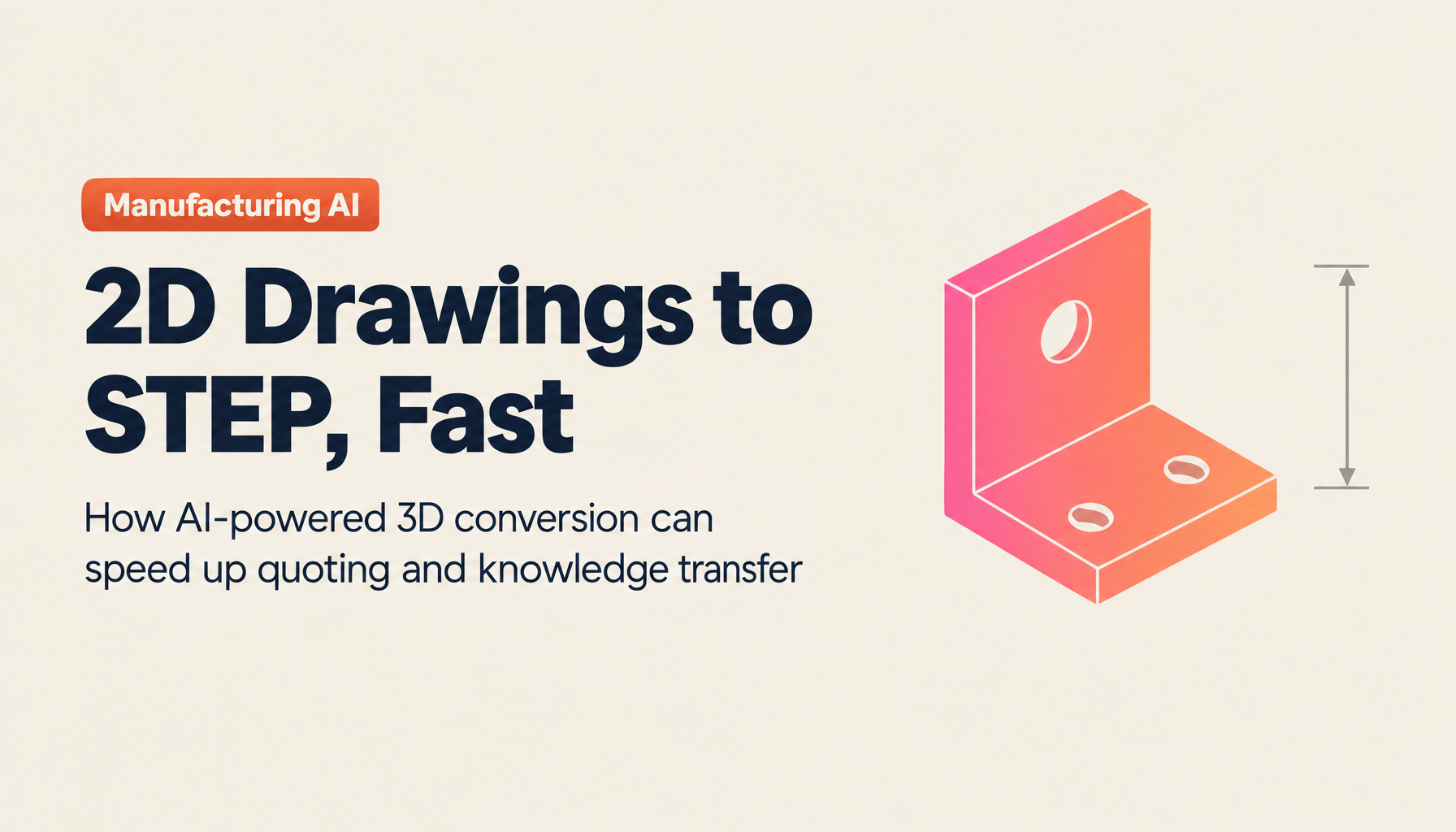
The approach of inferring a solid from three views and automatically generating a 3D model (STEP) helps floors where, every time a customer asks "please supply it in 3D," someone burns a whole day on modeling. I dig into this in Converting 2D Drawings to 3D Models (STEP).
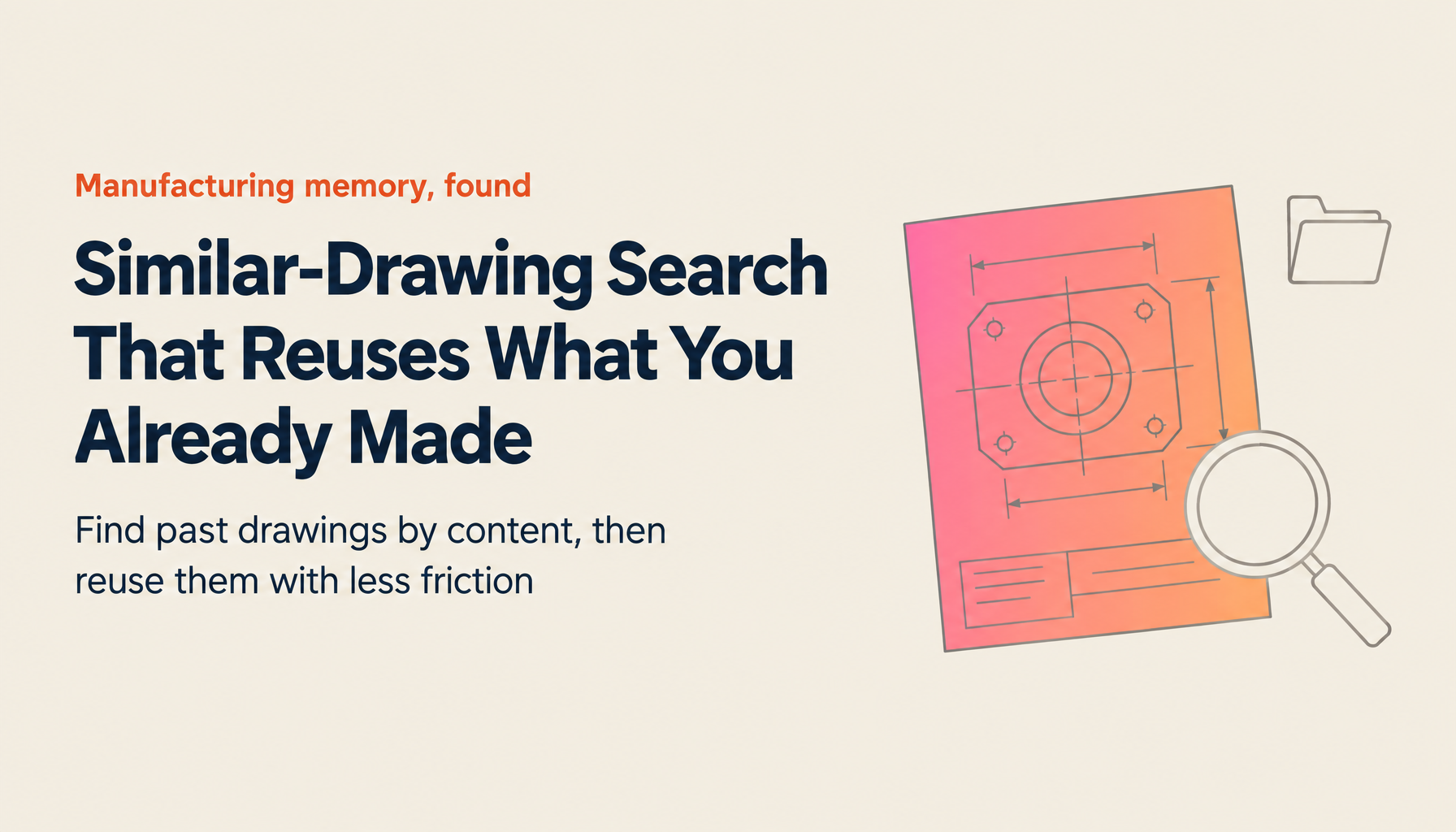
If you make drawings searchable across the whole set by dimension, material, part name, and shape, you can instantly pull up "past drawings with a similar shape or similar spec." You can stop duplicate design and switch to adaptive reuse. I cover this idea of drawing search in detail in How to Find Similar Drawings with AI.
And the main event is quotation and cost estimation. AI picks up machining processes, man-hours, material costs, and machining costs from the drawing, sums them up, and produces a first draft of the quote. Work that took several hours to half a day is shortened, and you can reduce person-dependence, transcription errors, and lost orders from slow replies. I've summarized the mechanics in AI Quotation from Drawings and AI-Based Cost Estimation.
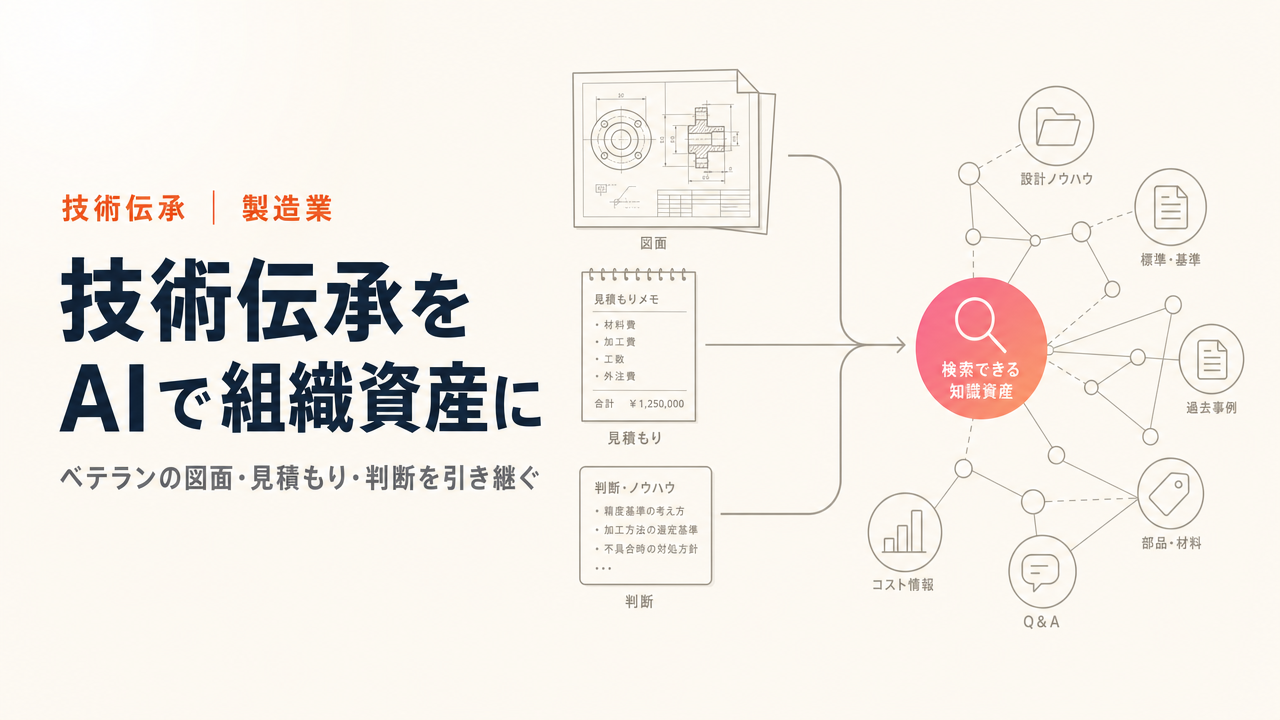
Something easily overlooked: it also helps with skills transfer. By having AI learn and structure veterans' quotation judgments, design intent, and past drawings, even younger staff can get closer to a consistent quality of design and estimation. Academic research on automatic vectorization and structuring of drawings has been progressing too, with reports of substantially reduced manual cost. Can you put judgment into a durable form before the skill vanishes with a veteran's retirement? This is less about efficiency than about business continuity. I touch on this angle in Supporting Manufacturing Skills Succession with AI as well.
Four points for adopting drawing AI without failing
Finally, from the standpoint of someone considering adoption, let me share four pointers for not tripping up.
The first is to always measure accuracy on your own real drawings. The accuracy quoted in a catalog is often a number from clean drawings under good conditions. Only by testing on real drawings — with fading, handwritten corrections, and your own unique notations — do you learn whether it's usable in your environment. Choose a service that lets you run a sample conversion before adoption.
The second is the security of confidential drawings. Drawings are technical information itself, a source of competitive advantage. Is processing done in a domestic data center? Can access rights be controlled at a fine grain? And is there a contract stating that uploaded drawings will not be used to retrain the AI? These three points should be checked first. The worry of "is it safe to put this on the cloud?" is only natural, and whether the setup can answer that worry is what decides go or no-go.
The third is a small start. Try to turn every drawing into data at once and the cost and effort balloon until the project collapses. It's realistic to start with the groups of drawings that come up most often in inquiries, or the areas where quotation is most under pressure, confirm the effect, and expand from there.
The fourth is integration with your existing CAD, PLM, and drawing-management systems. If you convert and structure the data only to have it siloed from your existing systems, you create double management. Choose from the perspective of whether the drawing asset you've already accumulated can be turned, as is, into a searchable, reusable asset. I've laid out the thinking on drawing management itself in AI for Drawing Management, PLM, and PDM.
The case of TIMEWELL's ZEROCK
At the risk of sounding self-serving, ZEROCK, the AI agent for manufacturing that we provide, is designed to handle the flow described here on a single platform. DXF conversion of scanned drawing PDFs, generation of 3D models (STEP) from 2D drawings, support for creating quotation drafts and cost estimation from drawings, and drawing search by dimension and part along with skills transfer — all of it is backed by GraphRAG, a mechanism that captures relationships. Data is stored encrypted on domestic AWS servers, and your drawings are never used to retrain the AI.
Because accuracy varies with the condition of the drawing, we take the approach of having you try it on your own actual drawings before adoption. If you'd like to test it on your own drawings, or simply talk it through first, please reach out via ZEROCK consultation and materials request. If you'd like to grasp the full picture of AI use in manufacturing first, see The Complete Guide to Manufacturing DX and AI as well.
Summary
- There are three levels of drawing digitization, and most companies stop at Level 1, "scan and turn into a PDF."
- A scanned drawing's PDF is an image inside, so using it in CAD requires vectorization that re-recognizes lines and dimensions. Telling whether it's a vector PDF or a raster PDF decides whether conversion succeeds.
- The conversion methods are four: CAD import, a raster-to-vector conversion tool, manual tracing, and outsourced conversion. Realistically, all should be treated as "touch-up assumed."
- AI not only reduces conversion touch-up but is broadening its uses into 3D model generation, drawing search, quotation, cost estimation, and skills transfer.
- The goal is not "conversion" but "turning drawings into an asset" that can be searched, reused, and automated.
The person-dependence around drawings costs more to unwind the longer you leave it. You don't need to clear everything at once. Start by testing a single high-inquiry sheet on your own drawings. The tangible result you see there will tell you your next move.
References
Related Articles
- The Complete Guide to Manufacturing DX and AI
- Converting 2D Drawings to 3D Models (STEP)
- AI Quotation from Drawings
- How to Find Similar Drawings with AI