Hello, this is Ryuta Hamamoto from TIMEWELL.
"A client asked us to supply the part in STEP, but all we have are 2D drawings." When I talk with manufacturing clients, there is hardly a meeting where this sentence does not come up. Prime contractors and large firms have made 3D CAD the norm and ask for 3D data (STEP) as a matter of course. Yet the small and mid-sized manufacturers on the receiving end still run on 2D drawings. So every time, a design engineer spends half a day to a full day re-creating a 3D model while staring at the existing three-view. And the person who can do that work is often the one designated employee in the company; when they take a day off, 3D support itself grinds to a halt. Drawings are where the personalization of manufacturing knowledge remains most deeply entrenched.
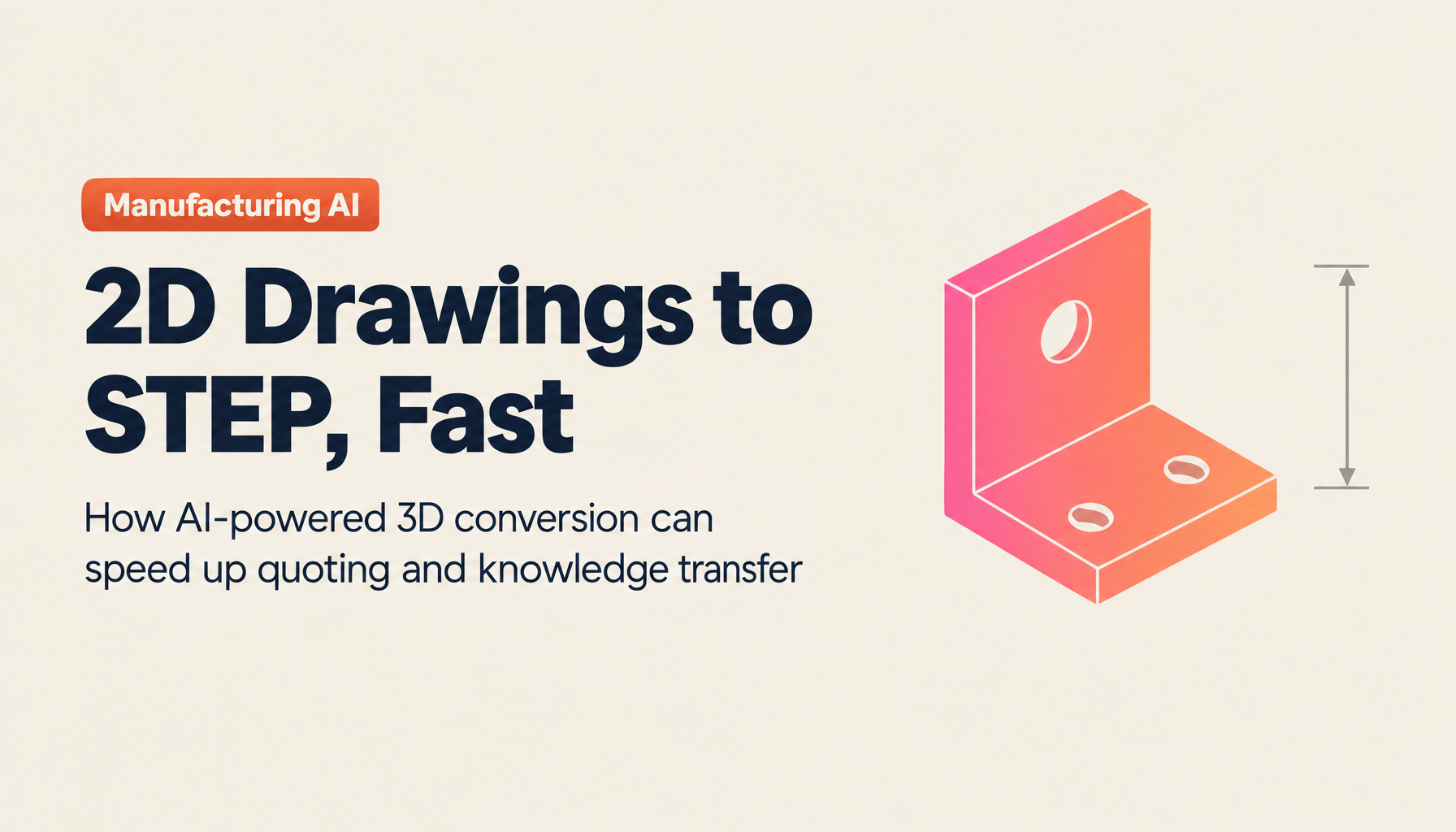
In this article, I lay out, from a practitioner's point of view, what building a 3D model (STEP) from a 2D drawing (three-view) actually involves, how to choose among manual work, outsourcing, and AI conversion, and how far you can trust the accuracy of AI conversion. And rather than letting 3D conversion end at "converted, done," I go further into how to connect it to business value such as quoting, cost estimation, and knowledge transfer. Making only the 3D-conversion work more efficient rarely translates into profit. If you first want to size up where your company stands and how far in-house AI adoption might go, try organizing your situation with the AI Readiness Check.
Let me summarize the key points up front. Building a 3D model (STEP) from a 2D drawing is the process of inferring a solid from a consistent three-view and reconstructing it as a solid body, and AI-based automatic generation has entered practical use. However, accuracy is determined by the state of the original drawing; shapes like mechanical parts are a strong fit, while free-form-surface-dominant shapes still need human hands. The realistic answer is a workflow of "let AI produce a first draft in tens of minutes, then verify the dimensions in CAD." And what truly makes a difference is connecting the 3D geometry to quoting and cost estimation, and leaving veterans' judgment behind as organizational knowledge.
What "3D conversion from a 2D drawing" actually involves
First, let me align on what the words mean. A 2D drawing, especially for a mechanical part, represents a solid through a three-view of front, top, and side views. A human designer combines these three views in their head to imagine the solid, but this is a highly trained skill. The reason young engineers struggle to read three-views is simply that reconstructing a solid from planar information is inherently difficult.
"3D conversion" refers to the work of reconstructing the solid shape from this three-view on a computer. The distinction to keep in mind here is between solids and surfaces. A surface is "shell"-like data that holds only the shape of the outer skin; it can look right, but there is nothing inside it. A solid, on the other hand, holds the shape as a filled-in body, so you can compute volume and weight and use it to consider machining and quoting. The 3D data clients ask for is, in most cases, this solid. So 3D conversion does not merely mean creating a shape that looks three-dimensional; it means correctly assembling it as solid data with substance inside.
Why was this work long so difficult for computers? The reason is that reconstructing a solid from a three-view requires "interpretation." Drawings contain omissions and conventions. Is a given line an edge or a hidden line? Is this circle a hole or the outer profile of a cylinder? The solid cannot be determined without accumulating such judgments. If there is even a slight contradiction among the three views, the correct solid cannot be pinned down to a single answer. Conventional automation struggled to reach practical use because machines could not handle this interpretive part. Recent AI has moved this forward substantially with an approach that infers shape based on the context of the drawing. Still, since it is "inference," downstream verification is required. This premise recurs throughout the article.
What a STEP file is, and why clients ask you to "supply the part in STEP"
The search "create step file" never lets up, I think, because it is hard to understand what STEP even is in the first place. STEP is the international standard for passing 3D CAD data between different software packages. Formally it is ISO 10303, taking its name from Standard for the Exchange of Product model data.1 The key point is that it is "not tied to a specific CAD package." A shape created by Company A in one 3D CAD system can be opened and used by Company B in a different 3D CAD system. Because of this neutrality, it is widely used as the standard supply format across supply chains.
When a client says "please supply the part in STEP," it is neither spite nor vanity. They want to use the received 3D data directly for their own design verification, machining program creation, and interference checks. If it stays a 2D drawing, the receiving side has to do the 3D conversion all over again, and the same work gets duplicated across the whole supply chain. That is why the further upstream a company is, the more it wants STEP as its standard handoff.
Here, let me sort out the file formats that are often confused. In the practical work of converting a 2D drawing to 3D, the bridge runs from a 2D input in DXF or PDF to a 3D output in STEP.
| Format | Main use | Solid information | Positioning |
|---|---|---|---|
| STEP (ISO 10303) | Exchange of 3D shapes | Holds solids reliably | The de facto standard for client-supplied data |
| IGES | Exchange of 3D shapes | Surface-centric, quirky to handle | An older exchange format than STEP |
| STL | 3D fabrication (3D printers, etc.) | Approximates the surface with a mesh of triangles | Not suited for dimensional editing |
| DXF | Exchange of 2D drawings | Holds no solids | The output of digitizing 2D CAD data |
| DWG | 2D drawings (Autodesk family) | Holds no solids | The standard working format of CAD |
DXF is a representative format for passing 2D drawings between CAD packages, holding lines and arcs as data.2 Placing STEP alongside it shows that digitizing 2D assets into DXF and converting to 3D are one continuous story. You take a scanned PDF drawing, turn it into DXF, and then use that 2D information as a clue to build the 3D model. When you can handle everything from input to output on the same foundation, drawing handoffs and duplicate management shrink. For the 2D-side conversion, I wrote in detail in our companion article How to Convert PDF Drawings to DXF, so please read that as well.
Struggling with AI adoption?
We have prepared materials covering ZEROCK case studies and implementation methods.
Three ways to convert 2D drawings to 3D, and the structure that stalls in-house adoption
The means of 3D conversion broadly split into three: modeling manually in your own 3D CAD, outsourcing to a 3D-conversion service, or using AI conversion. Which you choose depends on the number of drawings, the accuracy you need, the deadline, and whether anyone in-house can handle 3D.
| Method | Cost sense | Lead time | Suited to |
|---|---|---|---|
| Manual modeling (in-house 3D CAD) | Labor cost and license cost | Several hours to a day per part | Complex shapes where you want to build accuracy in-house |
| Outsourcing (3D-conversion service) | Cost per part | Several days to several weeks | When high accuracy is essential and the schedule has room |
| AI conversion | Tool usage fee | Tens of minutes per part | Many drawings, speed-first, wanting to keep it in-house |
Looking at this table, you might think, "Then just do it in-house with our own 3D CAD." But in reality, in-house 3D CAD adoption rarely progresses at small and mid-sized manufacturers. The reason is not singular; several factors are intertwined.
First, the labor. The burden of several hours to a day per part in manual modeling is heavy for staff already carrying daily design work. Next, skill. 3D CAD has a high learning curve, and it takes time for capable people to develop. As a result, 3D support concentrates on one particular person, and when they leave, it stops. License costs and training costs also weigh heavily. It is not rare to hear, "We introduced it, couldn't master it, and ended up back on 2D."
This structure lines up with the statistics as well. The Ministry of Economy, Trade and Industry's "White Paper on Monodzukuri (Manufacturing)" has repeatedly pointed out that the manufacturing workforce is declining over the long term and that skills succession is a structural challenge. The manufacturing workforce is on the order of about 10 million people, but it has fallen significantly over the past twenty years or so (approximate figures; please check the latest values in the white paper).3 With the population shrinking, building 3D CAD, which takes time to master, in-house from scratch is realistically tough on capacity. In addition, the Information-technology Promotion Agency (IPA)'s "DX White Paper" shows that Japanese firms lag the United States in DX efforts, that the level is especially low among small and mid-sized firms, and that the biggest barrier to DX is a shortage of talent.4 3D conversion stalls not because staff are negligent, but because of a structural problem: the triple bind of manpower, skills, and cost. This is where AI comes in.
The real capabilities and limits of AI-powered 2D-to-3D (STEP) conversion
To be candid, AI-based 2D-to-3D conversion is not yet at the stage where "you press one button and a perfect STEP comes out." We always tell clients considering adoption this point first. If they bring it in on inflated expectations, the shop floor concludes it is "useless" and never touches it again.
The shapes it handles well and the ones it struggles with are clear-cut. Mechanical parts made up of elements like prisms, cylinders, holes, and fillets are an area where AI is a good fit. When the three-view is consistent, the solid inference is stable. Conversely, free-form-surface-dominant shapes such as molds still require human hands to fill in the gaps. The way a surface is stretched carries the designer's intent, and it often cannot be uniquely determined from the drawing alone.
And what most influences accuracy is not the cleverness of the AI but the state of the original drawing. Whether the three-view is consistent, whether dimensions and tolerances are clear, and, for scanned drawings, whether there is any faintness or traces of handwritten correction. If the three views contradict each other, shape reconstruction simply does not hold up. This is a point I want to emphasize: much of what feels like "low accuracy" lies on the side of the input drawing, not the AI.
That is exactly why the realistic workflow is settled. Let AI produce a 3D first draft in tens of minutes, then verify the dimensions in CAD and finish it. Work that used to take a full day from scratch is greatly shortened into generation plus verification. What is more, even without a dedicated 3D CAD specialist, once a first draft is out, the rest becomes a matter of review and adjustment, so you can start getting in-house adoption rolling. The personalized 3D support can be turned into work the team can handle. Holding to this design of "AI for the first draft, humans for the final call" is, I believe, the key to keeping accuracy worries and rework in check.
Piping, MEP, and building drawings need different checks
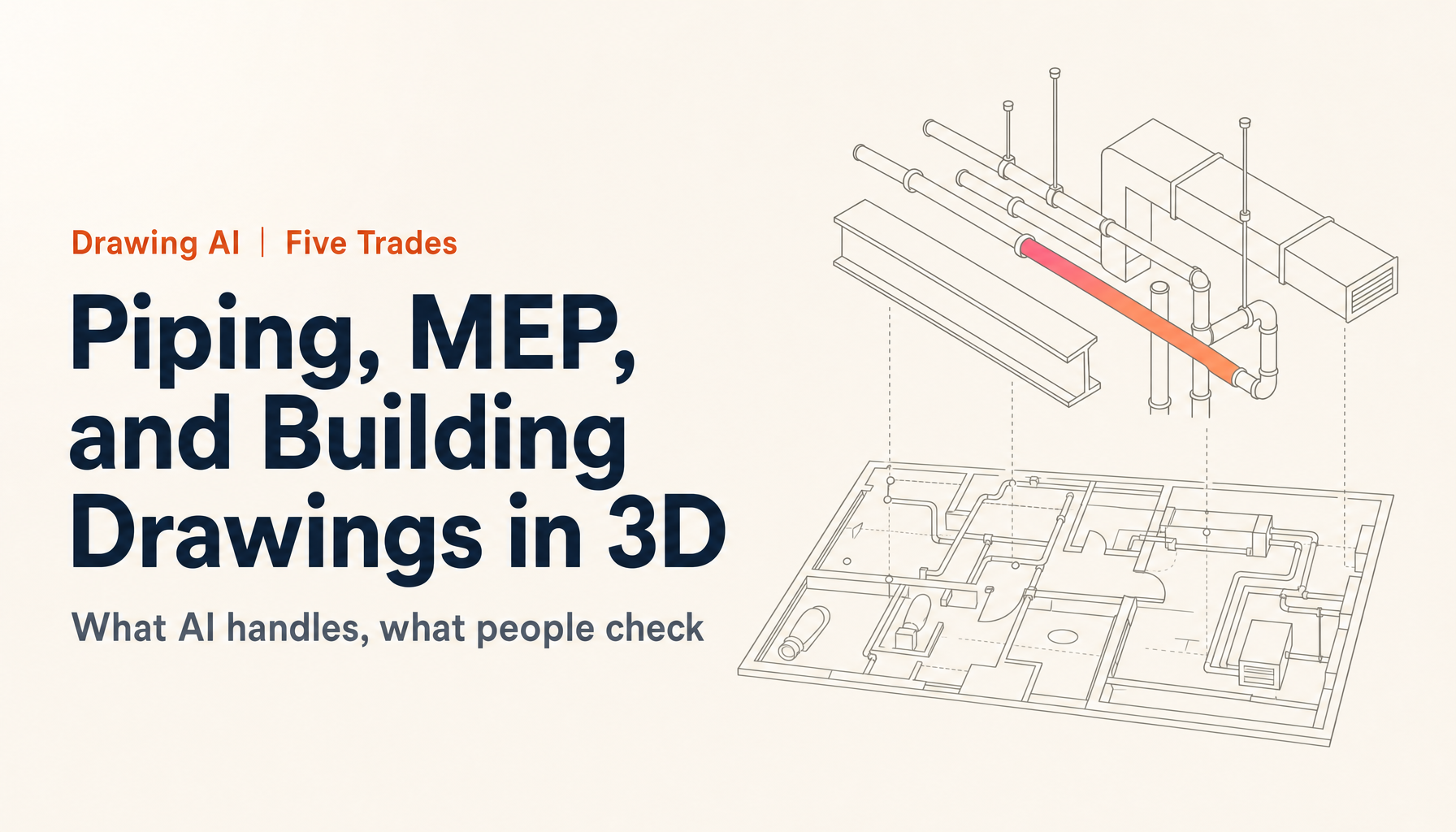
Everything above assumes a machined part drawn in three views. With piping, MEP, or building drawings, what the drawing leaves out changes. Piping plans often give no heights, and Japan's Ministry of Land, Infrastructure, Transport and Tourism even allows stacked pipes to be drawn side by side, so a person has to check every height the AI filled in by assumption. A building drawing cannot give you the attribute data, such as room names and specifications, that a BIM model carries. And an equipment maker's customer usually wants a light model with the right envelope and connections rather than one that reproduces the internals. I sorted out what AI can take on and what a person should check across five trades (machinery makers, equipment makers, civil contractors, building contractors, and piping contractors) in converting piping, MEP, and building drawings to 3D by trade.
3D conversion is not the goal: on to quoting, cost estimation, and knowledge transfer
This is what I most want to convey in this article. Many explanations of 3D conversion end at "we managed to output a STEP." But what directly drives manufacturing profit is what you use that 3D for. If you make 3D conversion the finish line, all that investment stops at "the work got a little easier."
Take quoting, for example. If you have a 3D solid shape, you can compute volume and weight, and from there get a sense of material cost and machining hours. On the sales front line, people manually run a flow of reading material, dimensions, and tolerances from the drawing, assuming machining processes, and stacking up hours and unit prices. A veteran sees the drawing and the market price floats to mind instantly, but a junior has to go around checking with design and manufacturing, and it takes two to three days to reply. In the meantime the deal flows to a competitor: this kind of lost sale repeats. If you train the AI on 3D shape information together with your own unit-price tables and past quoting records, the salesperson who receives a drawing can return a well-grounded first-draft quote the same day. Cost estimation follows the same structure: the AI supports stacking up material and machining costs, and you raise accuracy with your own cost tables. Just by shrinking the reply from two or three days to the same day, one reason for lost sales disappears.
Another is putting drawing assets to use. If past drawings remain as paper, PDF, or 2D DXF, you end up drawing from scratch every time you make a similar part. If you can search across past drawings by shape and specification, design reuse becomes real, and you reduce the very volume of new 3D conversion you have to do in the first place.
And what I weigh most heavily is knowledge transfer. What a veteran is judging when they say "this shape is built this way" or "this machining runs at this price" is mostly in their head, never put into words. Since the mass retirement of the baby-boomer generation, the outflow of skills and know-how through the aging and retirement of experts has continued, and whether you can leave quoting instincts and modeling judgments behind as explicit knowledge has become a question that bears on business continuity itself. If you accumulate the judgments from 3D conversion through quoting as knowledge, you can turn the personalized "market sense in someone's head" into an organizational asset. It feels far too large a value to dismiss with the word "efficiency." The idea of connecting this whole chain of work on a single foundation is at the heart of how we think about ZEROCK.
A tool-selection checklist, and about ZEROCK's Drawing AI
When choosing Drawing AI or a 3D-conversion tool, I have narrowed the points to check down to five. I would like you to look through this lens rather than at the numbers in a catalog.
- Can you try it on your own real drawings? What matters most is being able to test on actual drawings that include faintness, handwritten corrections, and your company's own notation, not clean samples. Since accuracy is determined by the state of the drawing, you can only judge it on the real thing.
- Are DXF conversion, 3D conversion, and quoting seamless end to end? If the tools are split apart, drawing handoffs and duplicate entry occur, and rework from duplicate management follows.
- Does it avoid using uploaded drawings for retraining, and is data stored domestically? A drawing is technical information itself. How data is handled is an item to check before features.
- Can it learn your unit-price tables, past records, and in-house notation? A first-draft quote becomes practical only when it reflects your own equipment and price sense, not a generic market rate.
- Does it cover work beyond drawings? When you can run meeting-minutes and internal-document search and material creation on the same foundation, the way return on investment appears changes.
Forgive the self-promotion, but ZEROCK, the AI agent for manufacturers that we offer, is built to satisfy these five. It handles 3D model (STEP) generation from 2D drawings, DXF conversion of scanned PDF drawings, first-draft quote creation from drawings, cost-estimation support, and search across past drawings, all on a single platform, just by uploading a drawing. You can also train it on past quoting records and unit-price tables to bring it closer to your own market sense. Data is stored encrypted on domestic AWS servers in Japan, and your drawings are never used to retrain the AI (ISMS-compliant). It is designed so you can complete everything in-house, without the anxiety of sending confidential drawings to an outside vendor. That said, what the AI produces is only a first draft; the final validity of the 3D model and the quoting judgment are premised on your own staff making the call.
Because accuracy varies with the state of the drawing, we offer a way to try it on your actual drawings before adoption. A 14-day free trial and a demo using your real drawings are both available. Usage scenarios for manufacturing are summarized in ZEROCK for Makers, and if you want to discuss the cost sense and the accuracy on your own drawings in concrete terms, please reach out via ZEROCK's individual consultation.
Summary
- 3D conversion of a 2D drawing is the work of reconstructing a substance-filled solid from a consistent three-view, and AI-based automatic generation has entered practical use
- STEP is the international standard for 3D CAD data exchange (ISO 10303); clients ask for it because of the compatibility that works regardless of CAD package
- The means of 3D conversion are three: manual, outsourced, and AI conversion. When there are many drawings, speed comes first, and you want to keep it in-house, AI conversion is a strong candidate
- AI accuracy is determined by the state of the original drawing. Mechanical parts are its strength, free-form surfaces its weakness. "AI for the first draft, CAD for dimensional verification" is the realistic answer
- The real prize is beyond 3D conversion. The value lies in connecting volume and weight to quoting and cost estimation, and leaving veterans' judgment behind as knowledge
Will you make 3D conversion "converted, done," or "the entrance to quoting and knowledge transfer"? Even for the same 3D conversion, I believe the difference in this design philosophy will separate competitiveness a few years from now. Start by trying just one drawing you have on hand.
References
Related Articles
- How to Convert PDF Drawings to DXF
- Converting Piping, MEP, and Building Drawings to 3D with AI
- ZEROCK for Makers | AI for Manufacturing