Hello, this is Ryuta Hamamoto from TIMEWELL.
When I visit manufacturing clients, the words a design manager lets slip are almost always the same: "I'm a design engineer, but the time I actually spend designing is the shortest part of my day." They work from morning to night, yet they only get to face a drawing after the evening. During the day they hunt for similar drawings, answer quote requests from sales, field questions from junior staff, and re-create 3D data from 2D drawings that someone asked them to supply. The peripheral chores, rather than design itself, take up most of the day.
This contradiction does not happen because the design engineer is slacking off. It happens because their hours are structurally siphoned into other work. In this article, I first break down where the hours in a design engineer's day disappear to, and then lay out, without exaggeration, how far you can win them back with AI, and in particular with AI that handles drawings. If you first want to survey where AI is likely to be effective in your company, taking stock of your current state with the AI Readiness Check before reading on will make the discussion land more concretely.
A design engineer whose design time is the shortest. Where do the hours go?
Let me follow a day in the life of Mr. Tanaka, a design manager at a machine-parts maker. This is a hypothetical case, but it is stitched together from scenes I have seen on the shop floor.
He comes in and first opens the drawing attached to a quote request that came from sales the day before. He is sure he made a similar part in the past, but he cannot remember where the data is. He traces through folders on the shared server, realizes partway through that "this was a different project," and even goes to check the paper drawings in the cabinet. After 30 minutes of searching without finding it, he ends up picking the dimensions from scratch. By this point half the morning is gone.
In the afternoon, a supplier asks him to "supply the part as STEP data." All he has on hand is a 2D drawing, so he re-models it in 3D CAD while looking at the three views. It is a prism with a few holes and fillets, by no means a complex part. Even so, reconciling everything as he builds it, this single part eats up half a day.
In the evening, just as he is finally about to get to his actual design work, a junior engineer comes over with a question: "How should I set this tolerance?" Tanaka is the only one who knows the quirks of the machining and the troubles they have run into before, so he stops what he is doing to explain. Before he knows it, it is the end of the workday. Once again, he got no design done today.
What Tanaka's day reveals is that the hours disappear mainly into four kinds of work. First is the time spent searching for documents and drawings. Second is the time spent redrawing drawings that survive only as paper or scanned PDFs. Third is the time spent making people wait for a quote or cost answer, or shouldering that work himself. Fourth is the fragmented interruptions, such as questions from junior staff and preparing design-review materials. Searching, redrawing, and answering are all it takes to burn through a day. This is the "Before" of many design floors.
Why design efficiency is now a "no more waiting" issue
The reason we can no longer dismiss this with "it has always been this way" is that the option of adding more design engineers has all but vanished. If you cannot hire people, the only path left is to raise productivity per person. And this is not a matter of gut feeling; the public statistics point in the same direction.
The White Paper on Manufacturing Industries, compiled by Japan's Ministry of Economy, Trade and Industry together with the Ministry of Health, Labour and Welfare and the Ministry of Education, Culture, Sports, Science and Technology, has repeatedly identified the long-term decline in the manufacturing workforce and the transfer of skills as structural challenges for the industry. A manufacturing workforce on the order of 12 million in the early 2000s has in recent years fallen to somewhere around 10 million1. The share of younger workers also tends to be declining, and the average age on the shop floor keeps rising. The sense of market pricing veterans carry for quotes, and how they decide tolerances, are lost when they retire. This is not an HR story; it is a story about whether the business can keep running.
On top of this comes the so-called "2024 problem." The upper limits on overtime work under the Work Style Reform legislation began to fully apply from April 2024 to sectors such as construction, professional drivers, and doctors, and society as a whole has moved to rethink working styles that assumed overtime2. Manufacturing is no exception. Orders and the number of drawings grow, yet overtime cannot be increased. Nor can headcount. Amid this double squeeze, how to cut the hours spent on design and quoting has become a management issue in its own right.
Even when companies try to get through with DX, there is a persistent complaint that they lack the people to carry it out. Surveys by Japan's Information-technology Promotion Agency (IPA) also report that a large number of companies feel a quantitative shortage of digital talent to drive DX3. Teikoku Databank's labor-shortage surveys likewise show that the share of companies feeling a shortage of full-time employees has hovered at roughly half in most years, standing out especially in manufacturing and construction4. There are not enough people, there is no time to train them, and yet productivity must still go up. The reason design efficiency has shifted from "an improvement to do later" to "a management decision to make now" is, I believe, precisely this structure.
Struggling with AI adoption?
We have prepared materials covering ZEROCK case studies and implementation methods.
The orthodox efficiency measures, and the wall you will always hit
Before we get into AI, let me first cover the orthodox approaches to design efficiency. Bring in tools while skipping this and you will see no results. The standard measures can broadly be organized as follows.
| Orthodox measure | What it is | When it takes effect |
|---|---|---|
| Design standardization | Codifying rules for parts, notation, and tolerance criteria | When drawing conventions vary from person to person |
| Reusing parts and drawings | Reusing what was made before instead of drawing from scratch | When similar projects are frequent |
| Moving to 3D CAD | Migrating from 2D operation to 3D to ease interference checks and downstream handoff | When clients demand 3D data |
| Formalizing design review (DR) | Deciding check items and making review a system | When rework and oversights are frequent |
| Building checklists | Making personalized checks explicit | When you want to curb quality variation |
Every one of these is sound. I am in favor of adopting them. But there is a wall you will always hit on the floor.
Even when you want to reuse, you cannot search for the drawing to reuse from. What melted Tanaka's morning was exactly this. Standardization and reuse rest on the premise that you can immediately pull out your past assets, yet if those very assets cannot be found, calling out "let's fully commit to reuse" leaves the floor with no way to move. Another wall is that the drawing you want to reuse lies dormant only as paper or a scanned PDF. You cannot open it in CAD, so in the end it means redrawing.
In other words, the orthodox measures do not run on their own. They only function once you have the foundation of "searchable" and "in a usable form." Building this foundation is precisely the area where today's AI is at its best.
Cutting design hours with AI. There are four sweet spots
The general uses of generative AI, such as summarizing meeting minutes or drafting emails, are convenient too, but what moves design hours in a big way is a use far more specific to manufacturing. What I have felt the impact of on the floor comes down to the following four.
The first is cross-searching similar drawings and technical documents. Instead of tracing through folders, you ask in natural language, "find me a similar drawing," to the effect of "we did that holed prism before, right?", and candidates come up. When you can search across scattered drawings, specifications, past quotes, and even inquiry histories, the biggest time loss for a design engineer, document hunting, shrinks wholesale. In our manufacturing deployment, information searching in the engineering department averaged one hour and 15 minutes a day, reaching roughly 300 hours per person per year. After we introduced cross-search built on GraphRAG (a mechanism that links knowledge in a graph structure and searches by following related information), we cut search time by roughly 80%. That works out to 75 minutes becoming 155.
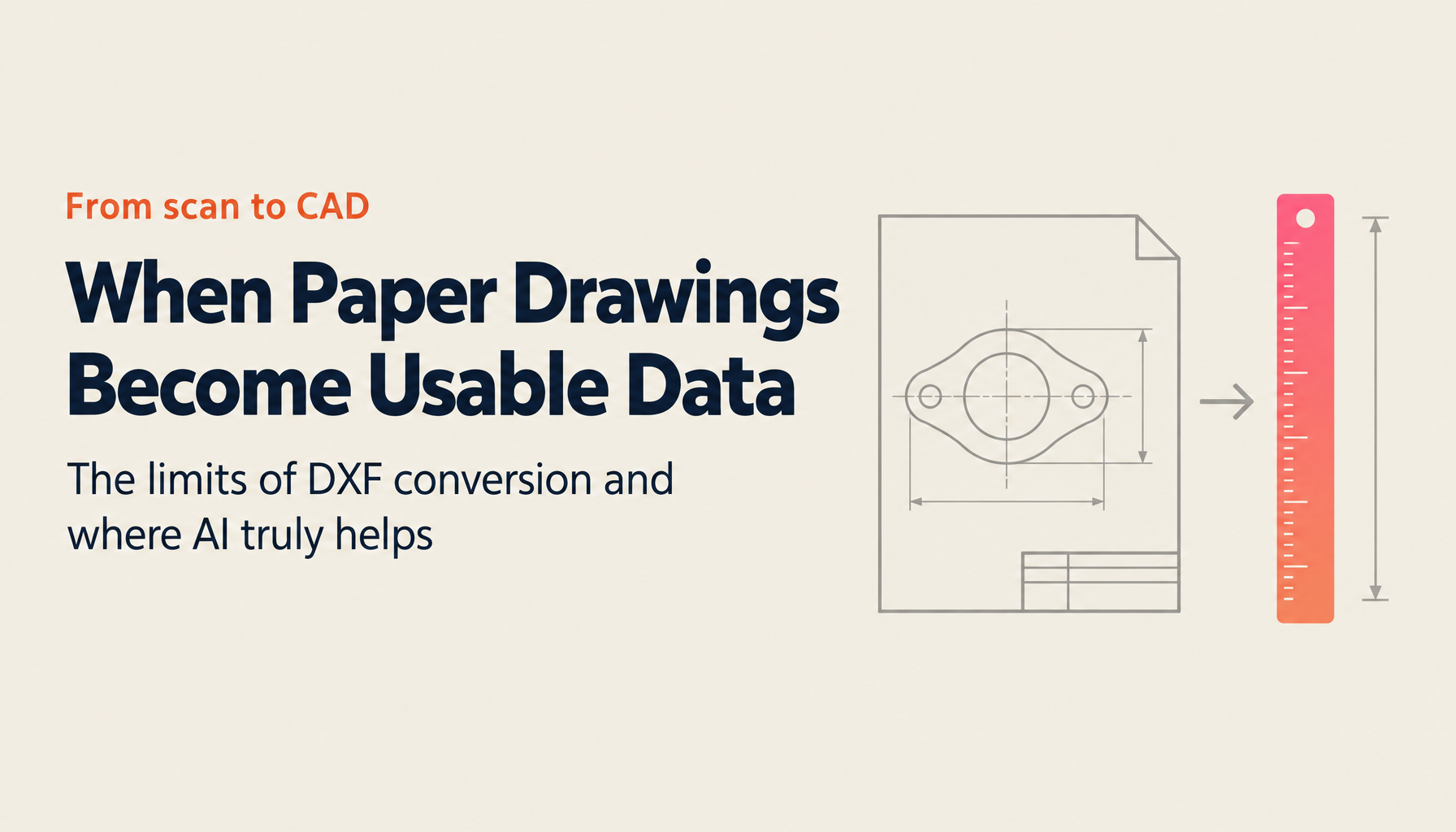
The second is converting scanned drawing PDFs into DXF (the de facto standard format for exchanging drawings between CAD tools). A scanned PDF is a collection of pixels inside, in other words an image, so it carries no semantic information such as lines, arcs, or dimensions. That is why even when you open it in CAD you cannot edit it, and redrawing was the only option. Here AI recognizes the content as geometric elements and reconstructs it as DXF. Re-drawing that took two hours per sheet turns into tens of minutes. I have written up the detailed procedure and how to divide the work with outside vendors in the guide to converting drawing PDFs to DXF.
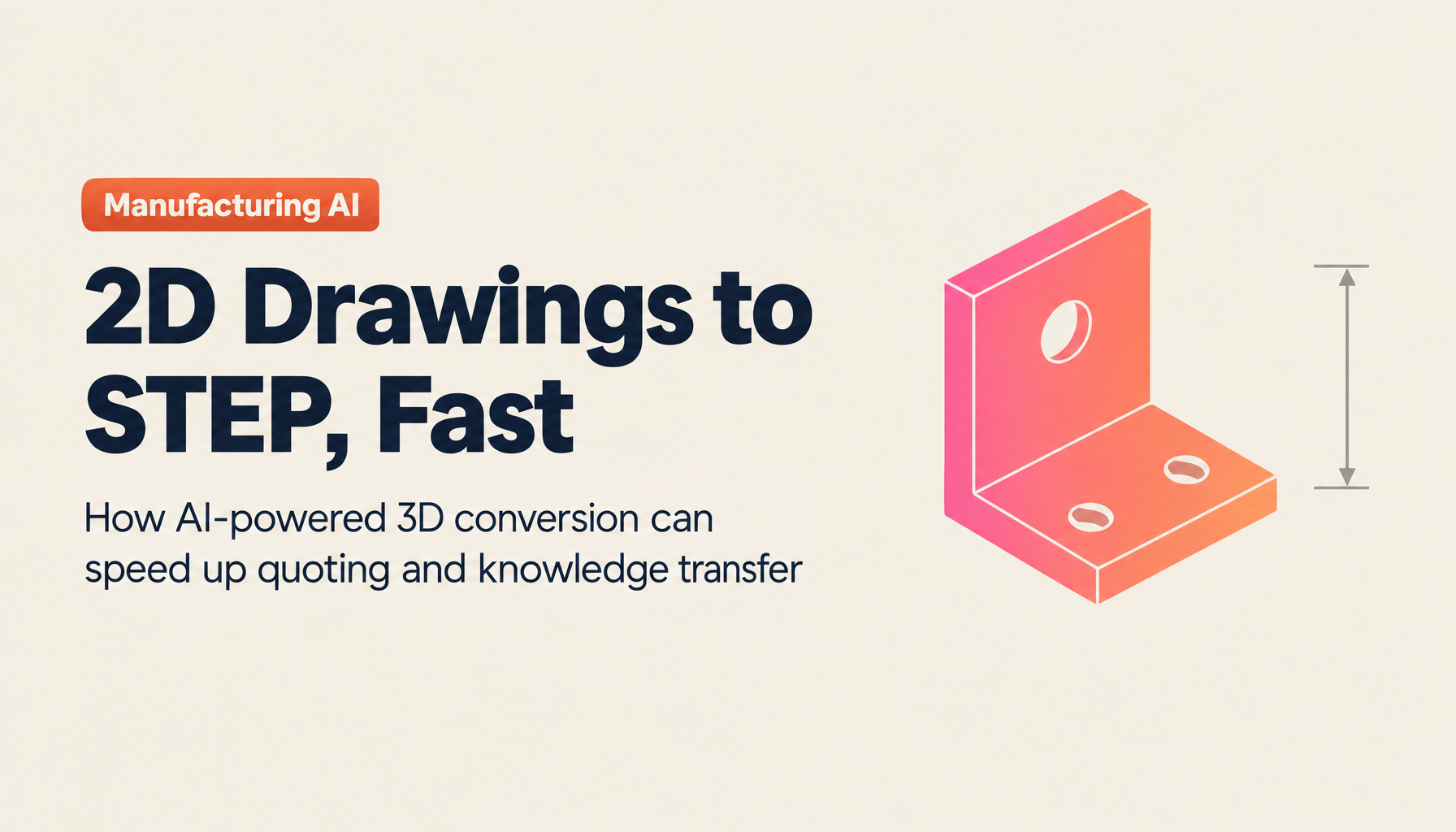
The third is generating a 3D model (STEP) from a 2D drawing. STEP is the international standard for 3D CAD data exchange defined as ISO 10303, and it can be exchanged regardless of the CAD type. It is the standard format for responding to clients' demands to be supplied with 3D data. From a drawing whose three views are consistent, AI infers the solid shape, and for machine-part-like shapes such as prisms, cylinders, holes, and fillets it can produce a first draft with considerable accuracy. The modeling that cost Tanaka half a day becomes dramatically shorter, checking included.
The fourth is quoting and cost estimation from a drawing. It reads material, dimensions, tolerances, and machining content and builds the base of a quote. The more you train it on your own past quotes and unit-price tables, the closer it gets to your company's sense of market pricing. If sales can respond the same day without going to ask the design team, they can return a first answer before the project flows to a competitor. Cost estimation, too, lets you register your own cost tables and have it assist with building up material and machining costs, so the worry of "will this price actually turn a profit" can be checked with numbers rather than gut feel.
The realistic answer common to all four is an operating model in which AI produces 80 to 90 percent of a first draft and a human makes the final check. Aim for full automation and you get bogged down refining accuracy, which paradoxically makes things slower. If instead a human finishes off a first draft, only the most time-consuming part, "starting from scratch," cleanly disappears.
An honest account of what machine design AI can and cannot do
There are plenty of articles that hype up expectations, but I do not want to exaggerate here. From the standpoint of someone considering adoption, knowing the weak points up front is, in the end, what gets you to results faster.
Whether it is drawing conversion or 3D generation, accuracy is governed mainly by four factors: the quality of the scan, faint lines or handwritten correction marks, the density of the drawing, and in-house notation conventions. A PDF that cleanly embeds vector data and a scan of paper that has grown faint after being copied over and over produce entirely different results. Machine parts of prisms and cylinders with holes and fillets are clearly a better fit for AI than design-intent parts full of free-form surfaces. This is a fact worth accepting.
That is exactly why testing on your own real drawings before adoption is indispensable. Even if a catalog demo drawing converts cleanly, that is not your company's drawing. What I always ask clients to do is bring the single worst-condition drawing they have and try it. If it passes there, your everyday drawings will run without trouble. Conversely, a tool that only works on clean drawings is useless on the floor.
The decisive difference from generative AI in general is whether it connects to the actual work of manufacturing. Summarizing text works the same way in anyone's environment, but the value of drawing AI is determined by how well it can attune itself to "your drawing," "your unit-price table," and "your notation." Both overblown expectations and the opposite dismissal of "it won't be usable anyway" lead you to the wrong decision. Measure it on your own drawings and decide. That is all there is to it.
Skill transfer and de-personalization are the real heart of efficiency
I have talked so far about cutting hours, but what I truly believe matters lies beyond that. The real heart of design efficiency is skill transfer and de-personalization.
The sense of market pricing for a quote, how tolerances are decided, the quirks of machining, notation that only makes sense in-house. These are tacit knowledge inside a veteran's head, and the people you can ask are limited. The reason Tanaka could not get to his design work until the evening was that he was the only one who could answer the junior staff's questions. Personalization robs you of hours in the present in the form of daily interruptions, and it threatens future business continuity in the form of retirements and generational change. Efficiency and skill transfer are not separate challenges; they are two sides of the same problem.
AI-driven cross-search and knowledge accumulation are effective right here. If you accumulate a veteran's sense of quoting, unit-price tables, past troubleshooting, and the rationale behind tolerance decisions as knowledge, junior engineers can look things up themselves and arrive at a certain standard of judgment. Veterans no longer have to answer the same question again and again, and can concentrate on higher-level judgment. In the deployment mentioned earlier, what was happening behind the 80% reduction in search time was that junior engineers could pull up past projects on their own, and interruptions from questions decreased.
This is not merely time-saving. It is an investment to remove from your business-continuity risk the danger that the company's quoting capability drops the moment a veteran leaves. Talk about efficiency only within the frame of "cutting overtime" and it looks small, but reframe it as "how do we pass the company's technology to the next generation," and the priority for management to act on should change. I dig deeper into the concrete ways to advance skill transfer in the article on advancing manufacturing skill succession with AI.
How to choose a drawing AI or design AI tool
Finally, how to choose a tool. This is not the place to name competitors, so I will share only the criteria for judgment. The checkpoints I recommend to clients are five.
First, whether you can test on your own real drawings. A tool that refuses a free trial or a demo on real drawings can be dropped from the shortlist at that point. Second, whether you can complete everything from DXF conversion to 3D, quoting, and cost estimation on a single platform. If the functions are split across separate tools, the effect of efficiency is canceled out by duplicated management and integration costs. Third, how data is handled, namely whether the drawings you input are used for training and whether storage is kept within Japan. Because a drawing is technical information itself, this is a point to confirm in the contract. Fourth, whether it goes beyond one-off conversion to accumulate knowledge and enable cross-search. Fifth, whether it covers not just drawing conversion but the whole scope of drawing-related work, such as search and quoting.
Select on these criteria and TIMEWELL's ZEROCK naturally comes into the shortlist, I think. It may sound self-serving, but ZEROCK, as an AI agent for design and sales in manufacturing, provides converting scanned drawings to DXF, turning 2D drawings into 3D (STEP), producing quotes from drawings, cost estimation, and cross-search of drawings and technical documents on a single platform. Data is stored encrypted on domestic AWS servers in Japan, and the drawings you input are never used to retrain the AI vendor's models. It also supports per-department and per-role access permissions and ISMS-compliant operation. We offer a 14-day free trial and a demo on your real drawings, so please confirm the accuracy on your own drawings before deciding. If you want a bird's-eye view of the whole picture, you can navigate to the detailed article for each theme from the complete guide to manufacturing DX and AI adoption.
Summary
A design engineer's hours disappear almost entirely into three things: searching, redrawing, and answering. Now that the premise of "you cannot add people" is set, the only option is to raise productivity per person. Where AI is effective there is in the work specific to manufacturing: cross-searching documents and drawings, converting scanned drawings to DXF, turning 2D drawings into 3D, and quoting and cost estimation from a drawing. The realistic operating model is one in which AI produces 80 to 90 percent and a human makes the final check. Because accuracy is determined by the state of the drawing, always make your adoption decision on your own drawings. And the real heart of efficiency lies in the skill transfer that leaves a veteran's tacit knowledge behind as knowledge.
Start by trying it on a single drawing, the worst-condition one you have on hand. If you feel it working there, the design work that used to begin only in Tanaka's evening comes back to the morning. If you are unsure where to begin, show us your drawings and workflow in a one-on-one consultation, and we will organize together the order in which AI is likely to be effective. Winning back the time to face design directly leads straight to protecting your company's technical capability. That is what I believe.
Footnotes
-
White Paper on Manufacturing Industries, jointly compiled by Japan's Ministry of Economy, Trade and Industry, Ministry of Health, Labour and Welfare, and Ministry of Education, Culture, Sports, Science and Technology. It continually points to the long-term decline in the manufacturing workforce and the transfer of skills as structural challenges. For specific workforce figures, please check the latest values in the main text of each year's edition (the white paper pages on the METI website). ↩
-
Upper limits on overtime work under Japan's Ministry of Health, Labour and Welfare "Work Style Reform legislation." Construction, professional driving, medical doctors, and others came under full application from April 2024 (the so-called "2024 problem"). ↩
-
Information-technology Promotion Agency (IPA) "DX White Paper" and "DX Trends" surveys. They report a quantitative shortage of digital talent to drive DX as a challenge. Please check the latest percentages in IPA's published materials. ↩
-
Teikoku Databank, Ltd. "Survey on Corporate Trends Regarding Labor Shortages." The share of companies that feel a shortage of full-time employees varies by survey period. Please refer to the company's published materials for the latest values. ↩
-
TIMEWELL, Inc. manufacturing deployment (own research). The information-search time in the engineering department and the reduction rate after ZEROCK adoption are measured values at that company; results vary with the state of drawings and the operating structure. ↩